How to host static website on AWS S3
AWS S3 can be used to host static websites by enabling the Static Website Hosting option. This allows the S3 bucket to serve static files like HTML, CSS, and JavaScript directly to users via a web browser. The process involves configuring the bucket to make it publicly accessible and setting up key documents such as the index and error pages.
S3 static website hosting is straightforward but comes with limitations. It does not support dynamic content, custom domains without additional configuration, or advanced routing options. Despite these limitations, it is a cost-effective and scalable solution for hosting simple static websites.
Using AWS S3 for static website hosting is ideal for small projects or sites that do not require server-side processing. It offers reliable performance and minimal setup, making it a popular choice for developers looking to deploy static content quickly.
Steps to host static website on AWS S3:
- Create a public S3 bucket to host your website if you don't already have one.
Related: How to create public AWS S3 bucket
- Go to S3 section in your AWS Console.
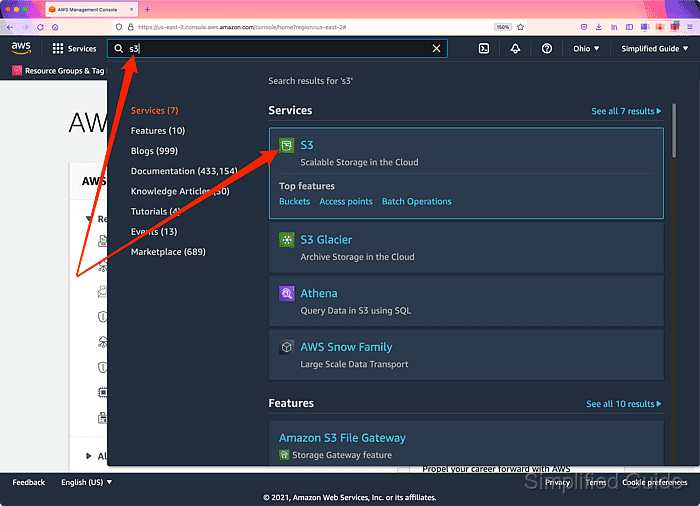
Related: AWS S3 Management Console
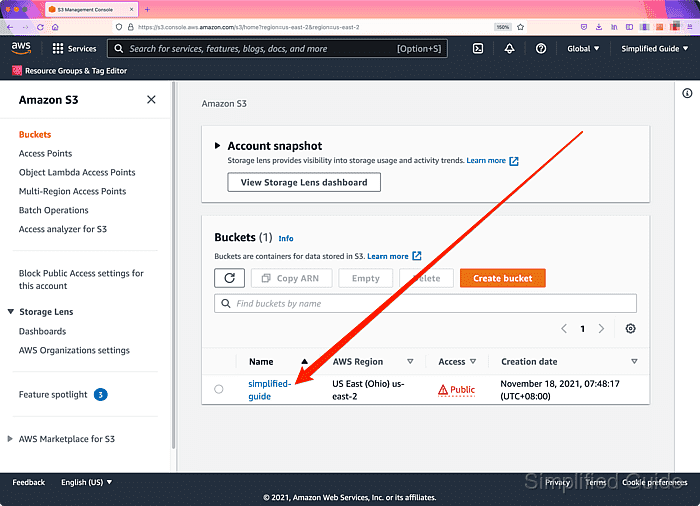
- Click on the S3 bucket that you want to host your static website.
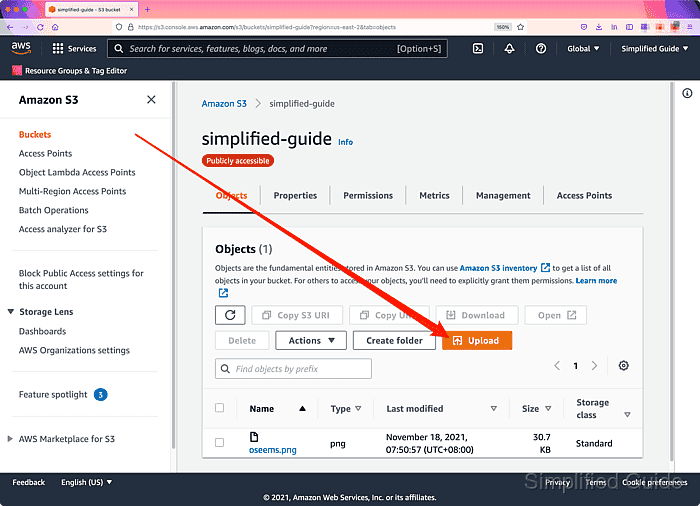
- Click on the Upload button to start uploading static files to your S3 bucket.
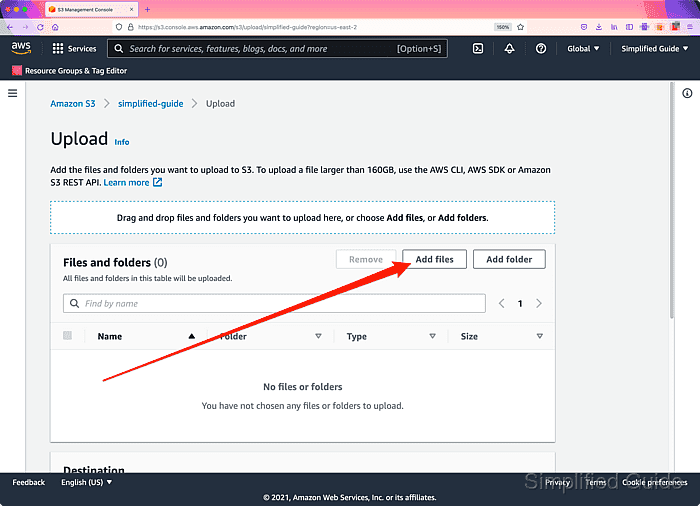
- Click on Add files button to open the file dialog window.
- Select the prepared files to upload and click on the Open button.
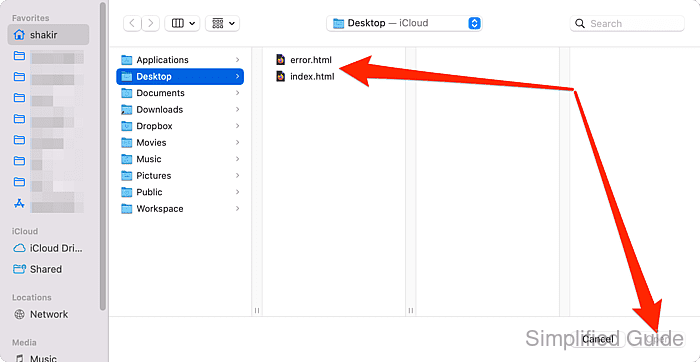
Use [SHIFT] and [CTRL] button on the keyboard to select multiple files.
At the very least, upload files to be used as the index document (default HTML file for the website), and error document (HTML file to display any errors to the visitor.)
Tool: HTML Boilerplate Generator - Click on Upload button at the bottom to begin uploading the selected files.
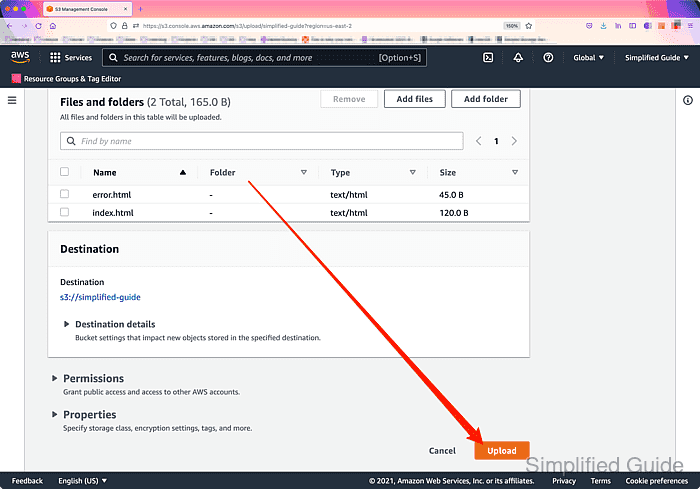
- Click Close to return to the bucket page.
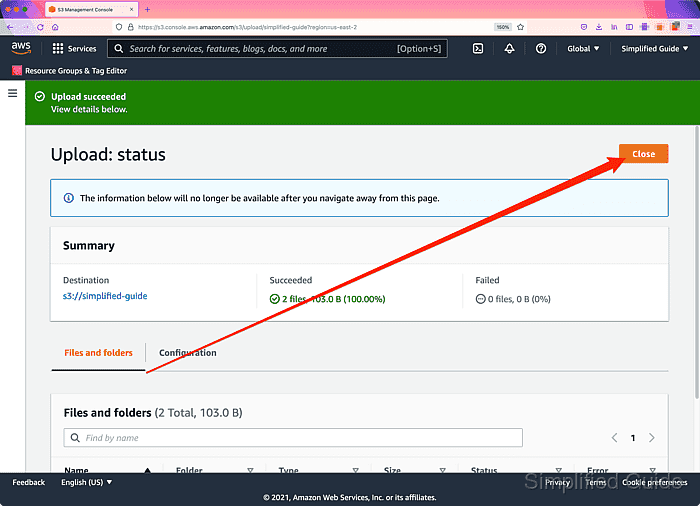
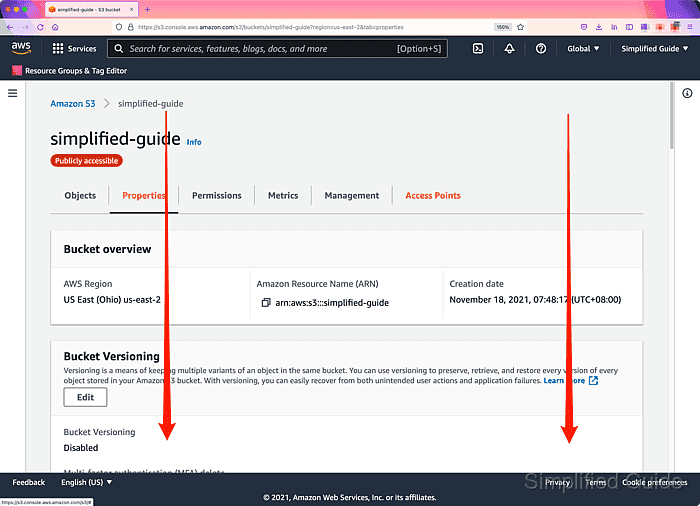
- Click on the Properties tab.
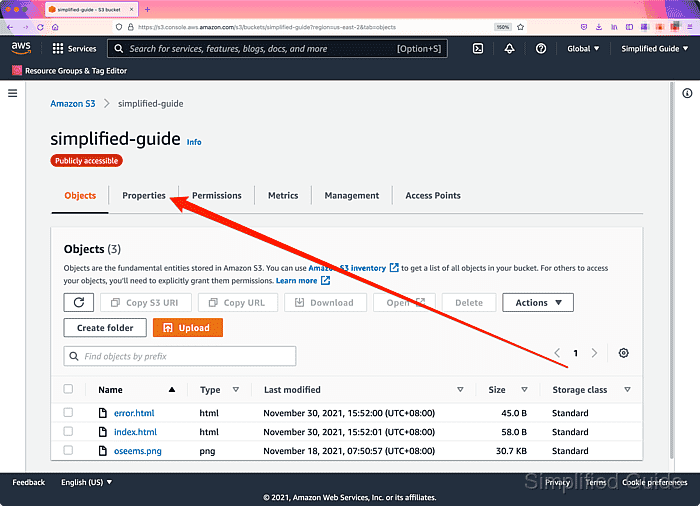
- Scroll down to the Static website hosting section.
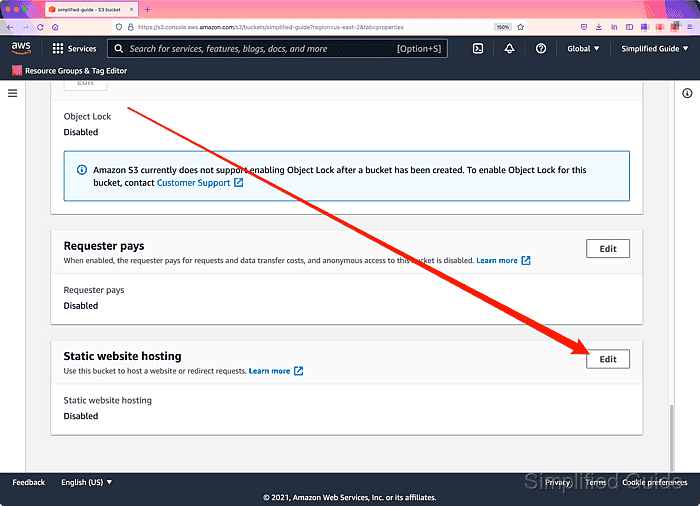
- Click on the Edit button.
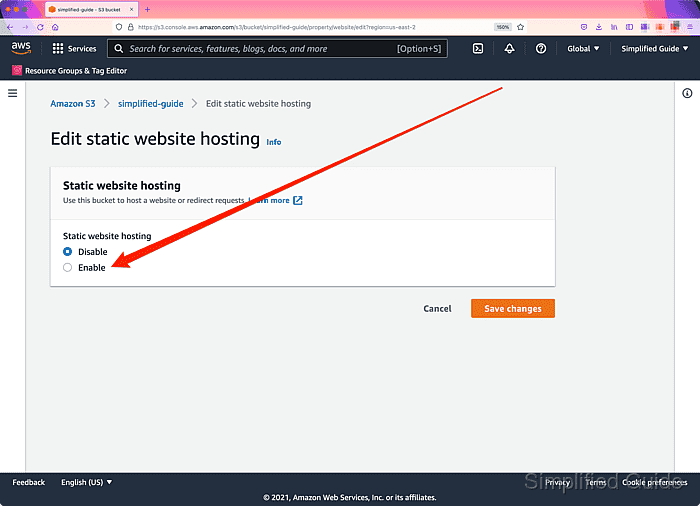
- Click Enable on the radio select button.
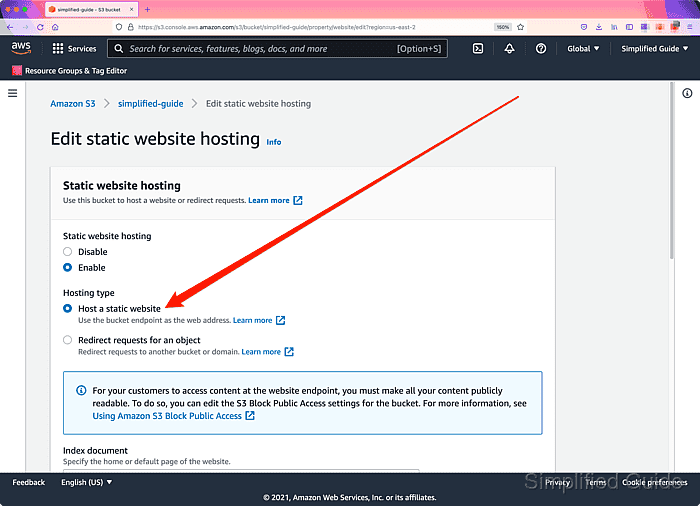
- Use default option (Host a static website) in the Hosting type section.
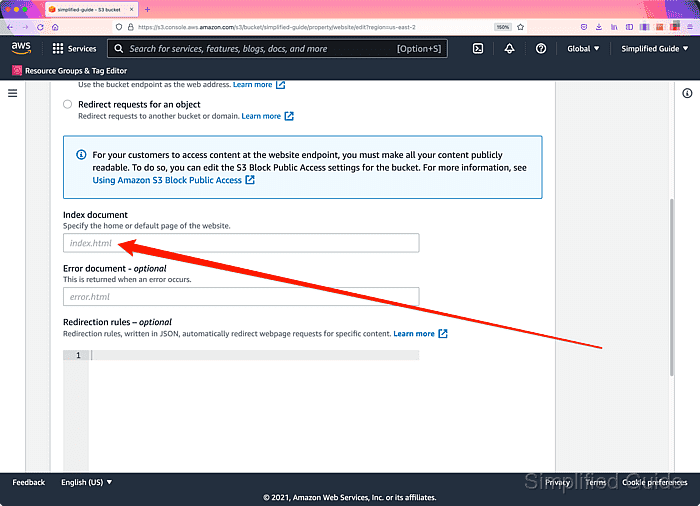
- Specify the name of the Index document file.
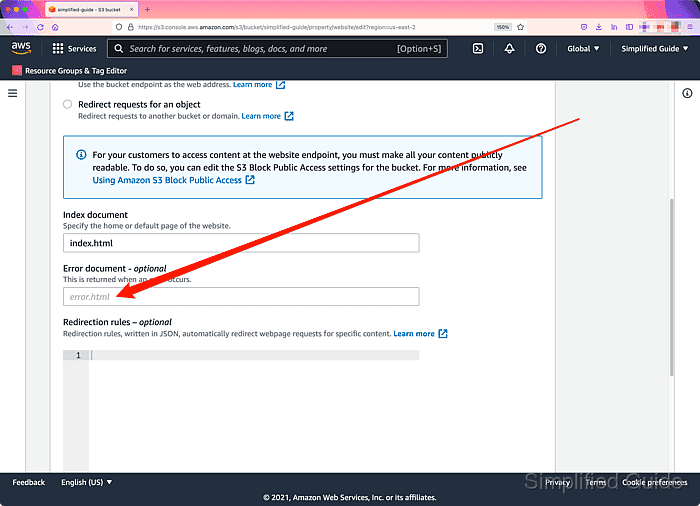
- Specify the name of the Error document file.
- Enter redirection rules if there's any in the Redirection rules field and click on the Save changes button.
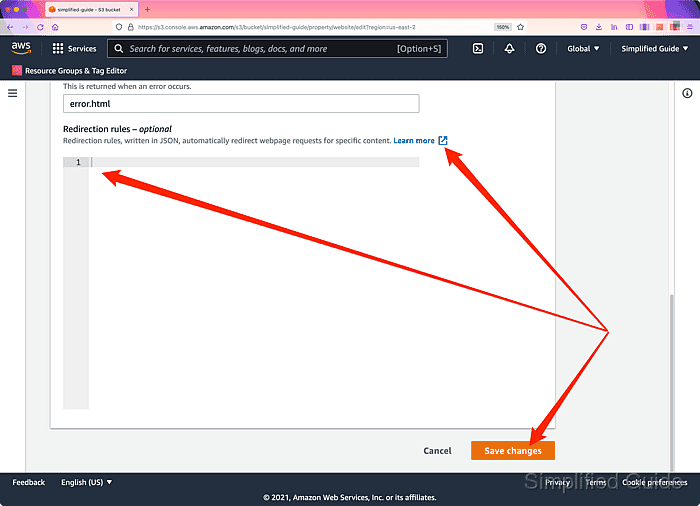
Click on the Learn more link to get more information.
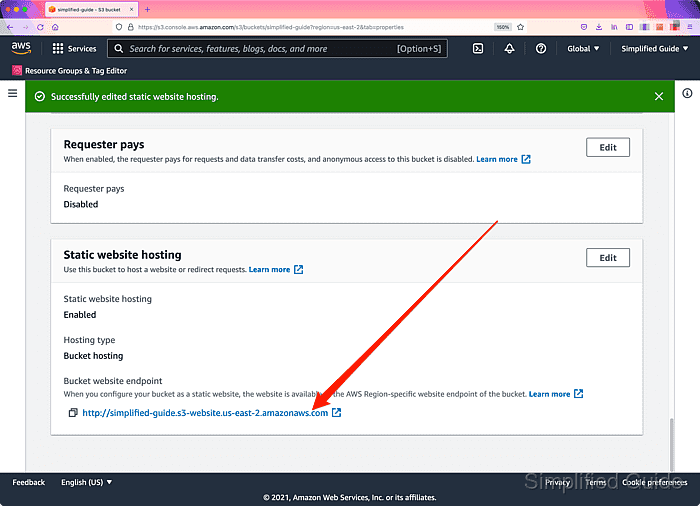
- Scroll down to the Static website hosting section.
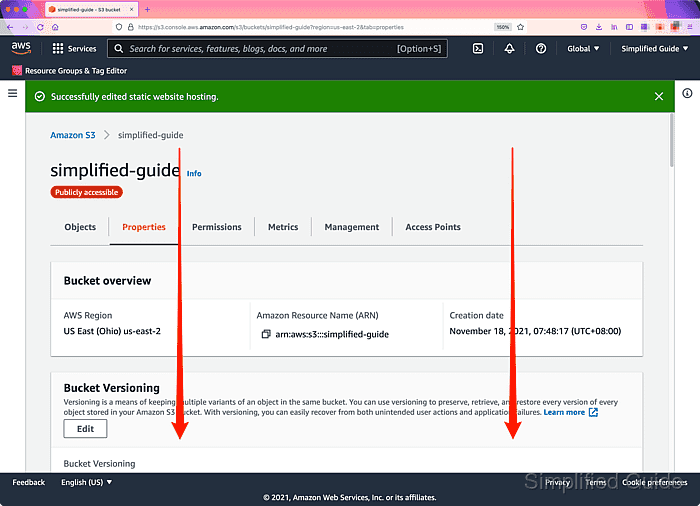
- Click on the link in the Bucket website endpoint section.
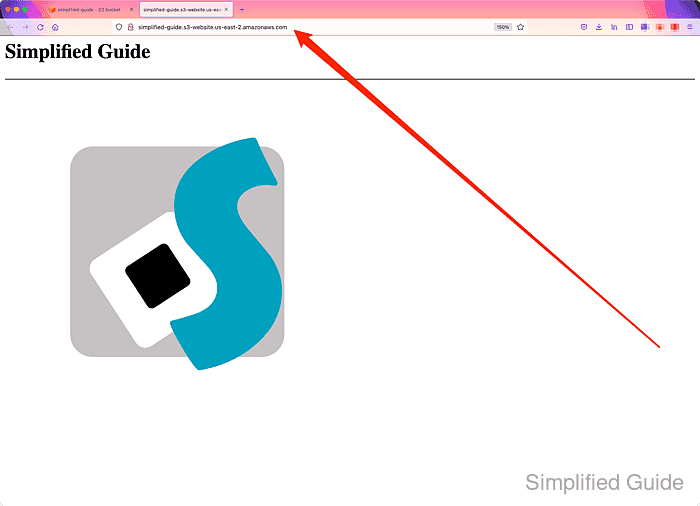
The file specified in the Index document section will be displayed.
- Access nonexistent file to simulate a file not found error.
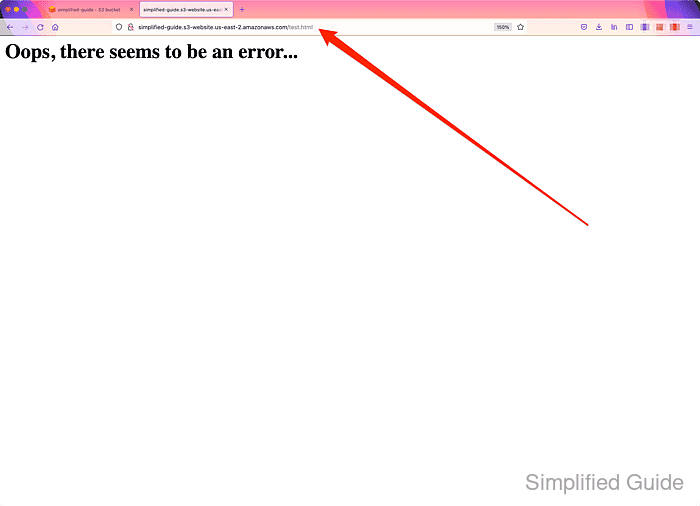
The file specified in the Error document section will be displayed.