How to view YARN application logs
YARN application logs connect a failed or slow job to the container output that explains it. The yarn logs command retrieves aggregated logs for finished applications and can query running containers when the NodeManager log path is reachable.
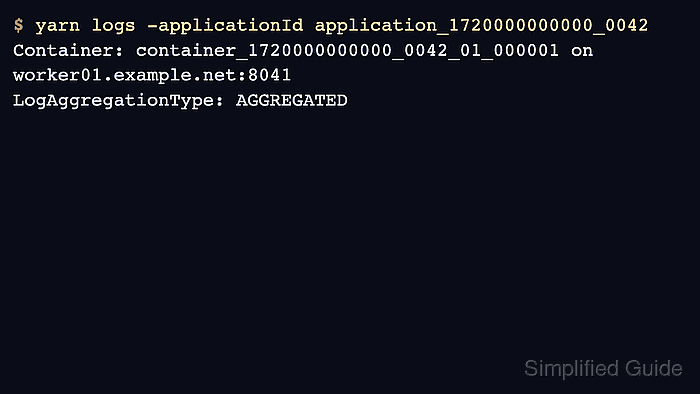
Start with the application ID and owner, then decide whether to fetch all logs, only ApplicationMaster logs, or a specific container. Large applications can produce huge output, so use focused options when possible.
Log aggregation must be enabled for normal post-completion retrieval. Without it, logs may remain on NodeManager local disks until cleanup removes them.
Steps to view YARN application logs:
- Confirm the application ID and owner.
$ yarn application -status application_1720000000000_0042
Application-Id : application_1720000000000_0042
User : alice
Final-State : FAILED
Related: How to list YARN applications
- Fetch the aggregated logs.
$ yarn logs -applicationId application_1720000000000_0042
Container: container_1720000000000_0042_01_000001 on worker01.example.net:8041
LogAggregationType: AGGREGATED
LogType: stderr
LogLastModifiedTime: Wed Jun 17 03:18:42 UTC 2026
LogLength: 1842
##### snipped #####
- Fetch only ApplicationMaster logs when the full output is too large.
$ yarn logs -applicationId application_1720000000000_0042 -am 1
Container: container_1720000000000_0042_01_000001 on worker01.example.net:8041
LogType: syslog
ApplicationMaster started
- List containers and node locations for a finished application.
$ yarn logs -applicationId application_1720000000000_0042 -show_application_log_info
Container: container_1720000000000_0042_01_000001 on worker01.example.net:8041
Container: container_1720000000000_0042_01_000002 on worker02.example.net:8041
- Download logs to a local directory when they need to be attached to an incident ticket.
$ yarn logs -applicationId application_1720000000000_0042 -out ./yarn-logs-0042
Logs for application_1720000000000_0042 have been written to ./yarn-logs-0042