How to kill a YARN application
Killing a YARN application stops its ApplicationMaster and containers when a job is stuck, misqueued, or consuming resources that must be returned. The operation is destructive for the running job, so identify the application ID and owner before killing it.
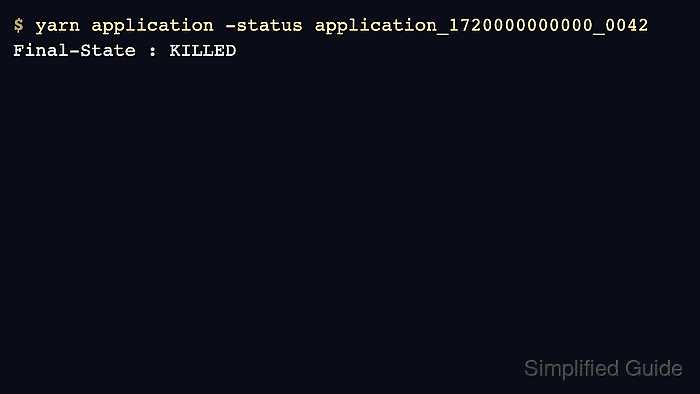
Use yarn application -list to find running applications, then kill the exact application ID. Verify the final state afterward so scheduler capacity is actually released.
Prefer an application-level cancel command from the processing engine when it preserves metadata or cleanup better than a YARN kill. Use the YARN command when the cluster scheduler must terminate the application directly.
Steps to kill a YARN application:
- List running YARN applications.
$ yarn application -list -appStates RUNNING
Total number of applications (application-types: [] and states: [RUNNING]):1
Application-Id                  Application-Name User  Queue    State
application_1720000000000_0042  daily-etl        alice analytics RUNNING
Related: How to list YARN applications
- Check the application owner and queue.
$ yarn application -status application_1720000000000_0042
Application-Id : application_1720000000000_0042
Application-Name : daily-etl
User : alice
Queue : analytics
State : RUNNING
- Kill the exact application ID.
$ yarn application -kill application_1720000000000_0042
Killing application application_1720000000000_0042
- Verify the application final state.
$ yarn application -status application_1720000000000_0042
State : KILLED
Final-State : KILLED
- Check that the queue no longer shows the killed job as running.
$ yarn application -list -appStates RUNNING
Total number of applications (application-types: [] and states: [RUNNING]):0