How to enable Kerberos for Hadoop
Kerberos changes Hadoop from a network-trusted cluster into an authenticated cluster. Without it, anyone who can reach HDFS or YARN service ports may be able to read data or submit work as another user.
Secure mode requires principals and keytabs for Hadoop daemons, matching service hostnames, and configuration changes in core-site.xml, hdfs-site.xml, and yarn-site.xml. Stage the keytabs with strict ownership before restarting services.
Use a task-local or realm-managed credential workflow when validating commands. Never save production keytabs, admin passwords, or real principal secrets in article text or task artifacts.
Steps to enable Kerberos for Hadoop services:
- Confirm the client can obtain a Kerberos ticket.
$ kinit alice@EXAMPLE.NET
Password for alice@EXAMPLE.NET:
- Check the active ticket.
$ klist
Default principal: alice@EXAMPLE.NET
Valid starting       Expires              Service principal
06/17/2026 03:00:00  06/18/2026 03:00:00  krbtgt/EXAMPLE.NET@EXAMPLE.NET
- Set Hadoop authentication to Kerberos.
- core-site.xml
<property>
  <name>hadoop.security.authentication</name>
  <value>kerberos</value>
</property>
<property>
  <name>hadoop.security.authorization</name>
  <value>true</value>
</property>
- Configure the NameNode and DataNode service principals.
- hdfs-site.xml
<property>
  <name>dfs.namenode.kerberos.principal</name>
  <value>nn/_HOST@EXAMPLE.NET</value>
</property>
<property>
  <name>dfs.namenode.keytab.file</name>
  <value>/etc/security/keytabs/nn.service.keytab</value>
</property>
<property>
  <name>dfs.datanode.kerberos.principal</name>
  <value>dn/_HOST@EXAMPLE.NET</value>
</property>
<property>
  <name>dfs.datanode.keytab.file</name>
  <value>/etc/security/keytabs/dn.service.keytab</value>
</property>
- Protect the service keytabs on each daemon host.
$ sudo chown hdfs:hadoop /etc/security/keytabs/nn.service.keytab
Keytabs allow passwordless service authentication. Restrict ownership and avoid copying them into logs, tickets, or shared workspaces.
- Restart Hadoop services after distributing secure configuration.
$ stop-dfs.sh
Stopping namenodes on [nn1.example.net]
Stopping datanodes
Related: How to restart Hadoop services
- Verify HDFS access with the Kerberos identity.
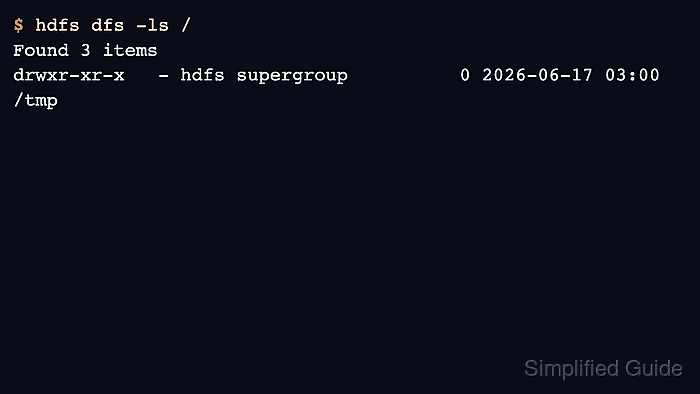
$ hdfs dfs -ls /
Found 3 items
drwxr-xr-x   - hdfs supergroup          0 2026-06-17 03:00 /tmp
drwxr-xr-x   - hdfs supergroup          0 2026-06-17 03:00 /user