How to install Apache Hadoop on Ubuntu or Debian
On Ubuntu or Debian, a Hadoop lab or client install needs Java, the Apache Hadoop binary archive, and a predictable environment. Installing those pieces separately keeps OS packages responsible for Java while the Hadoop version stays under operator control.
Hadoop 3.5 server daemons require Java 17. Use APT for Java and base tools, unpack the Hadoop archive under /opt, and expose hadoop commands through a profile file or service environment.
The local runtime should be installed before HDFS formatting, pseudo-distributed mode, and service startup are handled by the configuration guides.
Steps to install Apache Hadoop on Ubuntu or Debian:
- Install Java 17 and required tools.
$ sudo apt update
Hit:1 http://archive.ubuntu.com/ubuntu noble InRelease
Reading package lists... Done
- Install the Java runtime.
$ sudo apt install openjdk-17-jdk-headless tar curl
Setting up openjdk-17-jdk-headless ...
- Create a dedicated Hadoop user.
$ sudo adduser --system --home /var/lib/hadoop --shell /bin/bash --group hadoop
Adding system user `hadoop' ...
Adding new group `hadoop' ...
- Download the current Apache Hadoop binary archive.
$ curl -fLO https://downloads.apache.org/hadoop/common/hadoop-3.5.0/hadoop-3.5.0.tar.gz
- Unpack Hadoop under /opt.
$ sudo tar -xzf hadoop-3.5.0.tar.gz -C /opt
- Create a stable symlink.
$ sudo ln -sfn /opt/hadoop-3.5.0 /opt/hadoop
- Set the Hadoop environment.
- /etc/profile.d/hadoop.sh
export JAVA_HOME=/usr/lib/jvm/java-17-openjdk-amd64
export HADOOP_HOME=/opt/hadoop
export PATH=$HADOOP_HOME/bin:$HADOOP_HOME/sbin:$PATH
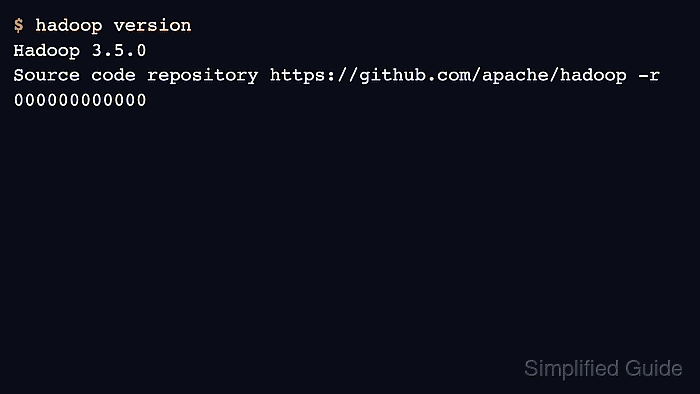
- Verify the installed Hadoop command.
$ /opt/hadoop/bin/hadoop version
Hadoop 3.5.0
Source code repository https://github.com/apache/hadoop -r 000000000000