How to set HDFS file permissions
HDFS permissions control who can read, write, or traverse files in the namespace. Permission changes should target the smallest path that supports the job or tenant workflow, because recursive changes can expose data or block running jobs.
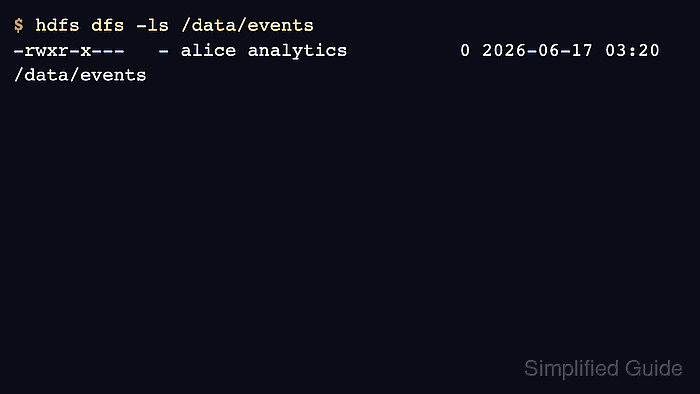
The filesystem shell uses chmod, chgrp, and chown with Unix-like permission bits. The caller must own the path or have superuser rights for ownership changes.
Object stores reached through Hadoop can ignore or reject Unix-style permission commands. Use this procedure for HDFS paths, not for S3A or other object-store URIs.
Related: How to upload a file to HDFS
Related: How to enable Kerberos for Hadoop
Steps to set HDFS file permissions:
- List the current HDFS permissions.
$ hdfs dfs -ls /data/events
drwxr-x---   - alice analytics          0 2026-06-17 03:20 /data/events
- Set the directory mode.
$ hdfs dfs -chmod 750 /data/events
- Set the group when the data should belong to a shared team.
$ hdfs dfs -chgrp analytics /data/events
- Apply a recursive mode only when every child path should change.
$ hdfs dfs -chmod -R 750 /data/events/restricted
Recursive permission changes affect every file below the path and can break jobs that depend on broader read access.
- Verify the resulting mode and group.
$ hdfs dfs -ls /data
drwxr-x---   - alice analytics          0 2026-06-17 03:22 /data/events
- Check access as the intended user or group member.
$ hdfs dfs -test -r /data/events