How to download a file from HDFS
Downloading from HDFS should prove both that the source path exists and that the local copy is readable. The hdfs dfs -get and hadoop fs -copyToLocal commands copy files to the local filesystem used by the client shell.
Choose a destination path that will not overwrite local data unless replacement is intended. The -f flag overwrites existing files, while -crc writes checksum sidecar files for workflows that need transfer evidence.
Use HDFS permissions and Kerberos identity from the current shell. A command that works for one user can fail for another even on the same client host.
Related: How to upload a file to HDFS
Steps to download a file from HDFS:
- List the HDFS file before downloading it.
$ hdfs dfs -ls /user/alice/input/events.csv
-rw-r--r--   3 alice analytics   44040192 2026-06-17 03:14 /user/alice/input/events.csv
- Download the file to the current directory.
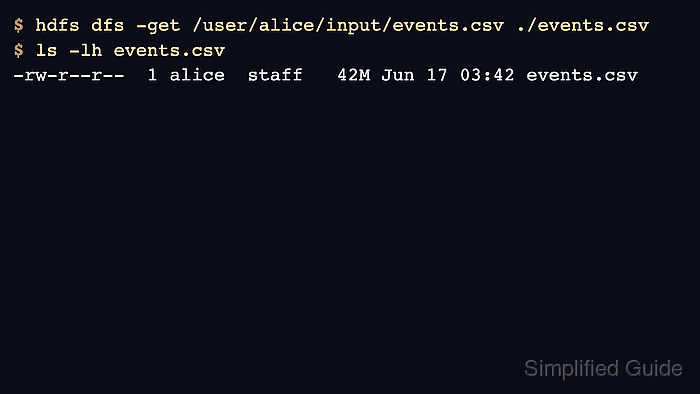
$ hdfs dfs -get /user/alice/input/events.csv ./events.csv
- Check the local file size.
$ ls -lh events.csv
-rw-r--r--  1 alice  staff   42M Jun 17 03:42 events.csv
- Compare the HDFS checksum when the filesystem supports it.
$ hdfs dfs -checksum /user/alice/input/events.csv
/user/alice/input/events.csv	MD5-of-0MD5-of-512CRC32C	0000020000000000000000007fb2c3a4
- Read a small portion through the local tool that will consume the file.
$ wc -l events.csv
125000 events.csv