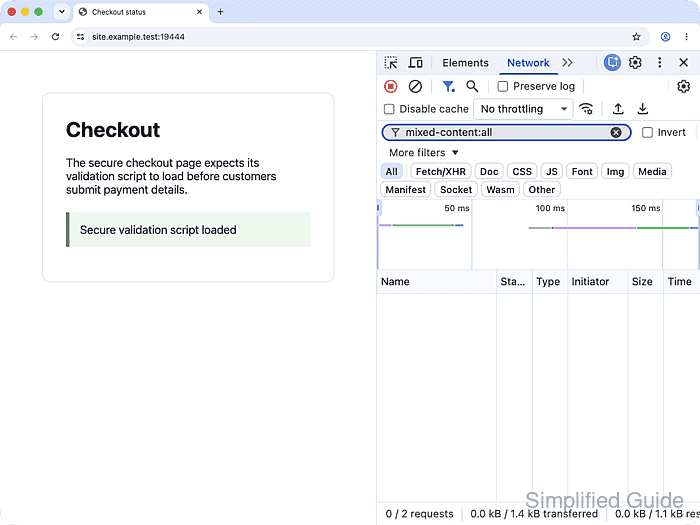
An HTTPS page can still lose scripts, styles, fonts, or frames when its HTML, CSS, template, or generated markup points to an HTTP resource. Chrome blocks these active requests before they run, so the visible symptom may be a missing widget or an unstyled page even though the address bar shows HTTPS.
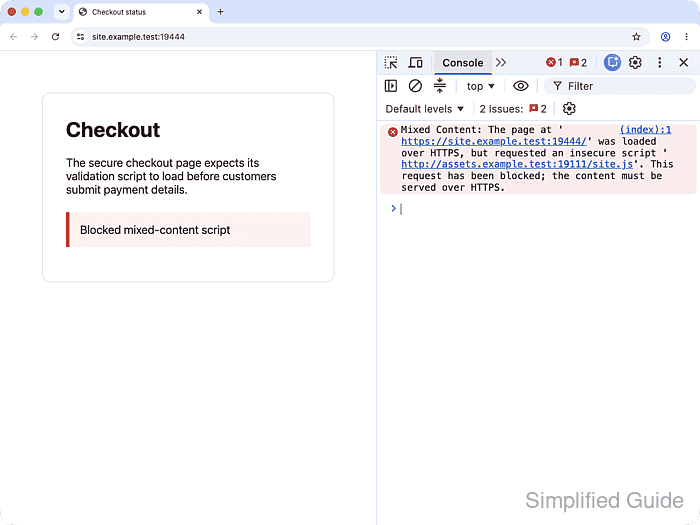
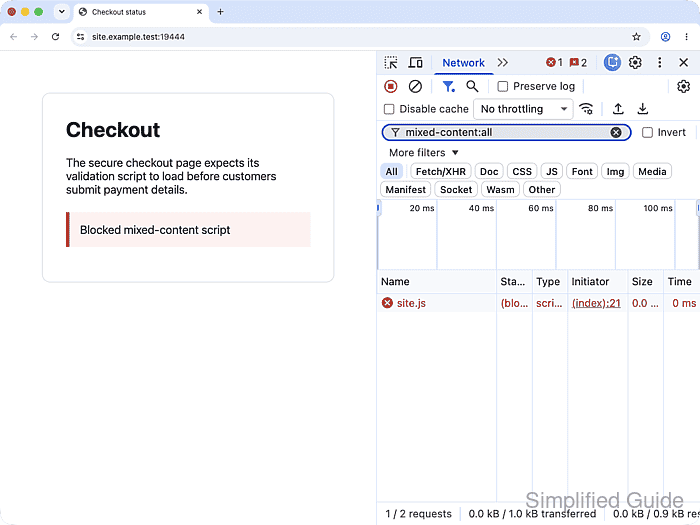
Chrome's Console names the insecure URL and its source location, while the Network panel exposes the request as blocked mixed content. Current browsers may automatically upgrade some image, audio, or video requests, but scripts and other blockable resources still fail; the page-level HTTPS indicator therefore does not identify every stale reference. MDN's mixed-content reference explains the current upgradable and blockable categories.
The durable repair is to change the source that generated the flagged URL after confirming that the resource is available over HTTPS. A broad search-and-replace can alter intentional HTTP links or point assets at HTTPS endpoints that do not exist. A Content Security Policy such as upgrade-insecure-requests can support a migration, but it does not replace correcting the owning template, stylesheet, or content field.
Steps to fix mixed content in Chrome DevTools:
- Reproduce the affected HTTPS page's broken resource or missing behavior in Chrome.
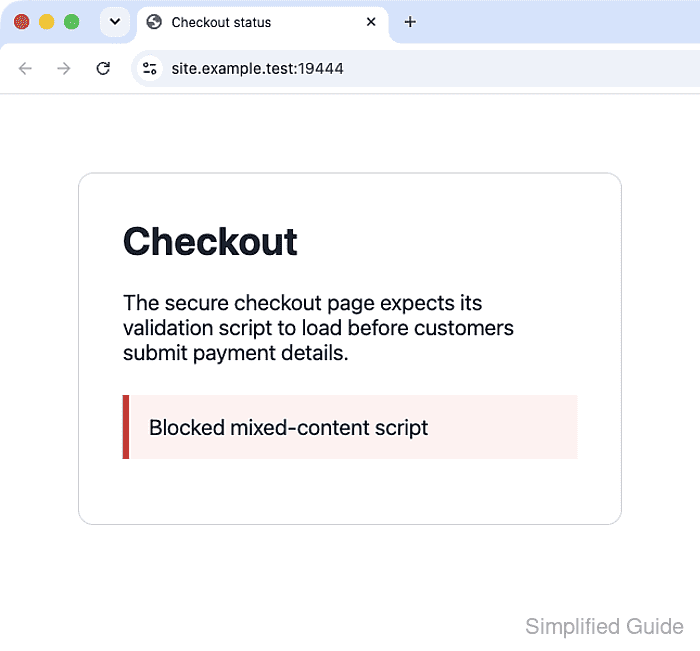
- Locate the Console mixed-content error that names the insecure request.
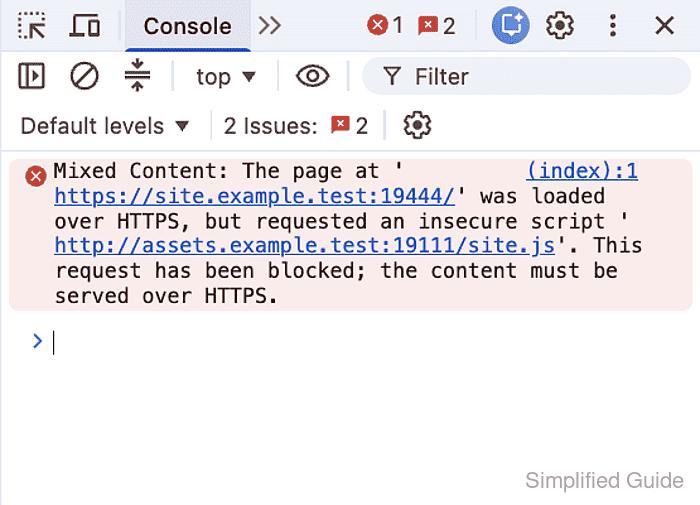
The linked source location identifies the HTML document, stylesheet, or script that initiated the request; the owner may instead be a CMS field or shared template that generated that markup.
- Filter the Network panel with mixed-content:all to isolate the blocked request.
- Remove a flagged dependency from its owning source when no trusted HTTPS endpoint exists and the feature is no longer required.
- Replace a required flagged dependency with a trusted HTTPS-hosted alternative when its original provider offers no secure endpoint.
- Reload the repaired page to run the updated source reference.
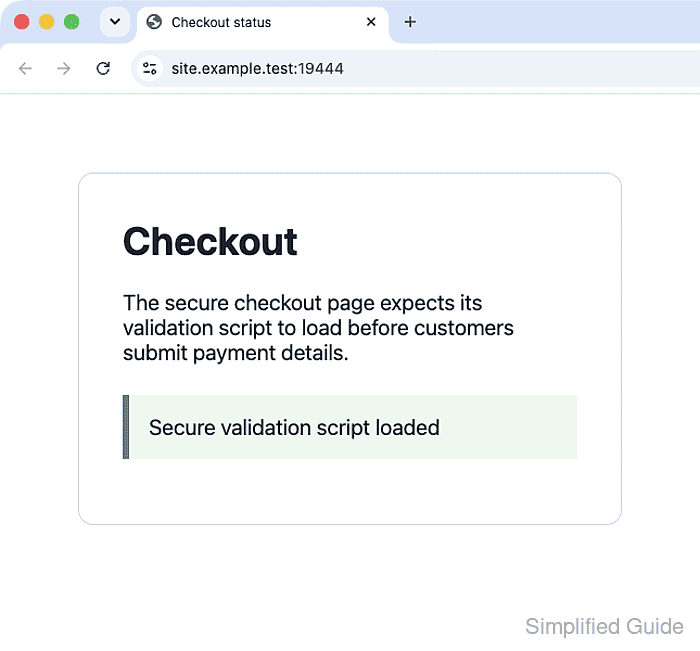
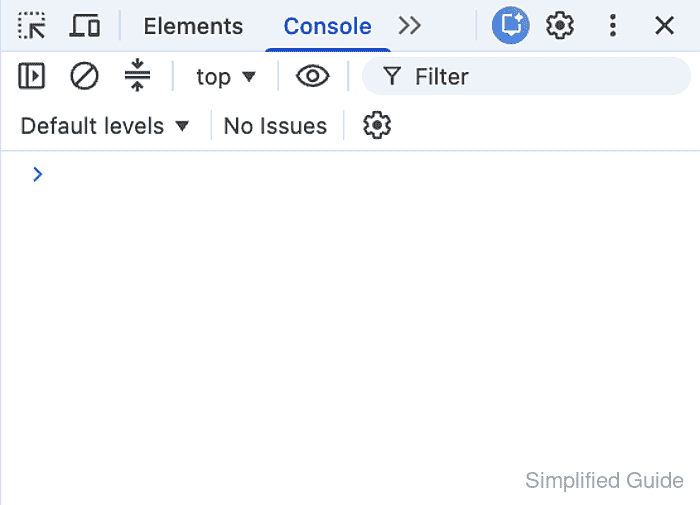
- Confirm the Console contains no mixed-content message after the repaired reload.
- Confirm the mixed-content:all Network filter returns no requests after the repaired reload.