Conda environments are a common way to keep Python machine learning packages separate from the system Python and from other projects. Installing Sentence Transformers from conda-forge keeps the library, PyTorch, Transformers, and numerical dependencies in one solver-managed environment for embedding work.
The conda-forge package provides the base Sentence Transformers text embedding library. Pip-style extras such as image, audio, video, ONNX, and OpenVINO are not Conda extras, so keep this environment focused on the standard package unless the project has a separate extras plan.
Use a fresh environment instead of installing into base. Keeping the solve on conda-forge avoids mixing incompatible package channels, and a small model smoke test confirms the installed package can load a public model and return embeddings.
Steps to install Sentence Transformers in a Conda environment:
- Open a terminal where conda is initialized.
- Create an isolated conda-forge environment with Sentence Transformers.
$ conda create --yes --name st-conda --channel conda-forge --override-channels python=3.11 sentence-transformers
--override-channels keeps this solve on conda-forge for the new environment. Use another supported Python version only when the project already standardizes on it.
- Activate the new environment.
$ conda activate st-conda
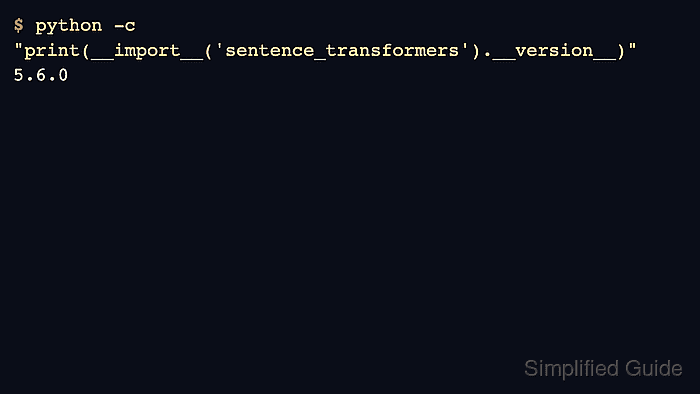
- Confirm that Python imports the installed package.
$ python -c "import sentence_transformers; print(sentence_transformers.__version__)"
5.6.0
The exact version changes as conda-forge publishes new builds. The import must run from the activated environment.
- Run a small embedding smoke test.
$ python - <<'PY'
from sentence_transformers import SentenceTransformer

model = SentenceTransformer("sentence-transformers/all-MiniLM-L6-v2")
embeddings = model.encode([
    "Conda installed Sentence Transformers",
    "Embeddings are ready",
])
print(embeddings.shape)
PY
##### snipped
(2, 384)
The first model load may download files from Hugging Face. The shape shows two input texts encoded with the 384-dimensional all-MiniLM-L6-v2 model.
Related: Set the Sentence Transformers cache directory

Mohd Shakir Zakaria is a cloud architect with deep roots in software development and open-source advocacy. Certified in AWS, Red Hat, VMware, ITIL, and Linux, he specializes in designing and managing robust cloud and on-premises infrastructures.


