Minimal server profiles on Red Hat Enterprise Linux, CentOS Stream, and Fedora can include vim-minimal for basic vi editing while omitting the larger feature set used for syntax-aware terminal work. The distribution repositories provide that feature set in vim-enhanced, so the editor remains in the distribution's DNF-managed update path.
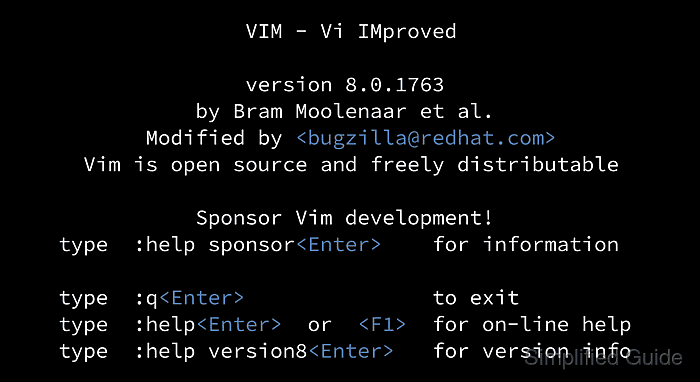
The DNF package manager resolves vim-enhanced together with vim-common and its other required packages from the repositories already enabled on the host. The same package name applies across supported releases in this distribution family, although the Vim version and dependency list vary with each release.
The enhanced build installs the vim command and identifies itself as a Huge version without GUI. Its feature table includes +syntax, which distinguishes the syntax-capable terminal editor from the smaller vi build that may remain on the system.
Steps to install full Vim on Red Hat, CentOS, or Fedora:
- Install the vim-enhanced package from the enabled DNF repositories.
$ sudo dnf install --assumeyes vim-enhanced
Updating and loading repositories:
Repositories loaded.
##### snipped #####
Complete!
DNF also installs vim-common and the other required dependencies.
Related: Install a package with DNF - Verify that the vim executable runs as the enhanced Huge build.
$ vim --version
VIM - Vi IMproved 9.2 (2026 Feb 14, compiled Jul 03 2026 00:00:00)
Included patches: 1-780
Modified by https://bugzilla.redhat.com/
Compiled by https://bugzilla.redhat.com/
Huge version without GUI.  Features included (+) or not (-):
##### snipped #####
The enhanced package installs the vim command. The vi command can continue to use the minimal build, so use vim when the enhanced feature set is required.

Mohd Shakir Zakaria is a cloud architect with deep roots in software development and open-source advocacy. Certified in AWS, Red Hat, VMware, ITIL, and Linux, he specializes in designing and managing robust cloud and on-premises infrastructures.


