A manual phpMyAdmin deployment combines a replaceable application tree with a small amount of site-specific configuration. Extracting a new release over the live directory can leave obsolete files behind, while a side-by-side tree keeps the existing release available during the change.

This method targets an archive-based installation served by Apache 2.4 with PHP loaded as its in-process module at /var/www/html/phpmyadmin. It copies only config.inc.php into the fresh tree; distribution-managed packages, PHP-FPM deployments, custom themes, authentication extensions, and other locally modified PHP files require their own upgrade path.
Keep the staged, live, and pre-upgrade trees on the same filesystem so each directory rename remains atomic. The previous tree stays outside the web document root as the recovery boundary until the upgraded login and SQL query both work.
Steps to upgrade phpMyAdmin safely:
- Record the version reported by the active phpMyAdmin tree.
$ sudo php -r '$package = json_decode(file_get_contents("/var/www/html/phpmyadmin/composer.json"), true); echo $package["version"], PHP_EOL;' 5.2.2 - Inspect the loaded Apache modules for the required in-process php_module handler.
$ sudo apachectl -M
Loaded Modules:
##### snipped #####
 php_module (shared)
##### snipped #####
PHP-FPM deployments need a separate service-reload and opcode-cache plan.
- Set PMA_OLD_VERSION to the active phpMyAdmin version.
$ PMA_OLD_VERSION=5.2.2
- Set PMA_VERSION to the release listed on phpMyAdmin's official download page.
$ PMA_VERSION=5.2.3
- Set PMA_URL to phpMyAdmin's local Apache request path.
$ PMA_URL="http://127.0.0.1/phpmyadmin/"
The local request checks the replacement tree through Apache; the later browser steps check the normal authenticated route.
- Define the versioned staging path outside the web document root.
$ PMA_STAGED="/var/www/phpMyAdmin-${PMA_VERSION}-all-languages" - Define the versioned pre-upgrade path outside the web document root.
$ PMA_ROLLBACK="/var/www/phpmyadmin-before-${PMA_OLD_VERSION}" - Change to /tmp so the release files remain outside the web root.
$ cd /tmp
- Download the all-languages release archive for the selected phpMyAdmin version.
$ curl -fsSLO "https://files.phpmyadmin.net/phpMyAdmin/${PMA_VERSION}/phpMyAdmin-${PMA_VERSION}-all-languages.tar.xz" - Download the published SHA-256 file for the same release archive.
$ curl -fsSLO "https://files.phpmyadmin.net/phpMyAdmin/${PMA_VERSION}/phpMyAdmin-${PMA_VERSION}-all-languages.tar.xz.sha256" - Verify the release archive against phpMyAdmin's published SHA-256 file.
$ sha256sum --check "phpMyAdmin-${PMA_VERSION}-all-languages.tar.xz.sha256" phpMyAdmin-5.2.3-all-languages.tar.xz: OK - Confirm the versioned extraction path does not already exist.
$ sudo test ! -e "$PMA_STAGED"
A nonzero exit means extraction would merge with a leftover tree; stop and investigate that path instead of deleting unknown contents.
- Extract the verified release under /var/www outside the web document root.
$ sudo tar --extract --file="/tmp/phpMyAdmin-${PMA_VERSION}-all-languages.tar.xz" --directory=/var/wwwNever extract a new phpMyAdmin release over the active tree because obsolete files can remain reachable.
- Copy the active config.inc.php into the unexposed staged tree with its existing mode and ownership.
$ sudo cp --preserve=mode,ownership /var/www/html/phpmyadmin/config.inc.php "$PMA_STAGED/config.inc.php"
- Validate the copied phpMyAdmin configuration with administrator read access.
$ sudo php -l "$PMA_STAGED/config.inc.php"
No syntax errors detected in /var/www/phpMyAdmin-5.2.3-all-languages/config.inc.php
- Compare the active and staged configuration hashes with administrator read access.
$ sudo sha256sum /var/www/html/phpmyadmin/config.inc.php "$PMA_STAGED/config.inc.php"
Both output lines must show the same SHA-256 digest before the directory switch.
- Compare the filesystem device used by the live and staged phpMyAdmin trees.
$ df -P /var/www/html/phpmyadmin "$PMA_STAGED"
Both rows must report the same filesystem device because cross-filesystem moves are not atomic.
- Confirm the versioned pre-upgrade path does not already exist.
$ sudo test ! -e "$PMA_ROLLBACK"
A nonzero exit means the recovery name collides with existing state; stop instead of replacing or deleting that tree.
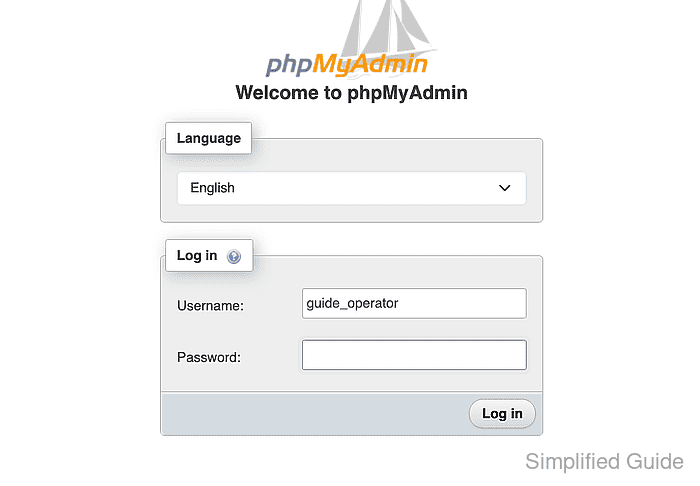
- Log out of each active phpMyAdmin session used for the maintenance check.
- Close every private-browsing window used for phpMyAdmin to discard its cached assets.
- Move the current phpMyAdmin tree to the collision-refusing pre-upgrade path.
phpMyAdmin becomes unavailable until the staged tree reaches the live path. The untouched old tree at $PMA_ROLLBACK is the recovery boundary throughout the maintenance check.
$ sudo mv --no-clobber --no-target-directory /var/www/html/phpmyadmin "$PMA_ROLLBACK"
- Move the staged phpMyAdmin tree into the original live path.
$ sudo mv --no-clobber --no-target-directory "$PMA_STAGED" /var/www/html/phpmyadmin
- Reload Apache gracefully so its in-process PHP module serves the replacement tree.
$ sudo apachectl -k graceful
In-flight requests can finish in the previous Apache generation while replacement processes start, so keep the maintenance window active.
- Confirm the pre-upgrade tree still reports the previous phpMyAdmin version.
$ sudo php -r '$package = json_decode(file_get_contents($argv[1] . "/composer.json"), true); echo $package["version"], PHP_EOL;' "$PMA_ROLLBACK"
5.2.2
- Confirm the live phpMyAdmin tree now reports the selected release.
$ sudo php -r '$package = json_decode(file_get_contents("/var/www/html/phpmyadmin/composer.json"), true); echo $package["version"], PHP_EOL;' 5.2.3 - Request the local phpMyAdmin URL to confirm an HTTP success response from the replacement tree.
$ curl -fsSI "$PMA_URL"
HTTP/1.1 200 OK
##### snipped #####
Content-Type: text/html; charset=utf-8
- Remove the downloaded release archive after the replacement tree passes the version and HTTP checks.
$ rm -- "/tmp/phpMyAdmin-${PMA_VERSION}-all-languages.tar.xz" - Remove the downloaded SHA-256 file after the verified archive is discarded.
$ rm -- "/tmp/phpMyAdmin-${PMA_VERSION}-all-languages.tar.xz.sha256" - Open the upgraded phpMyAdmin login page in a new private-browsing window.
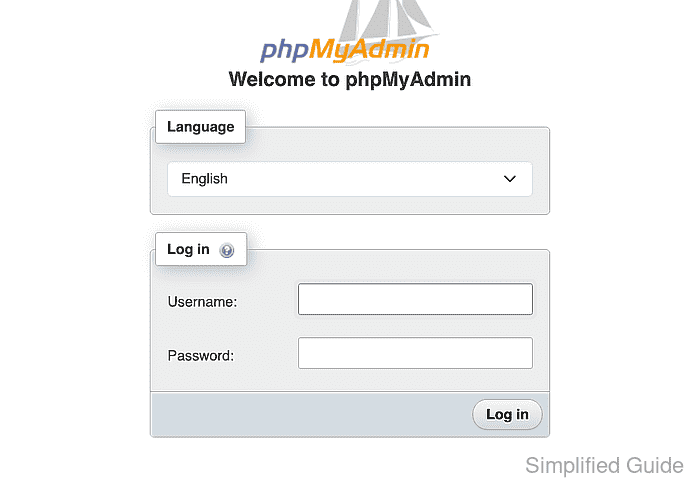
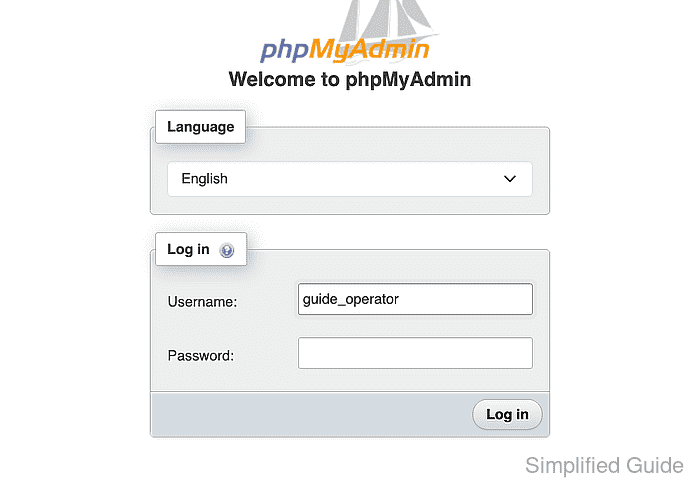
- Enter the existing database account name in the Username field.
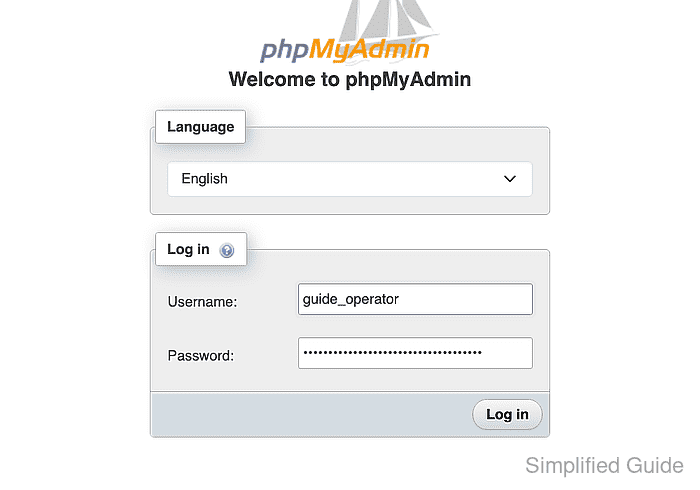
- Enter the database account password in the Password field.
- Click Log in to submit the database credentials.
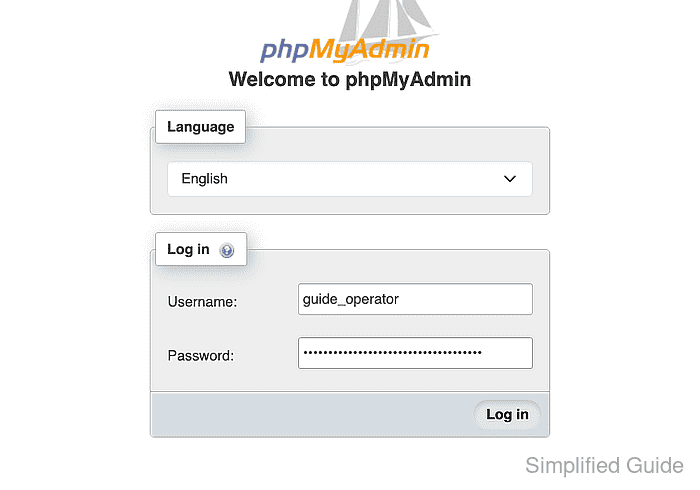
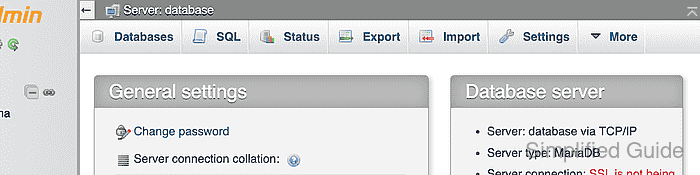
- Confirm the authenticated phpMyAdmin home shows the configured database server.
- Open the SQL tab for the selected database server.
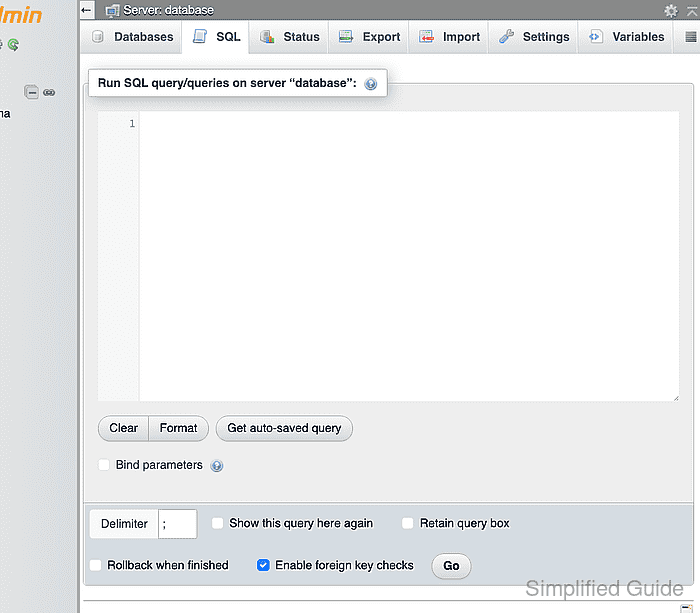
- Enter SELECT VERSION(), CONNECTION_ID(), 'upgrade-post-cleanup' AS checkpoint; in the SQL query editor.
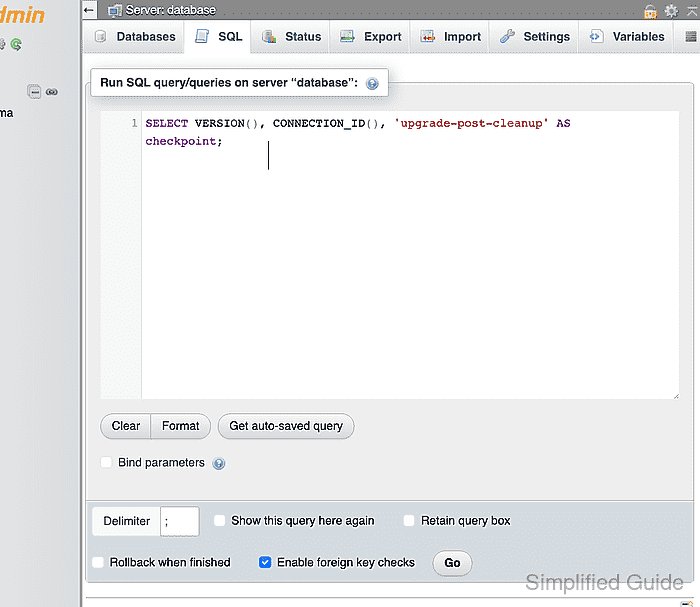
- Click Go to submit the post-cleanup version query.
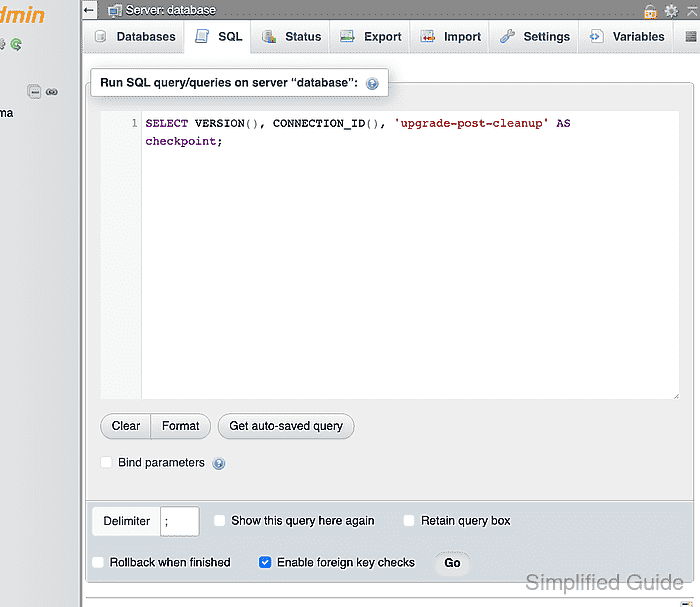
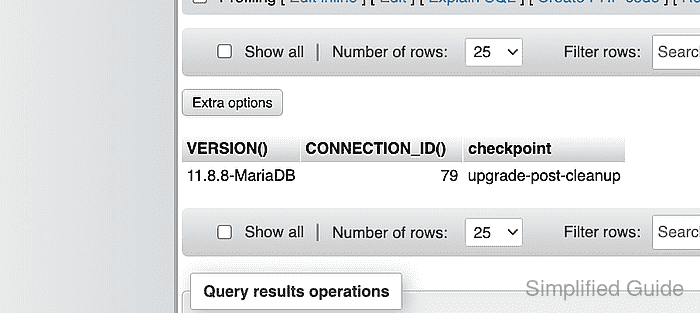
- Confirm the post-cleanup query result shows the database server version through the upgraded phpMyAdmin instance.

Mohd Shakir Zakaria is a cloud architect with deep roots in software development and open-source advocacy. Certified in AWS, Red Hat, VMware, ITIL, and Linux, he specializes in designing and managing robust cloud and on-premises infrastructures.


