Ollama web search is a hosted API feature that returns search results or fetched page content for applications that need current information. It is separate from local model inference and requires an Ollama account API key.
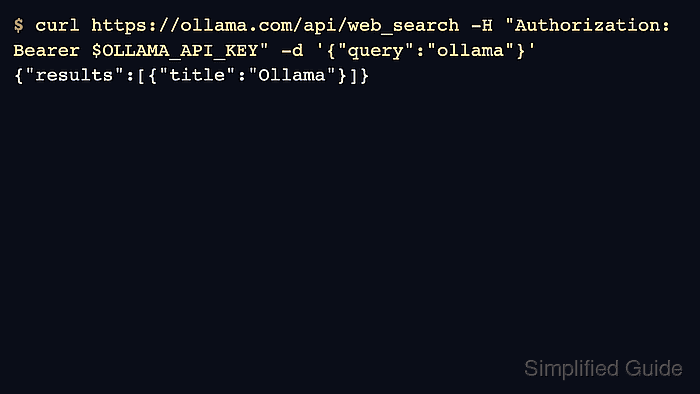
The search endpoint runs at https://ollama.com/api/web_search and accepts a query plus an optional result limit. Treat returned snippets as retrieval context that still needs citation, filtering, or summarization in the application layer.
The campaign did not use a hosted API key, so the page keeps command examples sanitized and marks credential-backed validation as blocked. Do not substitute a local localhost request for this hosted feature.
Related: How to authenticate Ollama API requests
Related: How to run an Ollama cloud model
Related: How to use tool calling with the Ollama API
Steps to use Ollama web search with the API:
- Create or select an Ollama API key for the hosted request.
$ export OLLAMA_API_KEY='ollama_********************************'
Use a task-scoped key for validation and revoke it afterward when possible.
- Verify hosted web search returns results with a bearer token.
$ curl https://ollama.com/api/web_search \
  -H "Authorization: Bearer $OLLAMA_API_KEY" \
  -d '{"query":"what is ollama?","max_results":3}'
{"results":[{"title":"Ollama","url":"https://ollama.com/","content":"Cloud models are now available..."}]}
- Keep result count small for prompt injection review.
$ curl https://ollama.com/api/web_search -H "Authorization: Bearer $OLLAMA_API_KEY" -d '{"query":"site:docs.ollama.com embeddings","max_results":2}'
{"results":[##### snipped #####]}
- Fetch a single page when the application needs page content.
$ curl https://ollama.com/api/web_fetch \
  -H "Authorization: Bearer $OLLAMA_API_KEY" \
  -d '{"url":"https://docs.ollama.com/"}'
{"title":"Ollama documentation","content":"##### snipped #####","links":[##### snipped #####]}
- Revoke or rotate the key when it was created for testing.
$ export OLLAMA_API_KEY=
Do not store hosted API keys in repository files.

Mohd Shakir Zakaria is a cloud architect with deep roots in software development and open-source advocacy. Certified in AWS, Red Hat, VMware, ITIL, and Linux, he specializes in designing and managing robust cloud and on-premises infrastructures.


