Short JavaScript experiments do not always need a saved script file. The Node.js REPL opens an interactive session where expressions, built-in modules, promises, and small runtime checks can be tried against the same runtime that runs Node.js programs.
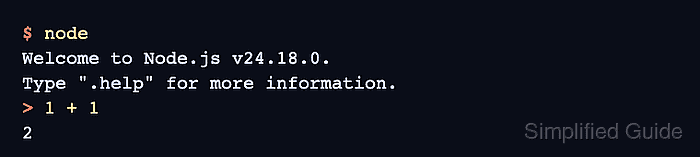
The REPL reads one input, evaluates it, prints the result, and keeps the session state available for the next prompt. Values assigned during the session can be reused, and core modules can be loaded while inspecting runtime behavior.
By default, Node.js can save REPL history in .node_repl_history under the user's home directory. Avoid pasting secrets, tokens, or private payloads into a session that may persist history, especially on shared development accounts.
Steps to use the Node.js REPL:
- Start the Node.js REPL from a terminal.
$ node
Welcome to Node.js v24.18.0.
Type ".help" for more information.
>
Use node --interactive when Node.js is launched with piped input or another non-terminal stdin source and the REPL should still open.
- Evaluate a JavaScript expression.
> 1 + 1
2
- Store a value in the REPL session.
> const label = 'node-repl'
undefined
undefined means the declaration completed without returning a separate value. The variable remains available at the next prompt.
- Reuse the stored value.
> label.toUpperCase()
'NODE-REPL'
- Load a built-in Node.js module.
> const os = require('node:os') undefined - Inspect a value from the module.
> os.platform()
'linux'
The platform string depends on the operating system running Node.js, so darwin or win32 can appear on macOS or Windows.
- Check top-level await behavior.
> await Promise.resolve('ready') 'ready' - List the REPL special commands.
> .help
.break   Sometimes you get stuck, this gets you out
.clear   Alias for .break
.exit    Exit the REPL
.help    Print this help message
.load    Load JS from a file into the REPL session
.save    Save all evaluated commands in this REPL session to a file

Press Ctrl+C to abort current expression, Ctrl+D to exit the REPL
- Exit the REPL session.
> .exit
$