Text generation usually asks a language model for one token at a time. llama.cpp speculative decoding lets a smaller draft model propose several tokens for the main model to verify together, potentially reducing the time spent generating a response.
The two models need compatible tokenizers and token vocabularies. The Qwen2.5-1.5B-Instruct main model and Qwen2.5-0.5B-Instruct draft model provide a small pair for CPU use, with both models resident in memory during inference.
Draft-token acceptance depends on how closely the smaller model predicts the main model's choices. A generated reply with a positive accepted-token count shows that speculation is working, but the extra draft-model computation can outweigh the benefit, so acceptance alone does not establish a speedup.
Prerequisite: a current CPU build from Build llama.cpp from source with CMake. The server command runs from that llama.cpp checkout, where build/bin/llama-server exists. The public model downloads need internet access and about 1.6 GB of disk space, plus memory for both models and their contexts.
Related: How to start the llama.cpp server
Related: How to call the llama.cpp chat completions API
Steps to enable speculative decoding in llama.cpp:
- Refresh the APT package index on Ubuntu or Debian.
$ sudo apt-get update
- Install curl and jq for the generation request.
$ sudo apt-get install --assume-yes curl jq
curl sends the HTTP request, and jq extracts the reply and speculative-token counters from its JSON response. These client tools are additional to the source-build dependencies.
- Enable speculative decoding in llama-server with the larger main model and smaller draft model.
This starts an HTTP service without API-key protection and with permissive browser CORS. Loopback limits direct connections to the same machine, but local clients and browser requests may still use its inference capacity.
$ ./build/bin/llama-server \
  -hf Qwen/Qwen2.5-1.5B-Instruct-GGUF:Q4_K_M \
  --spec-draft-hf Qwen/Qwen2.5-0.5B-Instruct-GGUF:Q4_K_M \
  --spec-type draft-simple \
  --ctx-size 2048 --parallel 1 \
  --threads 2 \
  --alias local-chat --host 127.0.0.1 --port 8080
-hf selects the main model, and --spec-draft-hf selects its draft model; both download from the Qwen publisher's repositories on the first launch. --spec-type draft-simple selects draft-model speculation. The 2048-token context and one request slot limit memory use, while each model uses two CPU threads.
The server stays in the foreground. The listener is limited to the same machine at 127.0.0.1:8080, without API-key protection. The listening on message appears after model loading; Ctrl+C stops the server when it is no longer needed. A tokenizer compatibility error means that the selected model pair cannot use this speculative method.
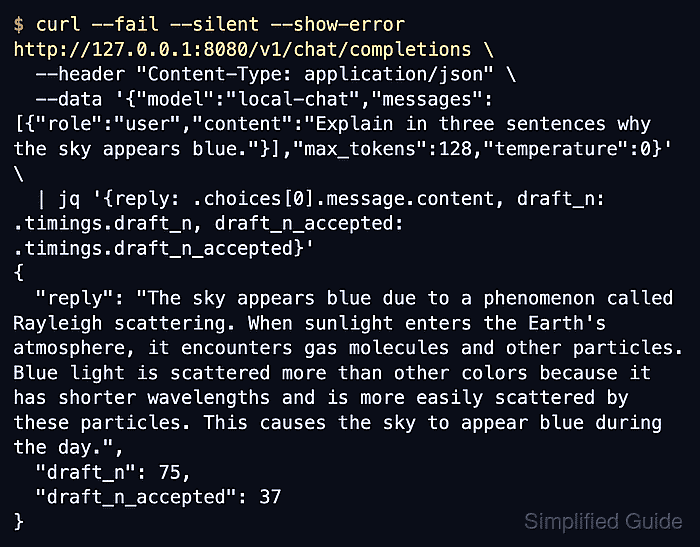
- Request a generated reply with its draft-token acceptance counts from a second terminal. Example output:
$ curl --fail --silent --show-error http://127.0.0.1:8080/v1/chat/completions \
  --header "Content-Type: application/json" \
  --data '{"model":"local-chat","messages":[{"role":"user","content":"Explain in three sentences why the sky appears blue."}],"max_tokens":128,"temperature":0}' \
  | jq '{reply: .choices[0].message.content, draft_n: .timings.draft_n, draft_n_accepted: .timings.draft_n_accepted}'
{
  "reply": "The sky appears blue due to a phenomenon called Rayleigh scattering. When sunlight enters the Earth's atmosphere, it encounters gas molecules and other particles. Blue light is scattered more than other colors because it has shorter wavelengths and is more easily scattered by these particles. This causes the sky to appear blue during the day.",
  "draft_n": 75,
  "draft_n_accepted": 37
}
The request uses the local-chat alias from server startup. draft_n counts drafted tokens, and draft_n_accepted counts tokens the main model accepted. A nonempty reply and positive values for both counters show that the server generated text using accepted draft tokens. Zero accepted tokens means that none were accepted for that request; missing or null counters do not confirm active speculation. Reply wording and counts vary with the prompt and build.