A Grafana service account token gives an automation job a bearer credential for Grafana HTTP API requests without tying access to a human user. Creating the token from the Service accounts screen is useful when a script, Terraform provider, CI job, or dashboard sync needs API access that can be rotated or disabled independently.
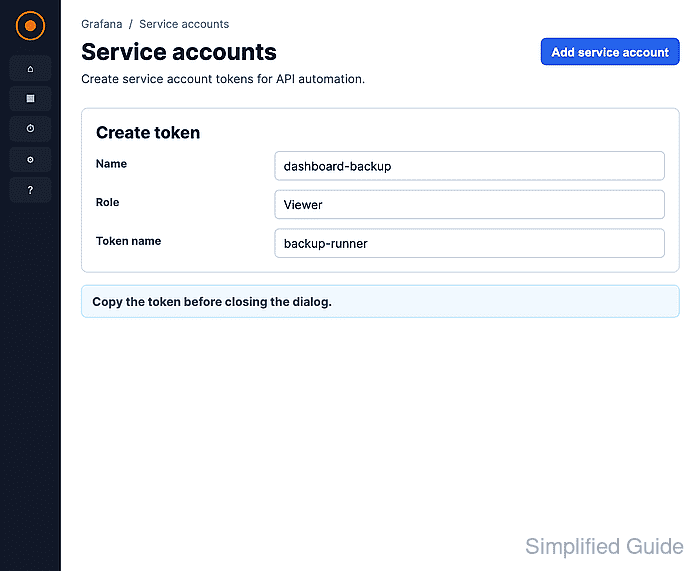
Service account tokens inherit the role and any extra permissions assigned to the service account. Choose the service account that already matches the automation job, and lower the role before generating the token when the job only needs read access.
Grafana shows the token secret only once. Copy it into the target secret store immediately, test a small API request, and check the token row so the credential is proven before the browser dialog is closed or the value is lost.
Steps to create a Grafana service account token:
- Open Administration → Users and access → Service accounts.
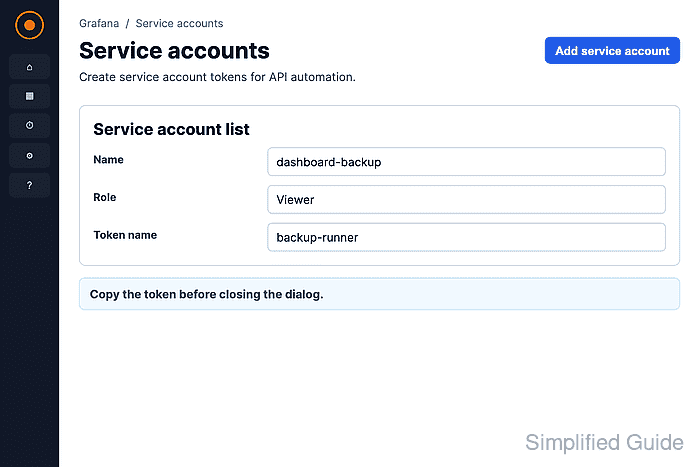
- Click the service account that should own the token.
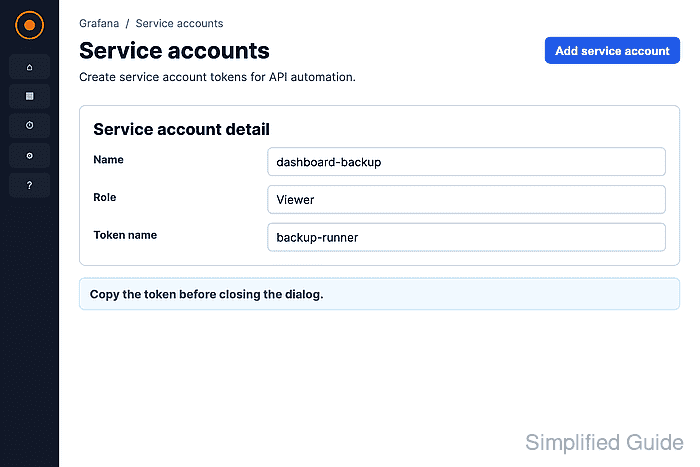
Use a service account whose role matches the automation. The screenshot uses Viewer for a read-only dashboard sync.
- Click Add service account token under Tokens.
- Enter a display name for the token.
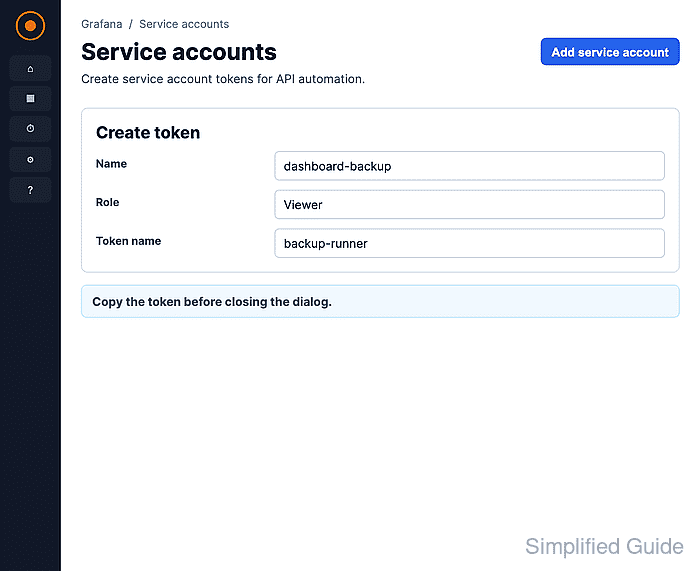
Use a name that identifies the client or job, such as ci-dashboard-sync-token.
- Select an expiration choice for the token.
Grafana permits No expiration unless an administrator configures token_expiration_day_limit. Set a short expiration when the token is temporary or easy to rotate.
- Click Generate token.
Copy the token immediately. Grafana does not show the secret again after this dialog is closed.
- Store the token in the client secret store.
Use the CI secret store, deployment secret manager, or application vault. Do not paste the token into scripts, dashboard JSON, shell history, or source control.
- Test the token against a simple Grafana API endpoint.
$ curl --header "Authorization: Bearer glsa_xxxxxxxxxxxxxxxxxxxxxxxxxxxxxxxx_01234567" https://grafana.example.com/api/org {"id":1,"name":"Main Org.","address":{"address1":"","address2":"","city":"","zipCode":"","state":"","country":""}} - Return to the service account and check the token row.
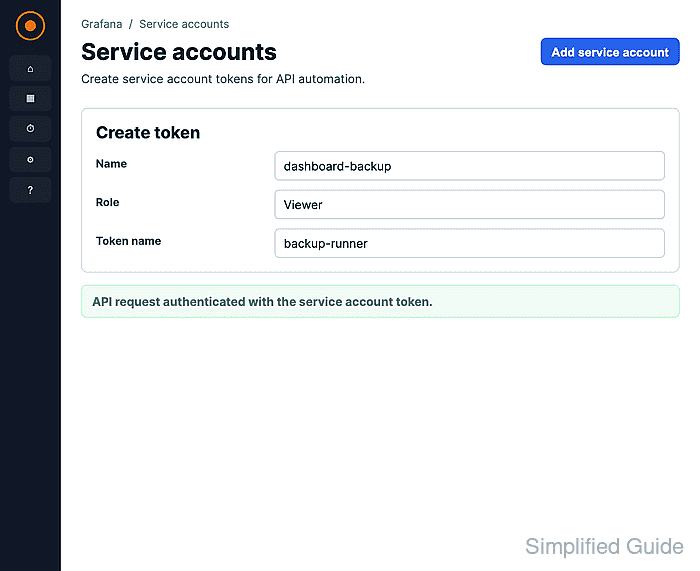
Last used at should update after a successful API request. If it stays Never, confirm the client used this new token and the same Grafana organization.

Mohd Shakir Zakaria is a cloud architect with deep roots in software development and open-source advocacy. Certified in AWS, Red Hat, VMware, ITIL, and Linux, he specializes in designing and managing robust cloud and on-premises infrastructures.


