Remote Git branches that remain after a review or release make shared branch lists harder to scan and can invite new work on a retired branch. Delete the remote branch only after it has been merged, superseded, or intentionally abandoned, because the command removes the shared branch name from the server.
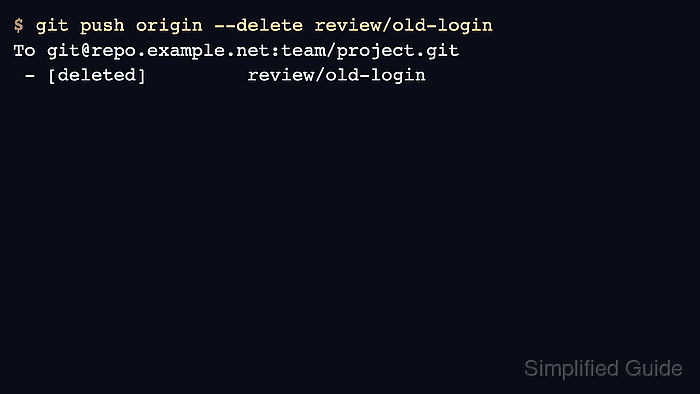
git push <remote> –delete <branch> sends a delete request for the named branch ref on the remote repository. It does not delete a same-named local branch, and other clones may keep stale origin/<branch> remote-tracking names until they fetch or prune.
These steps assume the terminal is inside a clone with push permission to origin and that origin/main is the branch that should already contain the work. Replace those names for repositories that use another remote or default branch; a protected branch or missing permission should produce a server rejection instead of a deletion.
Related: How to merge a Git branch into main
Related: How to delete a local Git branch
Related: How to prune stale remote branches in Git
Steps to delete a remote Git branch:
- Open a terminal inside the repository clone that has access to the remote branch.
- Fetch the current remote refs before checking merge state.
$ git fetch origin
- Confirm that the remote branch is already merged into the remote default branch.
$ git branch -r --merged origin/main
  origin/main
  origin/review/old-login
If origin/review/old-login does not appear here, do not delete it unless the branch is intentionally being retired with unmerged work.
Replace origin/main with the remote branch that should contain the work before cleanup.
- Delete the branch from the remote repository.
This removes the shared branch name from the remote. Confirm the branch name before pressing Enter, especially when the name is close to main, release, or another protected branch.
$ git push origin --delete review/old-login
To git@repo.example.net:team/project.git
 - [deleted]         review/old-login
git branch -r -d origin/review/old-login only deletes a local remote-tracking name. Use git push origin –delete when the branch must be removed from the remote repository itself.
- Refresh local remote-tracking refs after the remote deletion.
$ git fetch --prune origin
Other clones should also fetch with pruning, or run the separate stale-branch cleanup, before their git branch -r output stops showing the deleted branch.
- Confirm that the deleted branch no longer appears in the remote-tracking list.
$ git branch -r
  origin/main
- Ask the remote directly for the deleted branch when an absence check is needed for handoff or review notes.
$ git ls-remote --heads origin review/old-login
No output from git ls-remote --heads means the remote no longer advertises that branch name.

Mohd Shakir Zakaria is a cloud architect with deep roots in software development and open-source advocacy. Certified in AWS, Red Hat, VMware, ITIL, and Linux, he specializes in designing and managing robust cloud and on-premises infrastructures.


