Closing a raw firewalld port removes a zone allowance for traffic that was opened by port number rather than by service name. Check both runtime and permanent configuration before changing it, because a port can be active now but absent from the saved configuration, or saved permanently but not loaded into the running firewall yet.
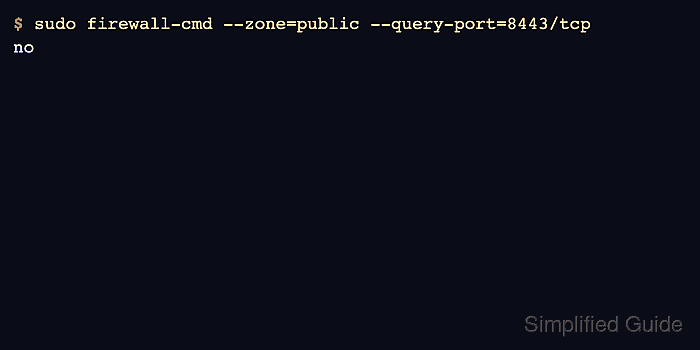
The example closes TCP port 8443 in the public zone. Removing a port rule does not stop the application listener; it only removes the firewalld allowance that let clients reach that listener through the selected zone.
Remove the runtime rule for immediate effect and the permanent rule so the port does not return after a reload. If the same traffic is allowed through a service, rich rule, source zone, policy, or direct rule, remove or narrow that separate allowance as part of the same change window.
Related: Open a permanent port in firewalld
Related: Remove a service from firewalld
Related: Troubleshoot blocked firewalld connections
Steps to close a firewalld port:
- Confirm that firewalld is running before changing zone rules.
$ sudo firewall-cmd --state
running
- Identify the zone that currently handles the traffic.
$ sudo firewall-cmd --get-active-zones
public (default)
  interfaces: enp1s0
Related: Check active firewalld zones
- Check whether the port is open in the runtime zone.
$ sudo firewall-cmd --zone=public --query-port=8443/tcp
yes
- Check whether the same port is saved permanently.
$ sudo firewall-cmd --permanent --zone=public --query-port=8443/tcp
yes
- Remove the runtime port rule for immediate effect.
$ sudo firewall-cmd --zone=public --remove-port=8443/tcp
success
If the runtime query already printed no, continue with the permanent removal so the port does not appear after the next reload.
- Remove the permanent port rule.
$ sudo firewall-cmd --permanent --zone=public --remove-port=8443/tcp
success
- Validate the saved firewalld configuration.
$ sudo firewall-cmd --check-config
success
- Reload firewalld so runtime state matches the saved policy.
$ sudo firewall-cmd --reload
success
- Verify that the port is absent from runtime rules.
$ sudo firewall-cmd --zone=public --query-port=8443/tcp
no
- Verify that the port is absent from permanent rules.
$ sudo firewall-cmd --permanent --zone=public --list-ports
An empty result means no raw ports are saved in that zone. Services or rich rules can still allow traffic on the same port.
- Test from a client path that previously reached the port.
$ nc -vz -w 2 app01.example.net 8443
nc: connect to app01.example.net port 8443 (tcp) failed: Connection timed out
If the client still connects, inspect services, rich rules, source-zone bindings, policies, direct rules, upstream firewalls, and the application listener path before treating the port as closed.

Mohd Shakir Zakaria is a cloud architect with deep roots in software development and open-source advocacy. Certified in AWS, Red Hat, VMware, ITIL, and Linux, he specializes in designing and managing robust cloud and on-premises infrastructures.


