A firewalld forward port lets a host receive traffic on one IPv4 port and send it to another local port or another IPv4 address. The rule belongs in the zone that receives the incoming packet, so the first check is the active traffic path rather than the port number alone.
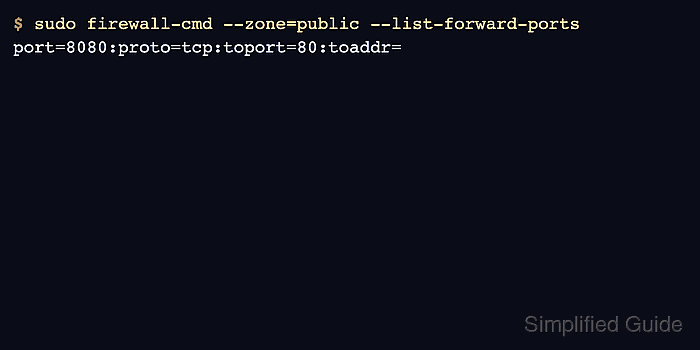
The example forwards TCP port 8080 in the public zone to local TCP port 80. A local forward needs only toport, while a remote destination also needs toaddr and working routing between the firewall host and the destination.
Forward-port entries are IPv4 objects in firewalld. Use rich rules for IPv6 forwarding, and avoid using a forward port as a substitute for an application listener check because the destination service must already accept traffic after the packet is translated.
Related: Check active firewalld zones
Related: Configure NAT masquerading with firewalld
Related: Troubleshoot blocked firewalld connections
Steps to configure firewalld port forwarding:
- Confirm that firewalld is running before adding the forwarding rule.
$ sudo firewall-cmd --state
running
- Identify the zone that receives the incoming connection.
$ sudo firewall-cmd --get-active-zones
public (default)
  interfaces: enp1s0
Related: Check active firewalld zones
- Confirm that the destination service answers on the translated port.
$ curl -sS http://127.0.0.1:80/
app01 web service
For a remote destination, run the same check from the firewall host to the toaddr and toport that will receive forwarded traffic.
- Add the forward port to the permanent zone configuration.
$ sudo firewall-cmd --permanent --zone=public --add-forward-port=port=8080:proto=tcp:toport=80
success
Use toaddr only when forwarding to another IPv4 host, such as port=8080:proto=tcp:toport=80:toaddr=10.20.0.25. Forwarding to another host can also require kernel forwarding, route checks, and return-path NAT.
- Validate the permanent firewalld configuration.
$ sudo firewall-cmd --check-config
success
- Reload firewalld so the saved forward port becomes active.
$ sudo firewall-cmd --reload
success
A reload replaces runtime-only changes with permanent configuration. Add the forward port permanently before relying on it after maintenance.
- List the active forward ports in the zone.
$ sudo firewall-cmd --zone=public --list-forward-ports
port=8080:proto=tcp:toport=80:toaddr=
- Query the exact forward-port entry.
$ sudo firewall-cmd --zone=public --query-forward-port=port=8080:proto=tcp:toport=80
yes
- Request the forwarded port from a client path that enters the same zone.
$ curl -sS http://app01.example.net:8080/
app01 web service
- Check the destination service logs or listener counters when the client request fails.
$ sudo ss -ltn sport = :80
State  Recv-Q Send-Q Local Address:Port Peer Address:Port
LISTEN 0      511          0.0.0.0:80        0.0.0.0:*
If firewalld lists the forward port but the client still cannot connect, check the destination listener, routing, application bind address, and upstream firewalls before adding broader rules.

Mohd Shakir Zakaria is a cloud architect with deep roots in software development and open-source advocacy. Certified in AWS, Red Hat, VMware, ITIL, and Linux, he specializes in designing and managing robust cloud and on-premises infrastructures.


