Upgrading a service managed by Docker Compose means changing the image or service definition that Compose resolves, then recreating the affected container on the new target instead of editing the running container by hand.
Docker Compose can render the exact image it will use after env-file and Compose-file interpolation, pull that image before container replacement, and then wait for the recreated service to become running or healthy. That keeps the upgrade path explicit and makes it easier to stop before replacing a working container with the wrong tag.
Recreating a service does not roll back schema changes, named-volume contents, or bind-mounted application data if the new release fails. Any upgrade that changes persistent data still needs a matching rollback plan before traffic returns.
Steps to run a Docker Compose upgrade workflow:
- Change into the Compose project directory that contains the active compose.yaml and env files.
$ cd /srv/example-stack
- Update the image tag in the file that controls the target service image.
APP_IMAGE=nginx:1.28-alpine
The same workflow applies when the image reference is pinned directly in compose.yaml instead of an env file.
- Print the resolved image names before touching the running container.
$ docker compose config --images
nginx:1.28-alpine
docker compose config –images shows the image names after variable interpolation, which catches a wrong tag before the recreate step replaces the working container.
- Pull the new image for the service that is being upgraded.
$ docker compose pull app
 Image nginx:1.28-alpine Pulling
 Image nginx:1.28-alpine Pulled
docker compose pull downloads the updated image without restarting the current container first. Add –include-deps when dependent services also need matching image updates in the same change window.
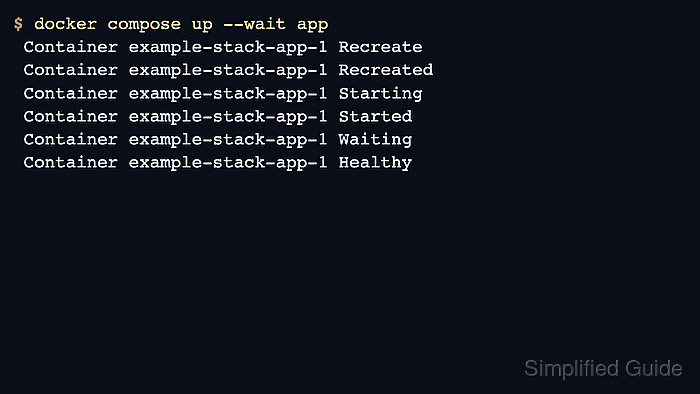
- Recreate the service on the new image and wait for it to become healthy.
$ docker compose up --wait app
 Container example-stack-app-1 Recreate
 Container example-stack-app-1 Recreated
 Container example-stack-app-1 Starting
 Container example-stack-app-1 Started
 Container example-stack-app-1 Waiting
 Container example-stack-app-1 Healthy
The –wait option blocks until the service reaches a running or healthy state according to the Compose model.
Container recreation does not roll back named volumes, bind mounts, or database changes made by the new release. When persistent data changes are part of the upgrade, keep the matching application rollback procedure ready before reopening production traffic.
- Check that the recreated container is now using the expected image tag.
$ docker compose images app
CONTAINER             REPOSITORY          TAG                 PLATFORM       IMAGE ID        SIZE     CREATED
example-stack-app-1   nginx               1.28-alpine         linux/amd64    feb29ad4d53f    61.4MB   3 weeks ago
docker compose images lists the images used by the created containers, which makes it a fast post-upgrade tag check.
- Confirm that the upgraded service is up and still publishing the expected port.
$ docker compose ps app
NAME                  IMAGE               COMMAND                  SERVICE   CREATED         STATUS                    PORTS
example-stack-app-1   nginx:1.28-alpine   "/docker-entrypoint.…"   app       8 seconds ago   Up 6 seconds (healthy)    0.0.0.0:8080->80/tcp, [::]:8080->80/tcp
- Request the application entry point to confirm a successful response after the recreate step.
$ curl -I -sS http://127.0.0.1:8080
HTTP/1.1 200 OK
Server: nginx/1.28.3
Date: Thu, 16 Apr 2026 09:05:57 GMT
Content-Type: text/html
Content-Length: 615
##### snipped #####
Use the normal application health endpoint, login page, or smoke-test URL when the service does more than return a static web page.

Mohd Shakir Zakaria is a cloud architect with deep roots in software development and open-source advocacy. Certified in AWS, Red Hat, VMware, ITIL, and Linux, he specializes in designing and managing robust cloud and on-premises infrastructures.


