Code samples in documentation need to preserve indentation without forcing the whole page wider than the viewport. A CSS style on the code block keeps the text readable and contains long lines inside their own scroll area.
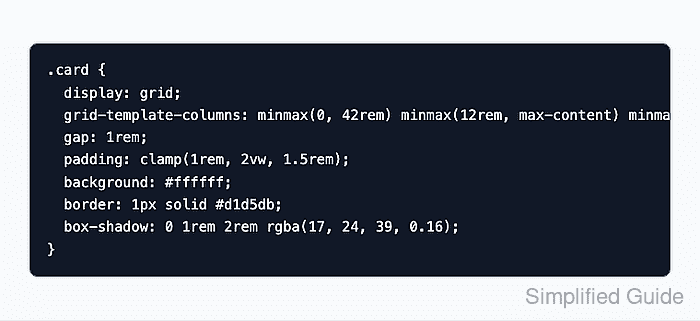
The pre element preserves spaces and line breaks, while the nested code element identifies the text as source code. Applying the background, padding, and scrolling to pre gives the entire sample one surface instead of styling each line separately.
Long lines must also be reachable without a mouse. A keyboard-focusable block with a visible outline lets readers move through the code with the arrow keys while the surrounding page stays in place.
Steps to style a CSS code block:
- Create code-block.html in your text editor with the following HTML structure.
<!doctype html>
<html lang="en">
<head>
  <meta charset="utf-8">
  <meta name="viewport" content="width=device-width, initial-scale=1">
  <title>Code block</title>
  <link rel="stylesheet" href="code-block.css">
</head>
<body>
  <h1>Code block</h1>
  <p>The code scrolls inside its border.</p>
</body>
</html>
- Insert the code sample immediately after the h1 element in code-block.html.
  <pre class="code-block" tabindex="0" role="region" aria-label="CSS code sample"><code>.card {
  display: grid;
  grid-template-columns: minmax(0, 42rem) minmax(12rem, max-content) minmax(8rem, 1fr);
  gap: 1rem;
}</code></pre>
tabindex="0" puts the block in the keyboard tab order. The named region gives screen readers context for the scroll area. Spaces inside pre are literal, so the sample starts immediately after the opening code tag. HTML samples need < for a literal less-than sign and & for a literal ampersand.
- Create code-block.css beside the HTML file with the block layout and colors.
body {
  margin: 2rem;
  max-inline-size: 36rem;
  font: 1rem/1.5 system-ui, sans-serif;
}

.code-block {
  box-sizing: border-box;
  max-inline-size: 100%;
  overflow-x: auto;
  white-space: pre;
  tab-size: 2;
  padding: 1rem;
  border: 1px solid #374151;
  border-radius: 0.5rem;
  background: #111827;
  color: #f9fafb;
  font: 1rem/1.6 ui-monospace, SFMono-Regular, Menlo, Consolas, monospace;
}
white-space: pre prevents wrapping, and overflow-x: auto makes overflowing lines scroll within the block. box-sizing: border-box includes padding and borders in its maximum width. The body width makes the long line overflow even on a wide screen. The text and background colors exceed the 4.5:1 contrast threshold for normal text.
Related: How to fix CSS horizontal overflow - Append the inherited text styles and keyboard focus outline at the end of code-block.css.
.code-block code {
  font: inherit;
  color: inherit;
}

.code-block:focus-visible {
  outline: 3px solid #2563eb;
  outline-offset: 3px;
}
The nested code uses the block's font, line height, and color. The blue outline identifies the scroll area when keyboard navigation gives it focus.
Related: How to style keyboard focus with CSS - Save code-block.html and code-block.css in the same folder.
- Open code-block.html in your browser.
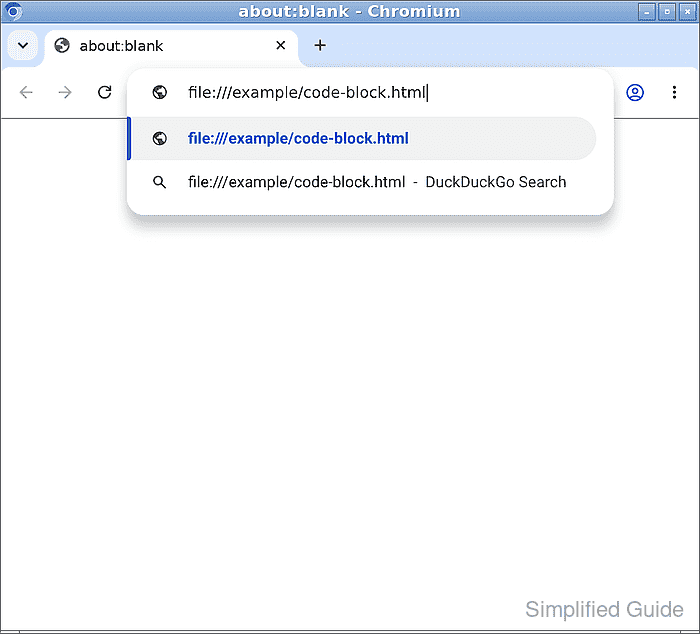
The file address depends on the folder where you saved it. The block should have a dark background, indented monospace text, and a horizontal scrollbar. If it appears unstyled, the stylesheet filename and folder must match the HTML link.
- Focus the code block with the Tab key.
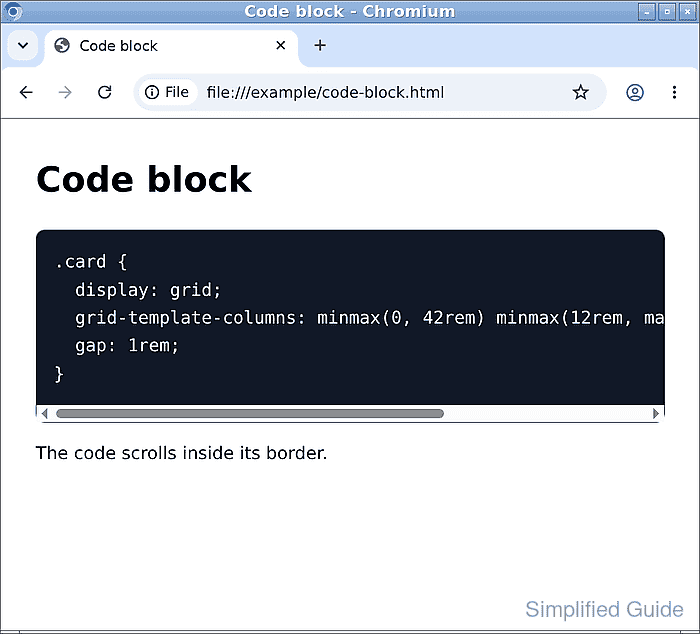
The blue outline appears when the block receives keyboard focus.
- Hold the Right Arrow key until the code block reaches the end of the long line.
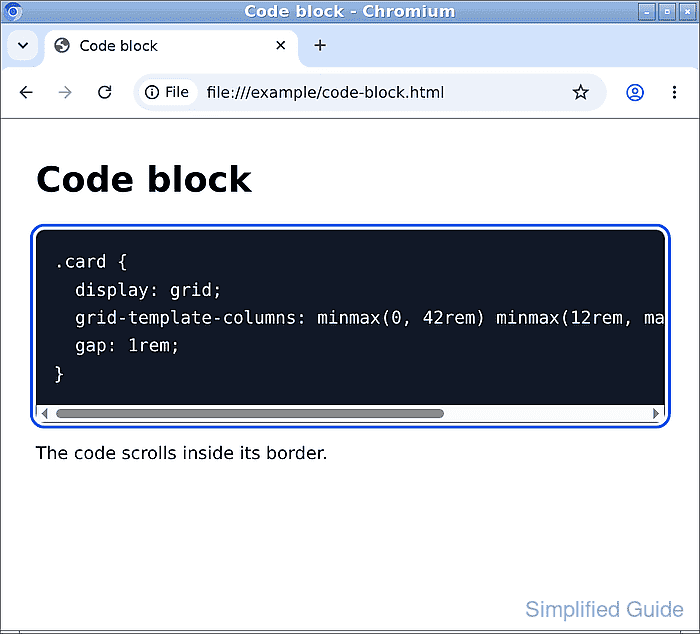
- Confirm the final minmax(8rem, 1fr); is visible while the heading and text below the block stay in place.
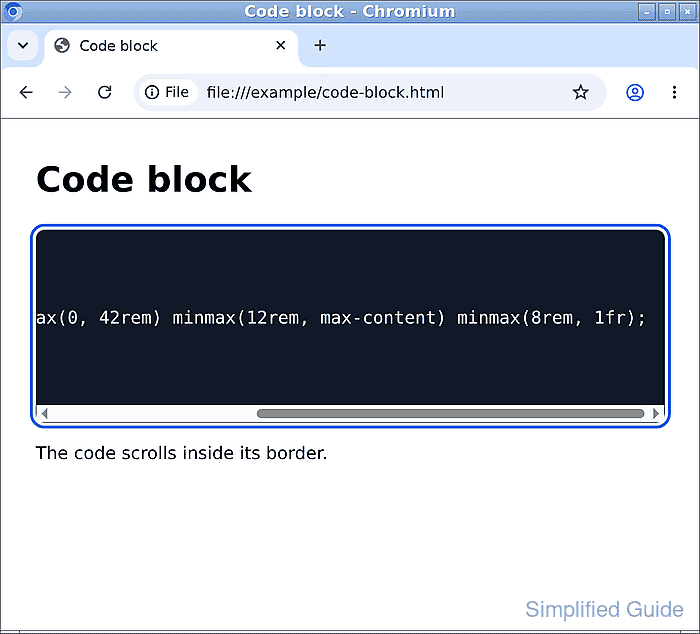
The line remains unwrapped inside its own scroll area. The shorter lines move out of view as the block scrolls right; the page itself should have no horizontal scrollbar.