Conditionals let a Bash script choose a path based on the state it sees at runtime. File checks, empty argument checks, numeric comparisons, and command exit statuses all become safer when the script tests them explicitly before continuing.
The common form is if ...; then ... elif ...; else ... fi. For file and string checks, the portable test command is written as [ condition ], while commands inside the condition are judged by their exit status.
The example checks whether the argument is missing, points to a non-empty file, points to an empty file, or names a path that does not exist. It uses real files so each branch can be verified from command output instead of only reading the script.
Related: How to create and run a Bash script
Related: How to debug a Bash script
Steps to use conditionals in Bash scripts:
- Create the script with an argument check and file-state branches.
- check-input.sh
#!/usr/bin/env bash
set -euo pipefail

input=${1:-}

if [ -z "$input" ]; then
    printf "status=missing-path\n"
    exit 2
fi

if [ -f "$input" ] && [ -s "$input" ]; then
    printf "status=ready\n"
elif [ -f "$input" ]; then
    printf "status=empty-file\n"
else
    printf "status=not-found\n"
fi
-f checks for a regular file, -s checks that the file exists and has a size greater than zero, and -z checks for an empty string.
- Create an empty file for the empty-file branch.
$ touch empty.txt
- Create a non-empty file for the ready branch.
$ printf "ready\n" > ready.txt
- Check the script syntax.
$ bash -n check-input.sh
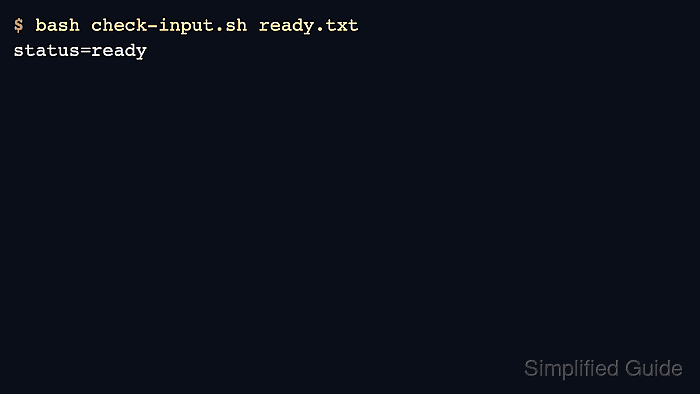
- Verify the non-empty file branch.
$ bash check-input.sh ready.txt
status=ready
- Verify the empty-file branch.
$ bash check-input.sh empty.txt
status=empty-file
- Verify the not-found branch.
$ bash check-input.sh missing.txt
status=not-found
Keep the missing-argument branch separate from the missing-file branch so callers can tell the difference between bad input and a path that does not exist.
- Verify the missing-argument branch.
$ bash check-input.sh
status=missing-path
The script exits with status 2 after printing this output, so another script can treat missing input as a caller error.
- Remove the sample files when the branch tests are finished.
$ rm -f check-input.sh empty.txt ready.txt

Mohd Shakir Zakaria is a cloud architect with deep roots in software development and open-source advocacy. Certified in AWS, Red Hat, VMware, ITIL, and Linux, he specializes in designing and managing robust cloud and on-premises infrastructures.


