How to set the PATH environment variable in Zsh
In Zsh, PATH controls where the shell searches when a command name is typed without a full path. Adding a personal directory such as $HOME/bin lets scripts and local tools run like ordinary commands while keeping their files under the user's home directory.
A temporary export affects only the current shell process. A line in ~/.zshrc loads for new interactive Zsh terminals, which is usually the right place for command-line tools that are used from terminal sessions.
A small path-check command proves lookup through PATH before the change is kept in the startup file. Remove that test command after verification if it was created only for the check, and keep system directories first when a local command should not override a packaged one.
Related: How to manage PATH with the Zsh path array
Related: How to configure Zsh startup files
Steps to set the PATH environment variable in Zsh:
- Create the directory that should be added to PATH.
$ mkdir -p "$HOME/bin"
- Create a temporary command for verification if the directory does not already contain one.
- ~/bin/path-check
#!/bin/sh
echo path-check-ready
- Make the temporary command executable.
$ chmod +x "$HOME/bin/path-check"
- Review the current PATH order before changing it.
$ print -r -- $PATH
/usr/local/sbin:/usr/local/bin:/usr/sbin:/usr/bin:/sbin:/bin
- Prepend the directory for the current Zsh session.
$ export PATH="$HOME/bin:$PATH"
Prepending makes commands in $HOME/bin win over matching commands later in PATH. Append the directory instead when system commands should take priority.
- Confirm that Zsh now finds the command through PATH.
$ command -v path-check
/home/operator/bin/path-check
- Add the same PATH line to ~/.zshrc for future interactive Zsh terminals.
- ~/.zshrc
export PATH="$HOME/bin:$PATH"
Use ~/.zprofile instead when the value must be present for login shells before interactive settings load. Related: How to configure Zsh startup files
- Check the startup file for syntax errors.
$ zsh -n ~/.zshrc
No output from zsh -n means Zsh parsed the file without finding a syntax error.
- Start a fresh interactive Zsh process and verify that the command is found.
$ zsh -ic 'command -v path-check'
/home/operator/bin/path-check
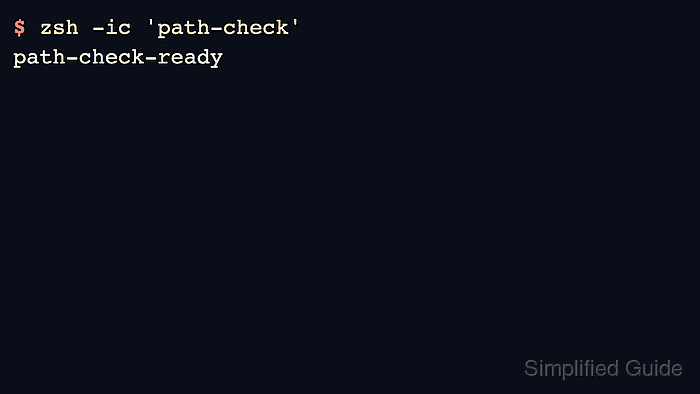
- Run the command from a fresh interactive Zsh process.
$ zsh -ic 'path-check'
path-check-ready
- Remove the temporary command if it was created only for verification.
$ rm -f "$HOME/bin/path-check"