How to enable proprietary drivers in Ubuntu
Proprietary drivers, also known as closed-source drivers, are developed by hardware manufacturers to optimize performance on specific devices. In Ubuntu, these specialized drivers can significantly enhance certain hardware operations, especially for tasks requiring heavy graphics processing. They are often designed to leverage advanced features within GPUs and other components.
By default, Ubuntu uses opeWhile Ubuntu typically ships with open-source drivers, these drivers may not always provide the full range of functionality or performance optimizations offered by proprietary counterparts. The Additional Drivers tool within Ubuntu is a valuable resource for identifying and installing these specialized drivers. Users can achieve better system stability and hardware compatibility by selecting the appropriate driver for their setup.
However, these closed-source drivers are often less transparent and may not receive updates as consistently as open-source alternatives. Vigilant monitoring of new driver releases is advisable to ensure both security and performance. Users are encouraged to evaluate whether any enhancements offered by closed-source software outweigh potential downsides, considering their specific hardware needs and usage patterns.
Steps to enable proprietary drivers in Ubuntu:
- Press the Super (Windows) key on your keyboard to open the Dash.
- Search for and open Software & Updates.
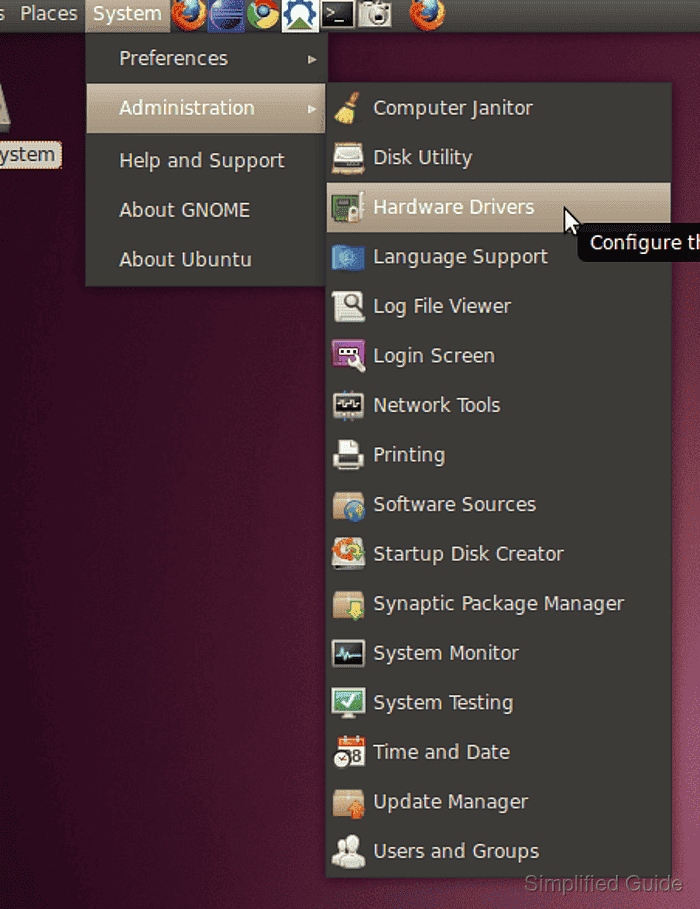
- Go to the Additional Drivers tab.
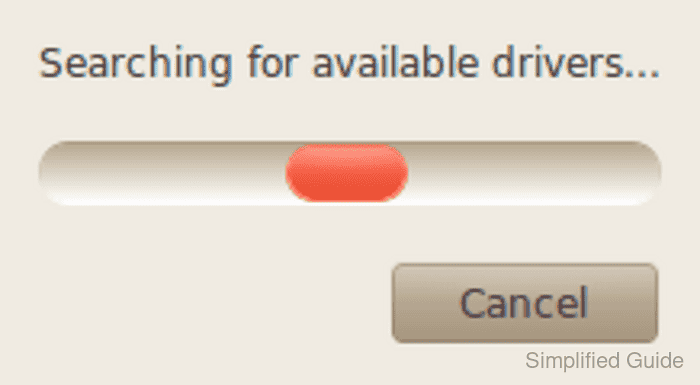
- Wait while the system scans for available drivers.
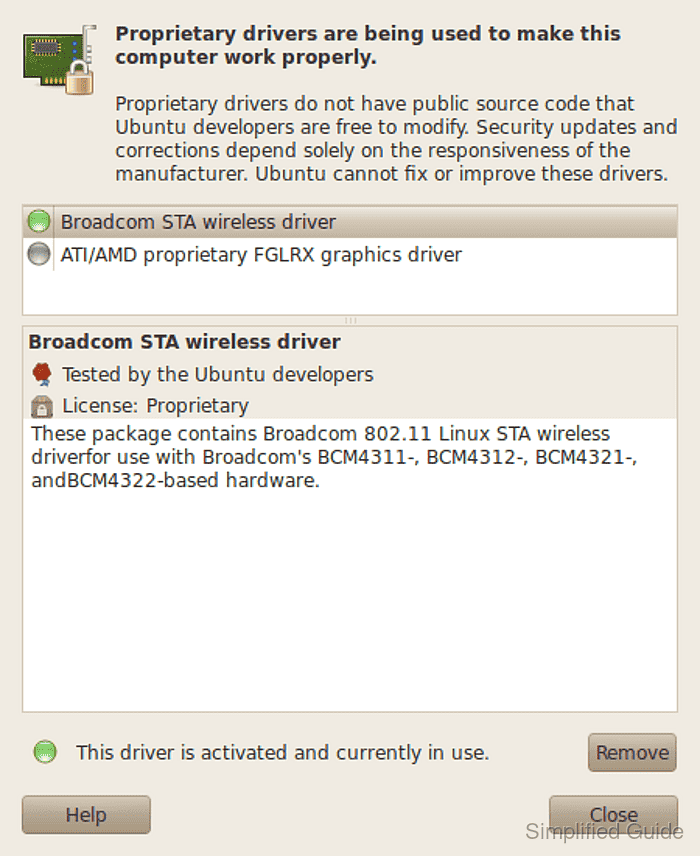
- Choose the proprietary driver you need.
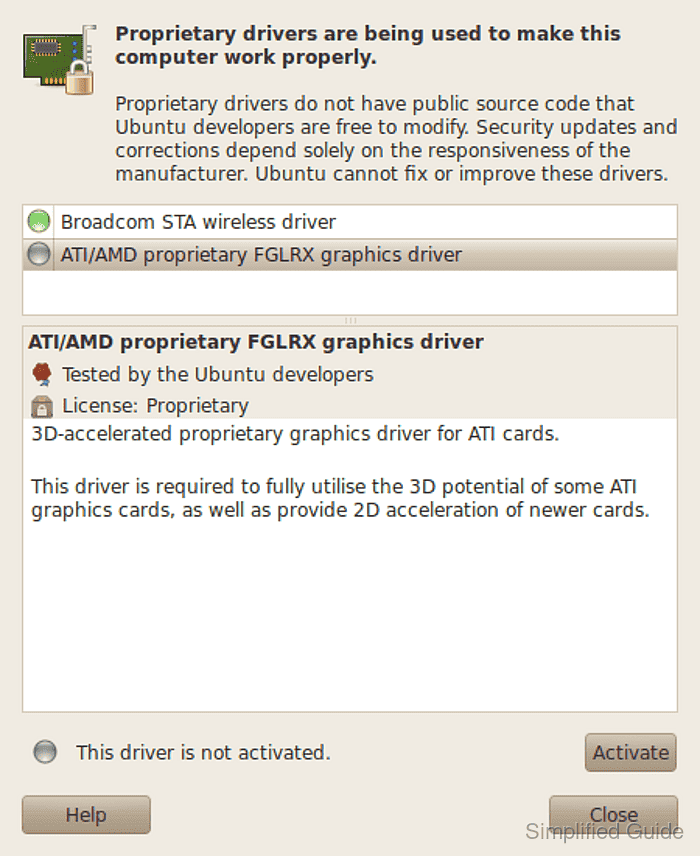
- Click Apply Changes and authenticate if prompted.
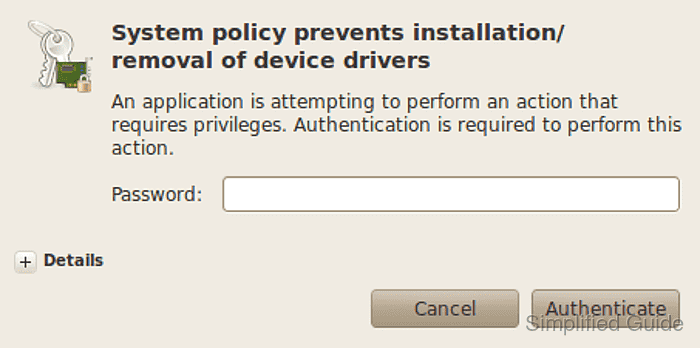
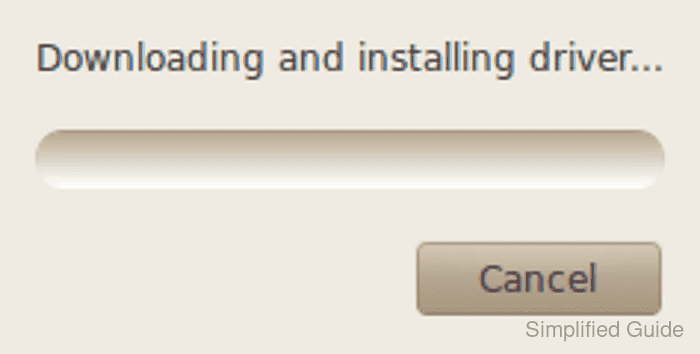
- Wait for the changes to be applied.
- Restart your computer to activate the driver.
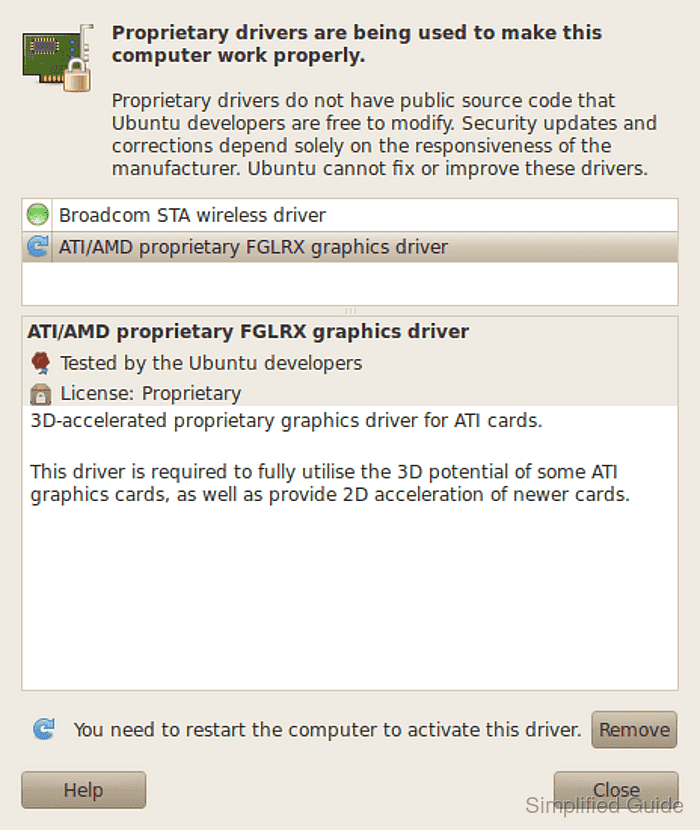
If you experience any issues after enabling a proprietary driver, you can revert to the open-source driver by following the same steps and selecting the previous driver.
While proprietary drivers might offer better performance, they might not receive updates as frequently as open-source counterparts. Ensure you monitor for updates regularly to keep your system secure and performing well.
This guide is tested on Ubuntu:
| Version | Code Name |
|---|---|
| 22.04 LTS | Jammy Jellyfish |
| 23.10 | Mantic Minotaur |
| 24.04 LTS | Noble Numbat |