How to check systemd journal size
Checking the systemd journal size shows how much local disk space log history is using before it starts crowding package installs, service data, or application writes on the same host.
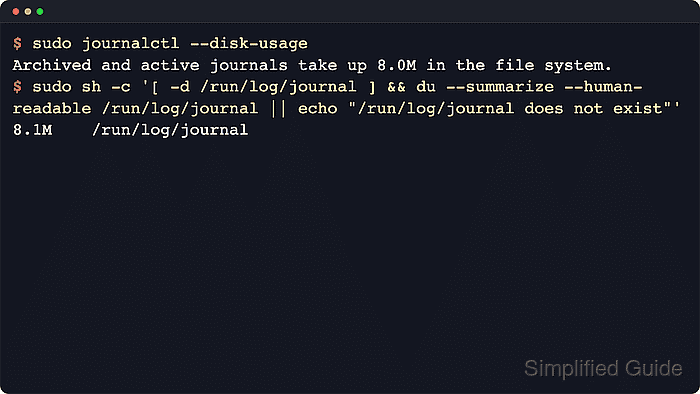
The systemd-journald service keeps one active journal file open and rotates older data into archived journal files. journalctl –disk-usage reports the combined size of both, so it is the fastest way to see the current journal footprint without inspecting individual files first.
Large totals often come from older boots or from persistent storage under /var/log/journal. With the common Storage=auto default, journald keeps logs across reboots only when that directory exists; otherwise it uses /run/log/journal, which is cleared at boot.
Steps to check systemd journal size:
- Display the total space used by the journal.
$ journalctl --disk-usage
Archived and active journals take up 397.4M in the file system.
The reported total includes both active and archived journal files. If the host restricts access to the system journal, run the same command with sudo.
- Compare the persistent and runtime journal directories directly.
$ sudo du -sh /var/log/journal /run/log/journal
396M	/var/log/journal
1.6M	/run/log/journal
Most retained history usually sits under /var/log/journal. A missing path means journald is not currently using that storage location.
- List recorded boots when older journal history may be contributing to the total size.
$ journalctl --list-boots
IDX BOOT ID                          FIRST ENTRY                 LAST ENTRY
-33 8f4c6d033d4a4b3c95116b569f41e38e Thu 2024-12-05 06:05:01 +08 Thu 2024-12-05 06:08:53 +08
##### snipped
 -1 4be311dc71b541c1b9a2b25de3f7b21d Thu 2026-01-15 19:15:36 +08 Thu 2026-01-15 19:17:13 +08
  0 7156547e29904aa0a41f53a8127d2298 Wed 2026-04-22 05:22:52 +08 Wed 2026-04-22 05:23:38 +08
Entries older than 0 mean the host is still keeping journal files from previous boots, and those files add directly to the total reported by journalctl –disk-usage.