How to run a program as another user using sudo
Running one command as another Linux account keeps service-file ownership and application paths tied to that account without opening a full login session. When an administrator needs to test a service user's access or create a file with that user's ownership, sudo -u executes only the requested program under the target user and then returns to the original shell.
The --user option, commonly written as sudo -u <user>, changes the run-as user from the policy default, which is usually root, to the named account or numeric UID. The sudoers policy still decides whether the invoking account may run that command as that target user, so a valid command line can still be denied before the program starts.
Examples below use a deployer account that is allowed to run selected commands as appuser. Replace those names with the local account that is requesting access and the service or application account that should own the resulting process or file. Use sudo -H -u when the program reads or writes files under the target user's home directory.
Steps to run a program as another user using sudo:
- Confirm the account that will request sudo access.
$ whoami
deployer
- Run a harmless identity command as the target user.
$ sudo -u appuser whoami
appuser
If sudo prompts for a password, enter the invoking user's password unless a NOPASSWD rule covers the command.
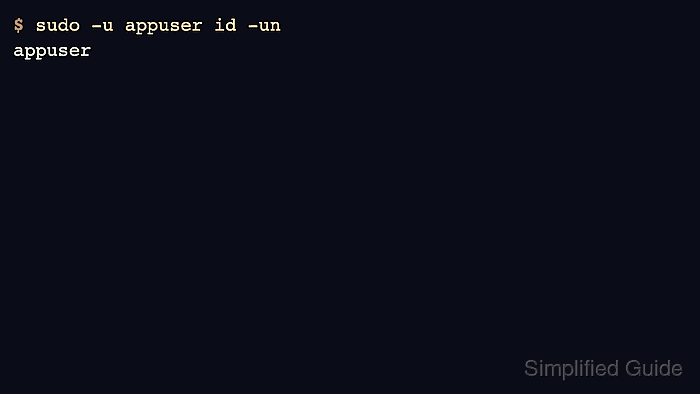
- Verify the effective user with id before running a command that changes files or service state.
$ sudo -u appuser id -un
appuser
A sudoers rule that only permits root or a different run-as user will fail here before the command starts.
- Set the target account's home directory when the program depends on files below $HOME.
$ sudo -H -u appuser printenv HOME
/home/appuser
-H requests the home directory from the target user's password database entry. Some sudoers policies already do this by default, but using the option makes the command's expectation explicit.
- Run the intended program as the target user.
$ sudo -u appuser touch /srv/app/created-by-sudo
The program runs with the target user's file permissions. Check the command path and arguments before using this pattern with scripts, package managers, or service-control commands.
- Verify the result from a normal shell.
$ ls -l /srv/app/created-by-sudo
-rw-r--r-- 1 appuser appuser 0 Jun  5 01:28 /srv/app/created-by-sudo