How to configure Screen scrollback
Long command output inside Screen can disappear from the visible terminal while the session keeps running, especially during builds, log reviews, and remote maintenance. Increasing the scrollback buffer gives each Screen window more history to search and copy after output has moved off screen.
Screen stores scrollback per window. The scrollback command changes the current window's buffer, while defscrollback changes the default applied to windows created after the setting is loaded.
Check the active value before changing it because GNU Screen's built-in default is small, while packaged system files or an existing ~/.screenrc can set a larger value. A larger buffer uses more memory per busy window, so choose a size that covers the output you need to inspect instead of turning every session into an unlimited log store.
Related: How to use copy mode in Screen
Related: How to save Screen scrollback to a file
Related: How to reload the Screen config
Steps to configure Screen scrollback:
- Confirm the target session and window before changing scrollback.
$ screen -ls
There is a screen on:
        12345.work      (Detached)
1 Socket in /run/screen/S-user.
The examples below target session work and window 0. Replace both values with the session and window shown in your environment.
- Query the current scrollback setting for the target window.
$ screen -S work -p 0 -Q info
(3,1)/(80,24)+1024 +(+)flow UTF-8 0(sh)
In the info output, the value after the plus sign is the scrollback depth for that window.
- Set the scrollback depth for the existing window.
$ screen -S work -p 0 -X scrollback 2000
scrollback 2000 changes only the selected existing window.
- Verify the selected window reports the new scrollback depth.
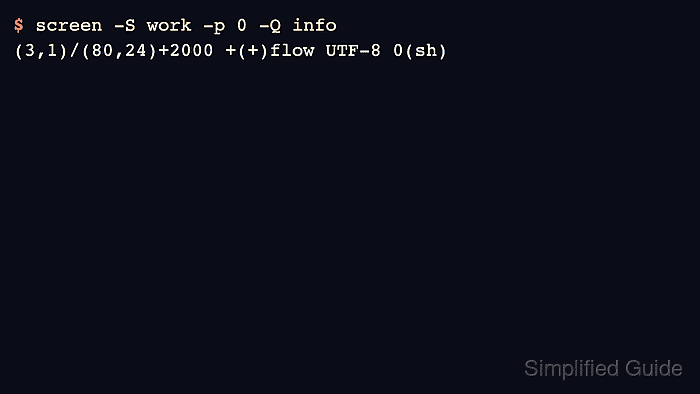
$ screen -S work -p 0 -Q info
(3,1)/(80,24)+2000 +(+)flow UTF-8 0(sh)
- Open the screenrc file that should define the default for new windows.
$ vi ~/.screenrc
User sessions normally read ~/.screenrc at startup unless $SCREENRC or screen -c points to another file.
- Add a default scrollback setting for future windows.
defscrollback 3000
defscrollback does not rewrite the buffer size of windows that already exist.
- Source the screenrc file into the running session.
$ screen -S work -X source ~/.screenrc
Related: How to reload the Screen config
- Create a new window after loading the default.
$ screen -S work -X screen -t logs
The new window receives the defscrollback value because it was created after the setting was sourced.
- Verify the new window uses the default scrollback size.
$ screen -S work -p logs -Q info
(3,1)/(80,24)+3000 +(+)flow UTF-8 1(logs)
- Confirm the earlier window kept its explicit scrollback size when that boundary matters.
$ screen -S work -p 0 -Q info
(3,1)/(80,24)+2000 +(+)flow UTF-8 0(sh)
Use copy mode with C-a [ to browse retained history in the selected window after generating enough output to fill more than one terminal screen.
Related: How to use copy mode in Screen