How to set the log level in Scrapy
Setting the Scrapy log level keeps crawler output readable and makes retries, errors, and shutdown statistics easier to spot during normal runs.
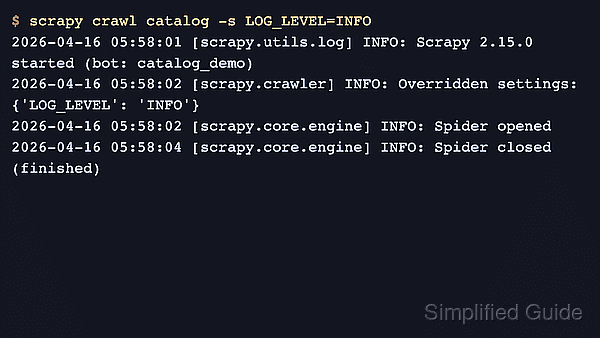
The LOG_LEVEL setting controls the minimum message severity that Scrapy writes to its configured log handler. Saving it in the project settings.py file changes the default for every spider in that project, while a command-line override still wins for a single crawl.
Current Scrapy releases still use DEBUG as the fallback log level. That is useful when tracing requests, middleware flow, or redirect handling, but it can flood long crawls with low-level messages; INFO is usually a better project default, and WARNING or higher can hide useful startup or finish details during troubleshooting.
Steps to set the log level in Scrapy:
- Open the project settings file from the Scrapy project root.
$ vi demo/settings.py
The file created by scrapy startproject is usually <project_name>/settings.py under the project root.
- Add or update the LOG_LEVEL setting with the minimum severity needed for routine crawls.
LOG_LEVEL = "INFO"
Supported values are CRITICAL, ERROR, WARNING, INFO, and DEBUG. A one-run override can still use scrapy crawl demo -s LOG_LEVEL=DEBUG without changing the project default.
Leaving a scheduled or long-running project at DEBUG can grow log files quickly and expose noisy request, retry, or middleware messages that are not useful for every crawl.
- Run a spider and confirm LOG_LEVEL appears under Overridden settings during startup.
$ scrapy crawl demo
##### snipped #####
2026-04-22 07:20:35 [scrapy.crawler] INFO: Overridden settings:
{'BOT_NAME': 'demo',
 'LOG_LEVEL': 'INFO',
##### snipped #####
 'SPIDER_MODULES': ['demo.spiders']}
2026-04-22 07:20:38 [scrapy.core.engine] INFO: Spider closed (finished)
If LOG_LEVEL does not appear under Overridden settings, the crawl is loading a different settings module or the value was saved in the wrong file.