How to build a Rust release binary with Cargo
Rust projects usually produce fast debug builds while code is still changing, but release artifacts need Cargo's optimized profile before they are packaged, benchmarked, or copied to another system. The release build path keeps the compiled binary separate from development output so the artifact is easy to find and test.
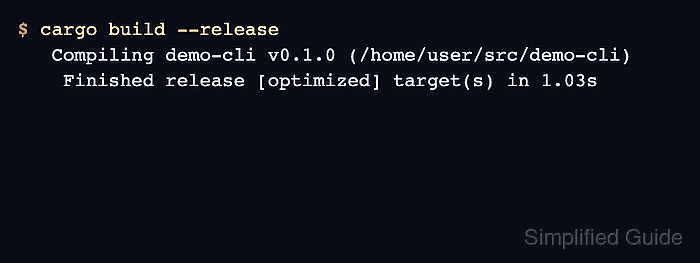
Cargo selects the release profile when --release is passed to cargo build. That profile applies optimization settings from the workspace root manifest and writes the host-target binary under target/release instead of target/debug.
Start from a binary package whose Cargo.toml declares the target you want to ship. The name demo-cli stands in for the target in your own manifest, and --bin selects one binary when a package contains more than one.
Steps to build a Rust release binary with Cargo:
- Open the Rust package root that contains Cargo.toml.
$ cd ~/src/demo-cli
Use the directory for the package that owns the binary target. Workspace builds should start from the workspace root when the release profile is defined there.
Related: How to create a Rust project with Cargo - Build the package with Cargo's release profile.
$ cargo build --release
   Compiling demo-cli v0.1.0 (/home/user/src/demo-cli)
    Finished release [optimized] target(s) in 1.03s
For a package with several binaries, build one target with cargo build --release --bin demo-cli.
- Check that the release binary exists under target/release.
$ ls -l target/release/demo-cli
-rwxr-xr-x 2 user user 13422520 Jun 25 20:09 target/release/demo-cli
Windows release binaries use the .exe suffix, such as target/release/demo-cli.exe.
- Run the release binary directly from the release artifact path.
$ ./target/release/demo-cli
release binary ready