How to render an R Markdown document from the command line
A command-line render turns an .Rmd source into a report without opening RStudio. Calling rmarkdown::render() through Rscript makes the same build usable from a terminal, scheduled job, or continuous-integration runner.
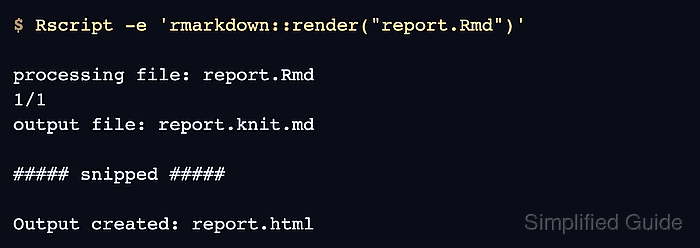
The render function evaluates executable chunks through knitr and passes the intermediate Markdown to Pandoc. The HTML route used here requires R, the rmarkdown package, and a discoverable Pandoc installation, but it does not require TeX.
Run the command from the directory that contains report.Rmd so the short input path resolves and the default report.html output is written beside the source. A later render can replace an existing output file with the same name.
Related: Render an R document with Quarto
Steps to render an R Markdown document from the command line:
- Create report.Rmd in the project directory.
- report.Rmd
---
title: "Sales summary"
output: html_document
---

# Total

The calculated total is `r sum(c(12, 14, 16))`.
- Render report.Rmd with Rscript from the project directory.
$ Rscript -e 'rmarkdown::render("report.Rmd")'

processing file: report.Rmd
1/1
output file: report.knit.md

##### snipped #####

Output created: report.html
- Confirm that report.html contains the computed total.
$ grep -F "The calculated total is 42." report.html
<p>The calculated total is 42.</p>