How to log in without a password in phpMyAdmin
phpMyAdmin blocks empty-password authentication before it sends credentials to MySQL or MariaDB. The AllowNoPassword setting defaults to false so an account with a missing password cannot become reachable through the web interface by accident.
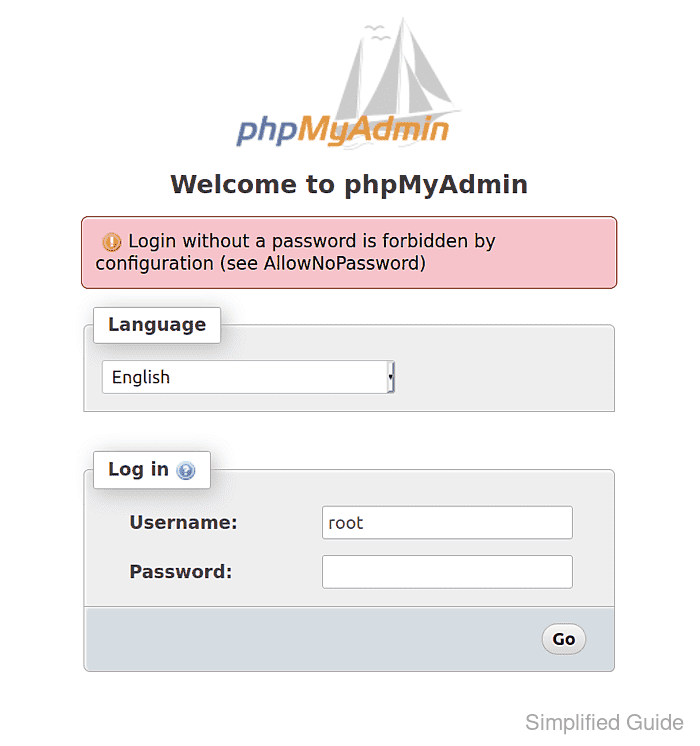
An empty password supplies no secret, so reserve this exception for an isolated development instance or a tightly restricted internal service. Use a dedicated non-root database account whose Host value matches only the phpMyAdmin server, grant access only to the required database, and keep the web endpoint behind an independent access control.
The setting belongs to the active server entry in phpMyAdmin's configuration. Source installations normally use config.inc.php beside index.php, Debian and Ubuntu packages normally use /etc/phpmyadmin/config.inc.php, and the official Docker image loads /etc/phpmyadmin/config.user.inc.php after its generated configuration.
Steps to allow passwordless login in phpMyAdmin:
- Locate the active phpMyAdmin configuration file for the selected database server.
- Preserve a backup copy of the active phpMyAdmin configuration file.
$ sudo cp /path/to/config.inc.php /path/to/config.inc.php.before-no-password
AllowNoPassword permits every matching empty-password database account to attempt authentication through this server entry. A dedicated account with a narrow Host match, minimal grants, and independently restricted web access is required for this exception.
- Open the active phpMyAdmin configuration file in a text editor.
$ sudoedit /path/to/config.inc.php
- Add the passwordless-login and root-login directives to the selected Servers[$i] entry.
- config.inc.php
$cfg['Servers'][$i]['AllowNoPassword'] = true;
$cfg['Servers'][$i]['AllowRoot'] = false;
AllowRoot keeps phpMyAdmin from accepting the database root account through this server entry; database privileges and account host matching still control every non-root account.
- Check the edited phpMyAdmin configuration for PHP syntax errors.
$ php -l /path/to/config.inc.php
No syntax errors detected in /path/to/config.inc.php
- Open a fresh private browser window at the phpMyAdmin login page.
https://pma.example.net/
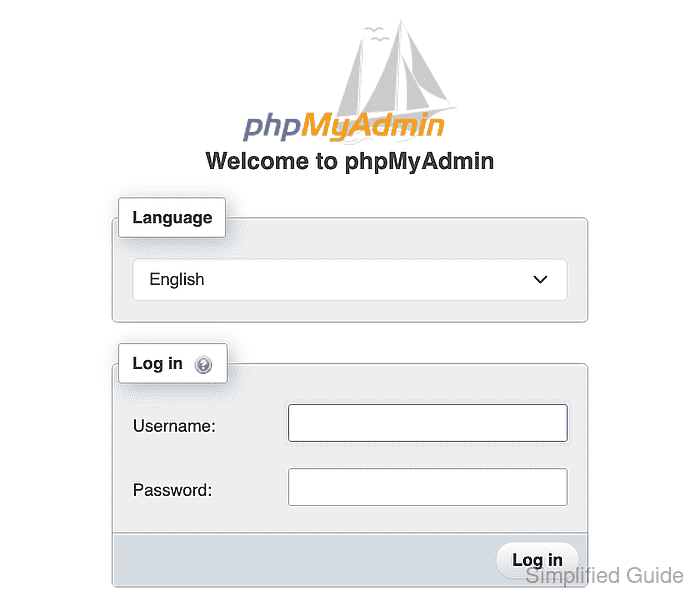
- Enter the dedicated passwordless account name in the Username field.
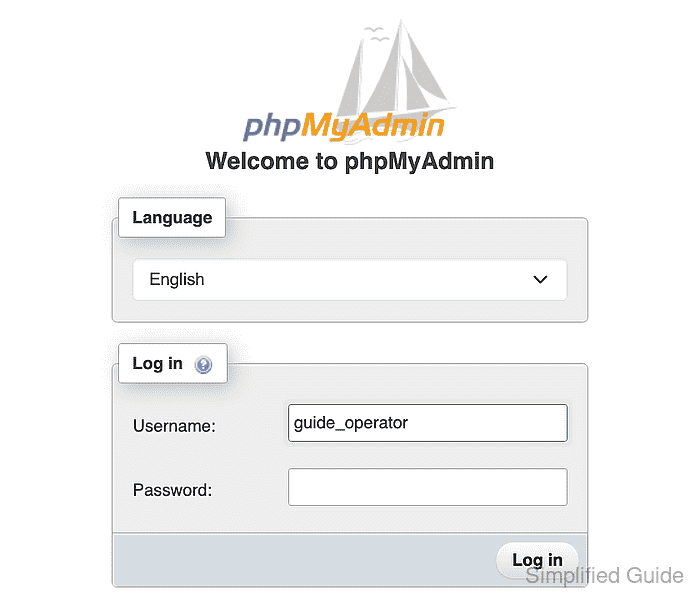
- Select Log in while the Password field is empty.
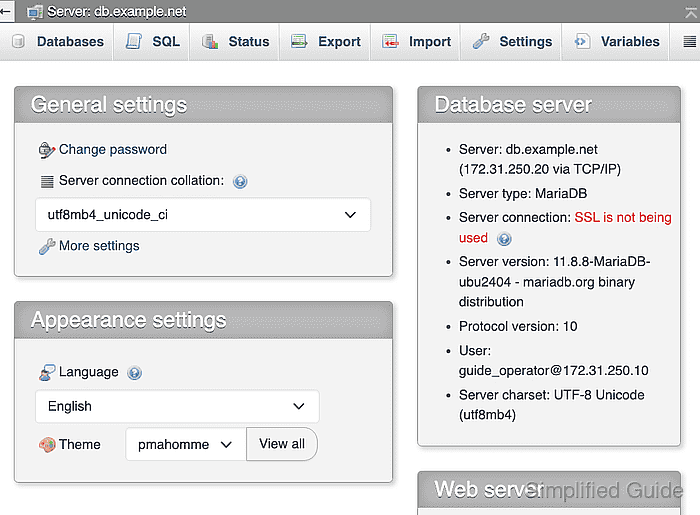
The authenticated page should identify the dedicated account and expose only its granted databases. A repeat of Login without a password is forbidden by configuration means the directive is outside the active server entry or a different configuration file is loaded.
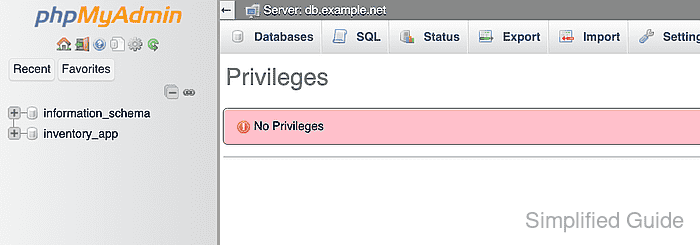
- Open index.php?route=/server/privileges to confirm the dedicated account receives No Privileges for server account administration.