How to deploy phpMyAdmin with Docker Compose
Browser-based database administration is easier to contain when the web interface and database share an isolated network, start in a known order, and expose only the listener an operator needs. A two-service Docker Compose project makes that boundary repeatable without publishing the database port to the host.

The MariaDB service stores its data in a named volume and reads both passwords from file-backed Compose secrets. The phpMyAdmin service reaches it by the Compose service name database, while a healthcheck delays the web container until MariaDB finishes initialization.
The web port binds to 127.0.0.1, so phpMyAdmin is reachable only from the Docker host. Remote administration should use an authenticated TLS reverse proxy or an SSH tunnel instead of changing the listener to all host interfaces.
Steps to deploy phpMyAdmin with Docker Compose:
- Set a restrictive file-creation mask for the project shell.
$ umask 077
- Create the phpmyadmin-stack project and secrets directories.
$ mkdir -p phpmyadmin-stack/secrets
- Enter the phpmyadmin-stack project directory.
$ cd phpmyadmin-stack
- Exclude the secrets directory from version control.
secrets/
- Generate the MariaDB root password file.
$ openssl rand -base64 32 > secrets/db_root_password.txt
- Generate the guide_operator password file.
$ openssl rand -base64 32 > secrets/db_password.txt
- Create compose.yaml with the persistent MariaDB service and its secret declarations.
- compose.yaml
services:
  database:
    image: mariadb:11.8
    restart: unless-stopped
    environment:
      MARIADB_DATABASE: inventory_app
      MARIADB_USER: guide_operator
      MARIADB_ROOT_HOST: localhost
      MARIADB_PASSWORD_FILE: /run/secrets/db_password
      MARIADB_ROOT_PASSWORD_FILE: /run/secrets/db_root_password
    secrets:
      - db_password
      - db_root_password
    volumes:
      - database_data:/var/lib/mysql
    healthcheck:
      test: ["CMD", "healthcheck.sh", "--connect", "--innodb_initialized"]
      interval: 10s
      timeout: 5s
      retries: 10
      start_period: 20s

volumes:
  database_data:

secrets:
  db_password:
    file: ./secrets/db_password.txt
  db_root_password:
    file: ./secrets/db_root_password.txt
- Insert the phpmyadmin service before the top-level volumes block in compose.yaml.
  phpmyadmin:
    image: phpmyadmin:5.2.3-apache
    restart: unless-stopped
    depends_on:
      database:
        condition: service_healthy
    environment:
      PMA_HOST: database
    ports:
      - "127.0.0.1:8080:80"
- Validate the completed Compose file.
$ docker compose config --quiet
A successful validation returns no output and exits with status 0.
Tool: Docker Compose Healthchecks Checker - Start the phpMyAdmin and MariaDB services in the background.
$ docker compose up --detach
- Confirm that the MariaDB service reports healthy.
$ docker compose ps database
- Confirm that phpMyAdmin publishes port 80 on host loopback only.
$ docker compose port phpmyadmin 80
127.0.0.1:8080
- Request the published phpMyAdmin endpoint from the Docker host.
$ curl --fail --head http://127.0.0.1:8080/
HTTP/1.1 200 OK
Server: Apache/2.4.68 (Debian)
X-Powered-By: PHP/8.3.32
##### snipped #####
X-Content-Type-Options: nosniff
Content-Type: text/html; charset=utf-8
- Display the guide_operator password from its restricted file in the current terminal.
$ cat secrets/db_password.txt
The password remains visible in the terminal, while shell command arguments and saved terminal output can expose it elsewhere.
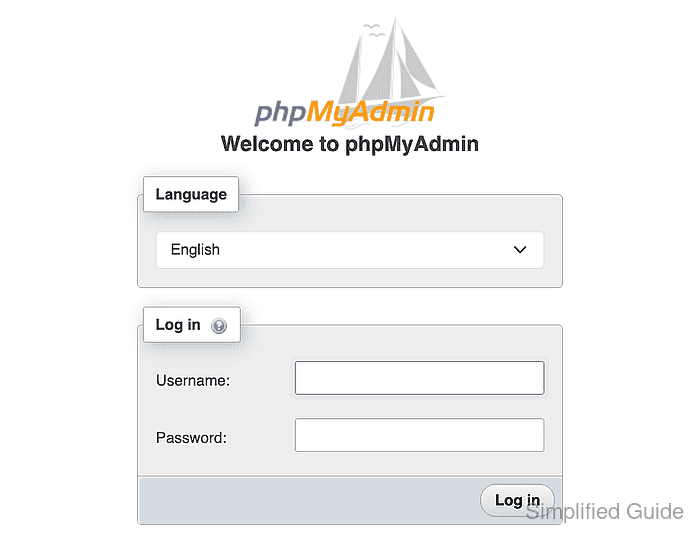
- Open http://127.0.0.1:8080 in a browser.
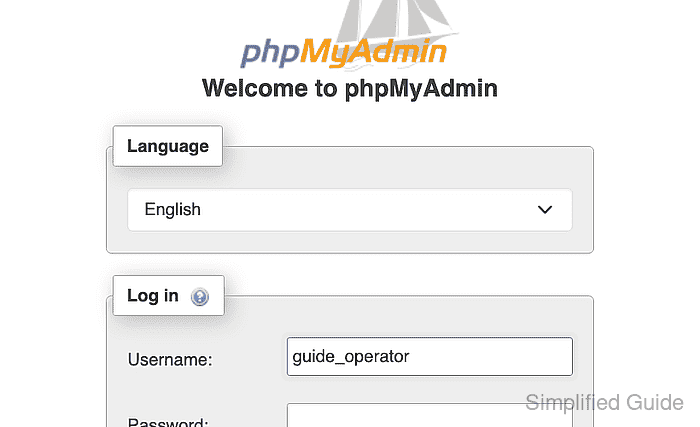
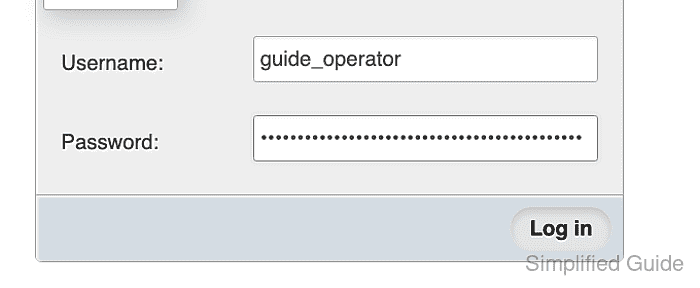
- Enter guide_operator in the Username field.
- Enter the retrieved password in the Password field.
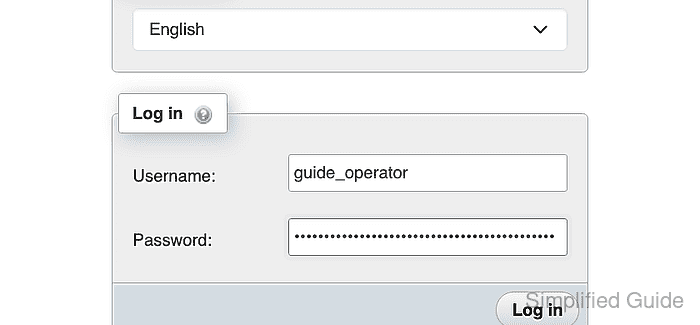
- Click Log in to submit the credentials.
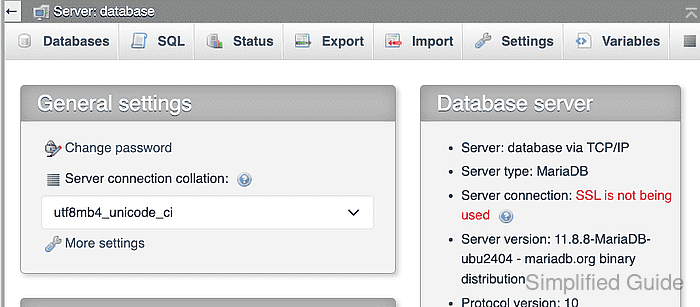
- Confirm that the authenticated home shows Server: database and Server type: MariaDB.