How to create a database in phpMyAdmin
Database names and text defaults become part of an application's storage layout as soon as its first tables are created. phpMyAdmin exposes the database server's creation controls in one form, so both decisions can be made before the schema contains any objects.
The signed-in MySQL or MariaDB account must have the CREATE privilege for the intended database. Without that permission, phpMyAdmin may hide the creation form or limit the database name that the account can use.
A database collation supplies the default comparison and sorting rules for new text columns, while existing columns keep their own definitions if the database default changes later. An application's documented collation requirement therefore takes precedence over the server default.
Steps to create a database in phpMyAdmin:
- Open the Databases tab from the phpMyAdmin server navigation.
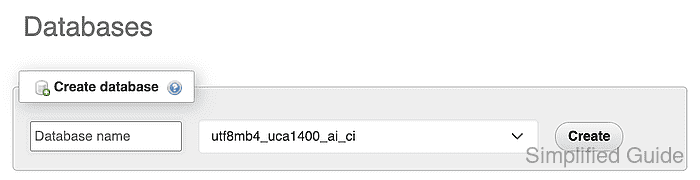
The Create database panel requires the signed-in account to have CREATE for the target database.
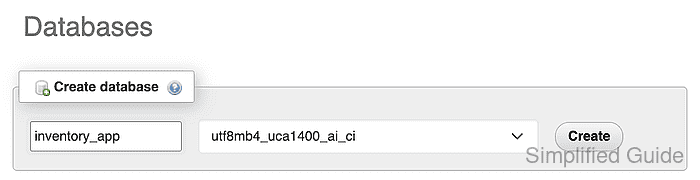
Related: Grant privileges in phpMyAdmin - Enter inventory_app in the Database name field.
- Select utf8mb4_unicode_ci from the Collation menu for Unicode text defaults.
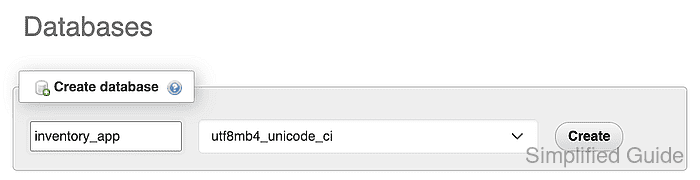
- Click the Create button for inventory_app.
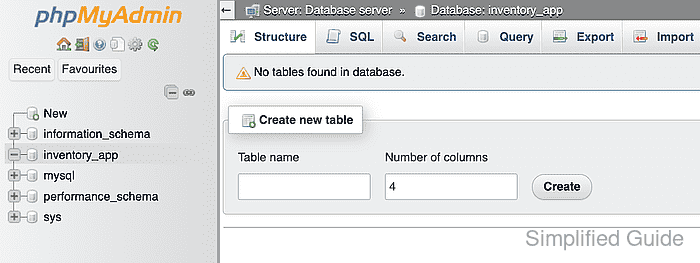
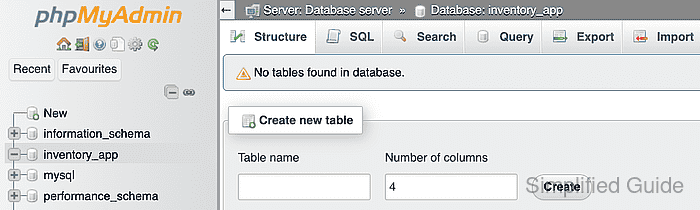
- Confirm inventory_app is selected in the left navigation and page header.
Related: Create a table in phpMyAdmin