How to install Ncat on Windows
Windows hosts that need Netcat-style TCP checks should use Nmap's Ncat instead of an old standalone nc.exe build from an unknown source. Ncat ships with current Nmap releases and gives PowerShell a maintained command for listener/client tests, TLS connections, proxy handoffs, and simple data redirection.
The Nmap Windows self-installer is distributed from the official Nmap download page as nmap-<version>-setup.exe. It can install the full Nmap suite or selected components; keeping Ncat and path registration enabled lets new terminal sessions resolve ncat without typing the full install path.
The upstream installer path avoids package-manager manifests that can lag behind Nmap releases. A working install should resolve ncat.exe from PowerShell, report the expected Ncat version, and pass a loopback TCP test on 127.0.0.1.
Related: Use Netcat for a basic TCP test
Related: Install Ncat on Ubuntu
Related: Connect with TLS using Ncat
Steps to install Ncat on Windows:
- Open the official Nmap download page.
https://nmap.org/download.html
- Download the latest stable Windows self-installer from the Microsoft Windows binaries section.
The filename follows nmap-<version>-setup.exe. The current release shown by Nmap is nmap-7.99-setup.exe.
- Run the downloaded installer and approve the Windows elevation prompt.
- Keep the Ncat component selected.
The installer can also install Nmap, Nping, Ndiff, Zenmap, and Npcap. Npcap is required for Nmap and Nping packet-capture features, but the local Ncat TCP test below does not require packet capture.
- Keep path registration enabled before finishing the installer.
If the active terminal was already open, close it and open a new PowerShell window so it reads the updated PATH.
- Confirm that PowerShell resolves ncat.exe.
PS> where.exe ncat
C:\Program Files (x86)\Nmap\ncat.exe
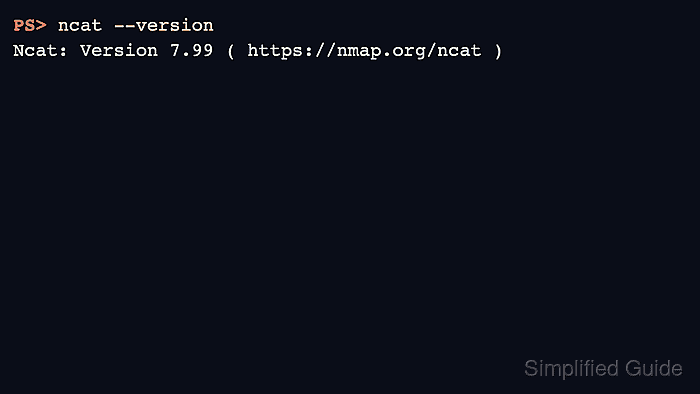
- Check the installed Ncat version.
PS> ncat --version
Ncat: Version 7.99 ( https://nmap.org/ncat )
The exact version changes as Nmap releases change. The important signal is that ncat starts and reports a Ncat version line.
- Start a loopback TCP listener in the first PowerShell window.
PS> ncat -l 127.0.0.1 9000
- Send a test line from a second PowerShell window.
PS> "hello from Windows" | ncat 127.0.0.1 9000
- Confirm that the listener prints the same line.
PS> ncat -l 127.0.0.1 9000
hello from Windows