How to disable autocorrect for Messages in macOS
Autocorrect in macOS is designed to correct typing errors automatically. However, it can be problematic for users who frequently use slang, jargon, or type in multiple languages. This can result in unintended word changes and confusion in messages.
In the Messages app, autocorrect may alter words in ways that change the intended meaning. For users who prioritize accuracy in their communication, this can be an issue. Disabling autocorrect in Messages allows for more control over text input without affecting other applications.
macOS allows you to disable autocorrect specifically for the Messages app. This ensures that autocorrect remains active in other applications while giving you the flexibility to manage how you type in Messages.
Steps to disable autocorrect for Messages in macOS:
- Open the Messages application on your Mac.
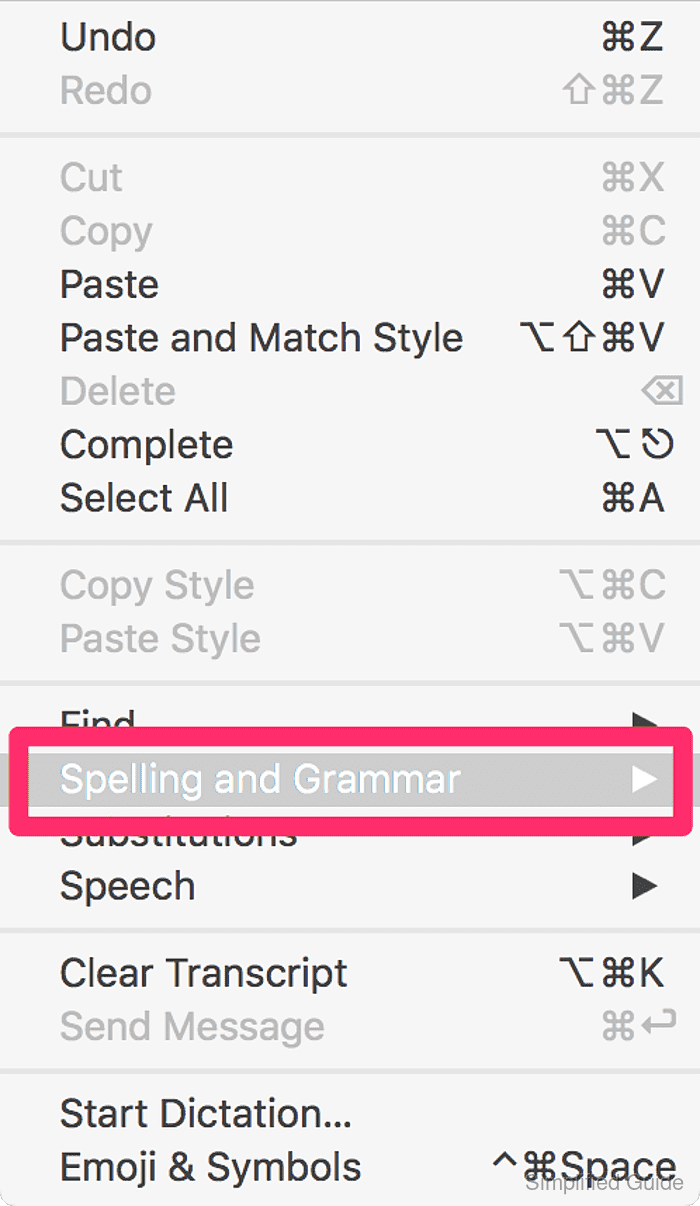
- Click on Edit at the Messages menu in the top menu bar.

- Click on Spelling and Grammar option.
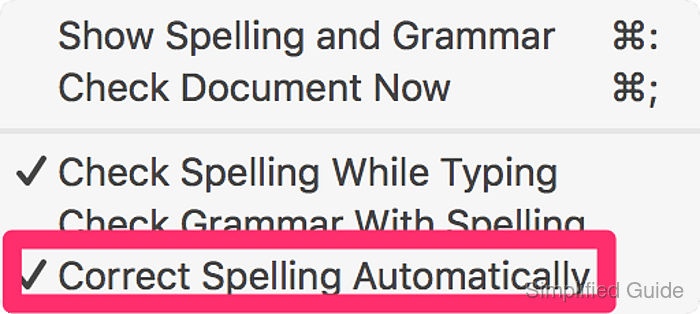
- Click on Correct Spelling Automatically to uncheck the option.