How to create an LVM cache volume
A slow LVM data volume can keep its existing device path while a smaller SSD or NVMe tier absorbs frequently used blocks. Creating an LVM cache volume attaches a fast logical volume to an existing origin LV, so applications continue using the original mount or block device while LVM inserts dm-cache into the I/O path.
A cachevol stores cache data and cache metadata inside one fast LV. After the conversion, the visible LV keeps the origin name, the fast LV becomes a hidden _cvol layer, and the original data LV becomes a hidden _corig layer shown by lvs --all.
Use writethrough mode unless the storage design can tolerate cache-device loss. Writethrough confirms writes only after the origin LV and cache have both received the data, while writeback can improve write latency at the cost of dirty data living temporarily on the cache device. The fast LV named as --cachevol is erased during conversion, and the running kernel must provide the dm-cache target.
Steps to create an LVM cache volume:
- Check the origin logical volume that will receive the cache.
$ sudo lvs --options lv_name,vg_name,lv_size,segtype,devices vg_data/data
  LV   VG      LSize   Type   Devices
  data vg_data 500.00g linear /dev/sdb(0)
Replace vg_data/data with the existing LV that applications already use. The cache does not rename this visible LV.
- Check that the fast physical volume has free space in the same volume group.
$ sudo pvs --options pv_name,vg_name,pv_size,pv_free /dev/nvme0n1
  PV           VG      PSize    PFree
  /dev/nvme0n1 vg_data 238.47g 238.47g
The fast device must already belong to the origin LV's volume group. Add the disk to the VG first when the VG column is blank or shows a different group.
Related: How to add a disk to an LVM volume group - Create a fast LV to hold the cache.
$ sudo lvcreate --size 64G --name data_cache vg_data /dev/nvme0n1
  Logical volume "data_cache" created.
Use an empty fast device or free extents reserved for cache data. The next conversion erases the contents of this cache LV.
Related: How to create an LVM logical volume
- Attach the fast LV to the origin LV in writethrough cache mode.
$ sudo lvconvert --type cache --cachemode writethrough --cachevol data_cache vg_data/data
Erase all existing data on vg_data/data_cache? [y/n]: y
  Logical volume vg_data/data is now cached.
Confirm the prompt only after checking that data_cache is the disposable fast LV. Do not answer yes if the named cache LV contains a filesystem or data that must be kept.
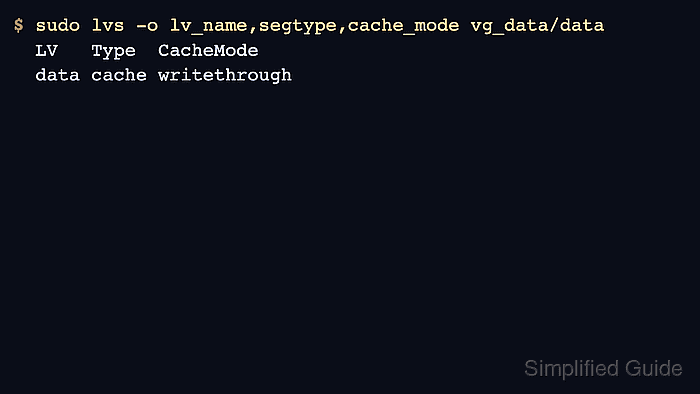
- Verify that the visible LV is now a cached LV.
$ sudo lvs -o lv_name,segtype,cache_mode vg_data/data
  LV   Type  CacheMode
  data cache writethrough
The visible data LV should show cache as its type and writethrough as its cache mode. Add --all and the pool_lv,origin fields when you need to inspect the hidden cache and original LV layers.
- Confirm any mounted filesystem still uses the original LV path.
$ findmnt --source /dev/vg_data/data --output TARGET,SOURCE,FSTYPE,OPTIONS
TARGET    SOURCE                  FSTYPE OPTIONS
/srv/data /dev/mapper/vg_data-data xfs   rw,relatime
If the LV is not mounted, use the same block path as before when formatting, mounting, or handing the device to an application. The cache conversion changes the LVM layers behind that path, not the path itself.