How to hide or unhide files and folders in Linux
Names that begin with a dot disappear from normal directory listings on Linux, so renaming a file or folder can hide it without moving or deleting it. That helps keep scratch files, helper folders, and local configuration state available while keeping default ls output focused on visible entries.
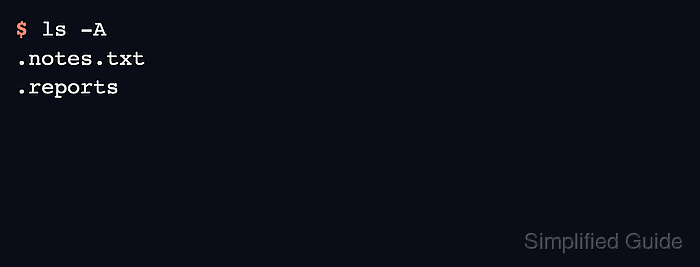
The hidden state is a naming convention, not a filesystem permission. The mv command changes the entry name, normal ls output omits dot-prefixed names, and ls -A shows hidden entries without the special . and .. directory markers.
Hidden paths still open when the exact name is used and permissions allow access. Rename only entries whose paths are not hardcoded in scripts, desktop shortcuts, service configuration, or application settings, because a program that expects reports will not find .reports after the folder is hidden.
Steps to hide and unhide files and folders in Linux:
- Create a sample working directory.
$ mkdir hide-demo
- Change into the sample directory.
$ cd hide-demo
- Create a sample file that can be renamed safely.
$ printf 'demo\n' > notes.txt
- Create a sample folder that can be renamed safely.
$ mkdir reports
- List the visible entries before anything is hidden.
$ ls
notes.txt
reports
- Hide the file by adding a leading dot to its name.
$ mv notes.txt .notes.txt
Any file or folder whose name starts with a dot, such as .notes.txt or .config, is hidden from normal listings by convention.
- Confirm that the hidden file no longer appears in a normal listing.
$ ls
reports
- Show hidden entries to confirm the renamed file is still present.
$ ls -A
.notes.txt
reports
The -A option includes dot-prefixed names while omitting the special . and .. entries.
- Hide the folder by adding a leading dot to its name.
$ mv reports .reports
Renaming a directory changes its path immediately, so update any script, bookmark, or service configuration that still points to the old name.
- Verify that both entries are hidden but still present.
$ ls -A
.notes.txt
.reports
- Unhide the file by removing the leading dot.
$ mv .notes.txt notes.txt
- Unhide the folder by removing the leading dot.
$ mv .reports reports
- Confirm that both entries are visible again in a normal listing.
$ ls
notes.txt
reports