How to remove window border drop shadow in Kubuntu (KDE)
Many KDE distributions, including Kubuntu, use themes such as Breeze that apply subtle drop shadows around window borders for enhanced window distinction.
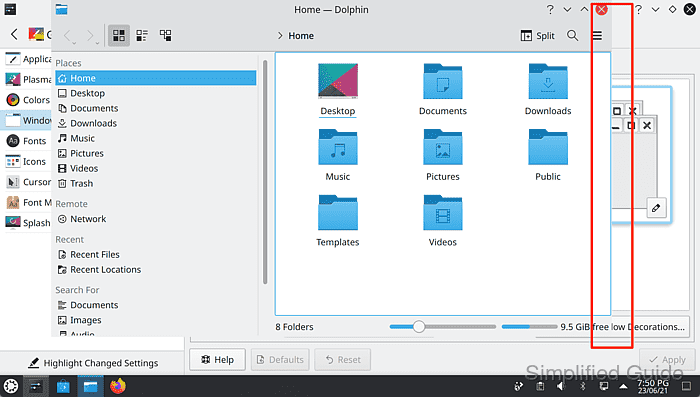
In certain setups, removing these shadows is useful for achieving a minimalist aesthetic, especially during screenshot captures where a clean, uniform interface is preferred.
Access to these visual effects is found in the System Settings panel, where options can differ according to the active theme, allowing precise control of window decoration features.
Steps disable window panel drop shadow in Kubuntu (KDE):
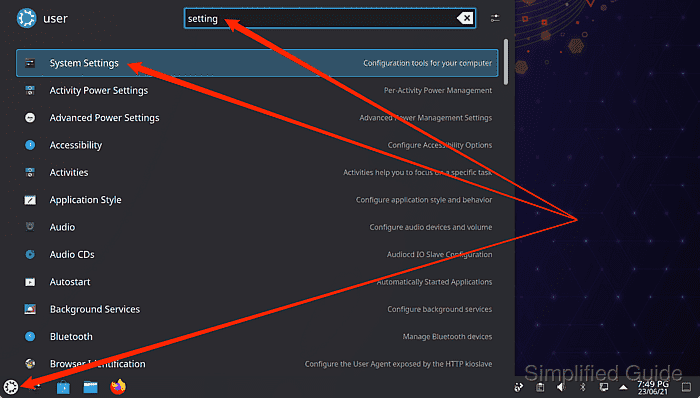
- Launch System Settings from the Application Launcher.
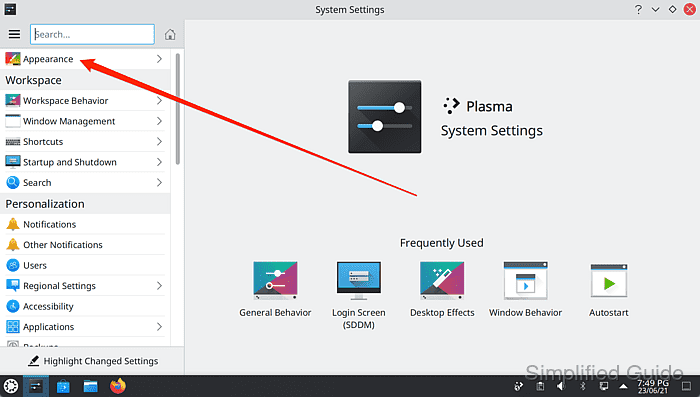
- Click on Appearance on the sidebar menu.
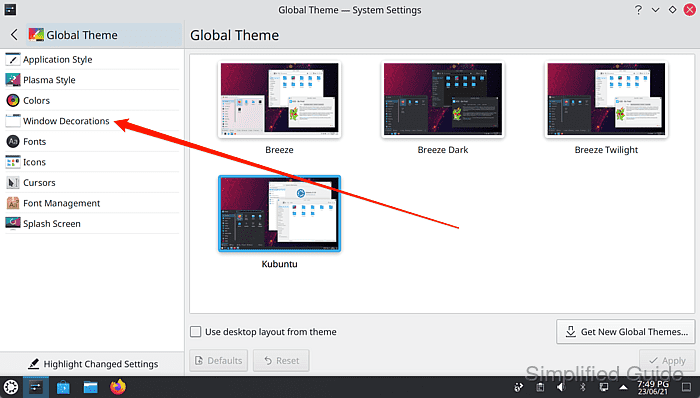
- Go to Window Decorations from the sidebar menu.
- Hover on current theme and click on Edit Theme button.

- Click on Shadows tab.
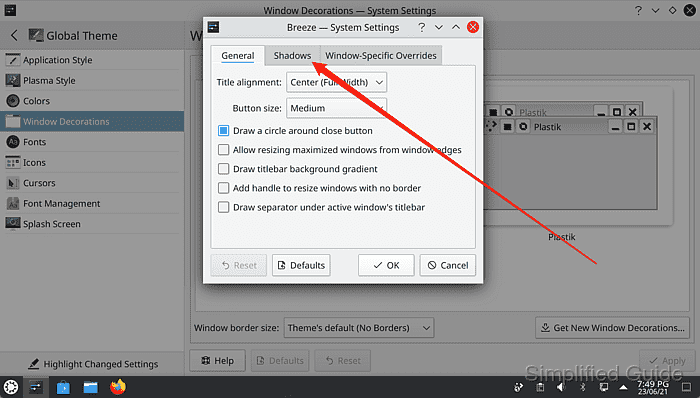
The panels could be different depending on the theme, and the option to change the drop shadow might not exist at all. This example is based on the Breeze theme.
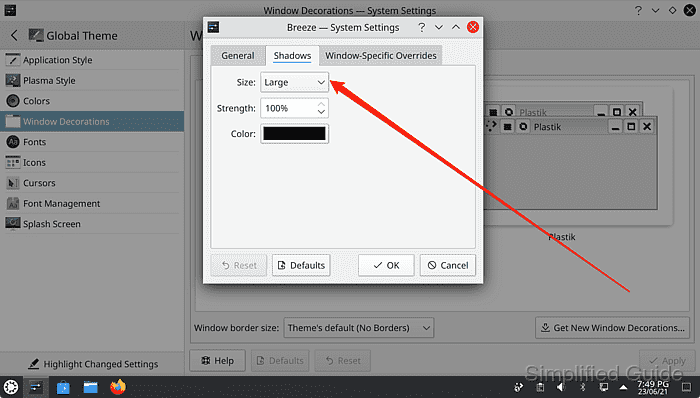
- Click on Size select list.
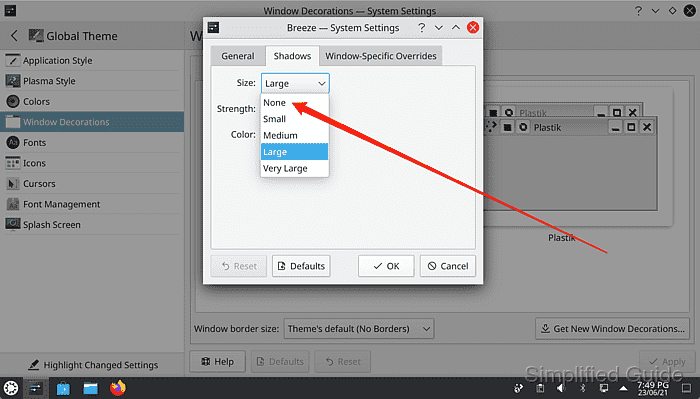
- Select None to disable window border drop shadow.
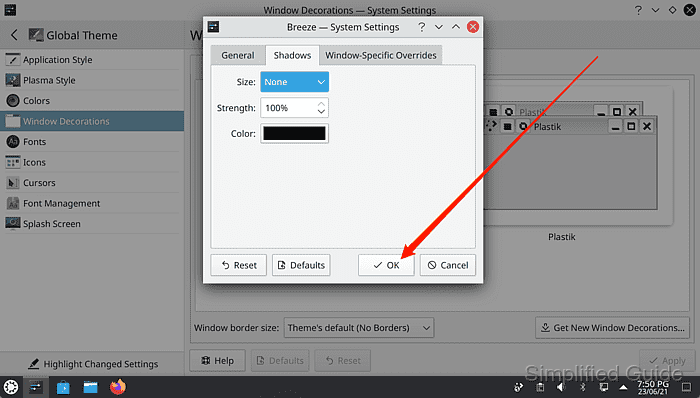
- Click OK to save and immediately apply the configuration change.
Tested on Kubuntu:
| Version | Code Name |
|---|---|
| 24.04 LTS | Noble Numbat |