How to disable automatic lock screen for Kubuntu (KDE)
Linux systems often provide an automatic lock screen to safeguard user sessions from unauthorized access. By default, Kubuntu relies on SDDM to prompt for authentication after inactivity or when resuming from sleep.
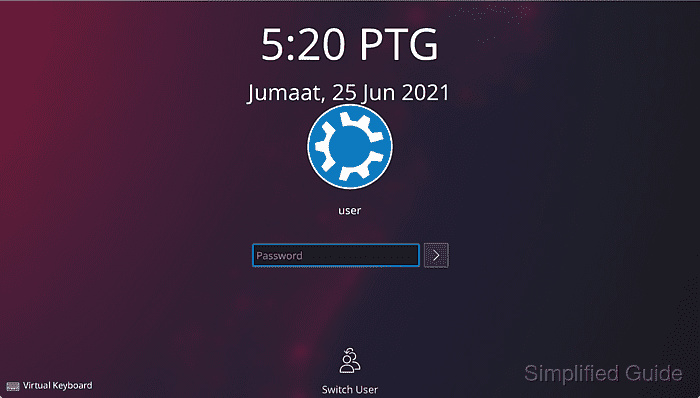
In a KDE environment, the automatic lock screen can be managed through System Settings, allowing control over idle timeout intervals and whether the session locks on wakeup. This level of customization ensures the right balance of security and convenience for each user.
Disabling automatic locking may reduce security in certain environments, especially if multiple users share a workstation. However, customizing these settings is beneficial for single-user desktops or systems where immediate accessibility is preferred.
Steps to configure lock screen for Kubuntu (KDE):
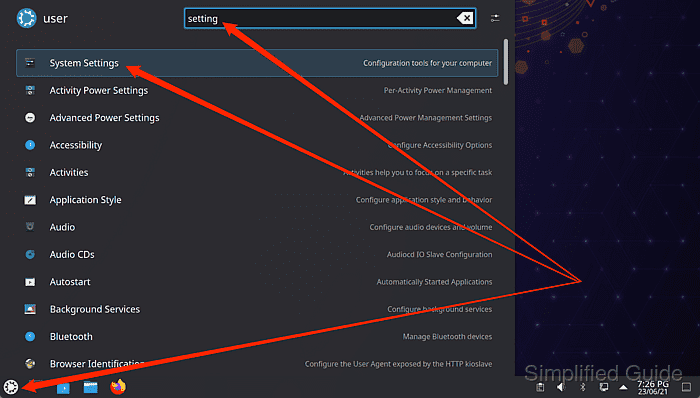
- Launch System Settings from the Application Launcher.
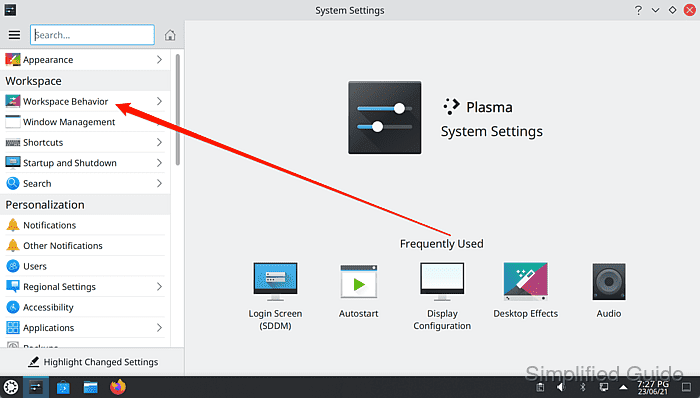
- Click on Workspace Behaviour on the sidebar.
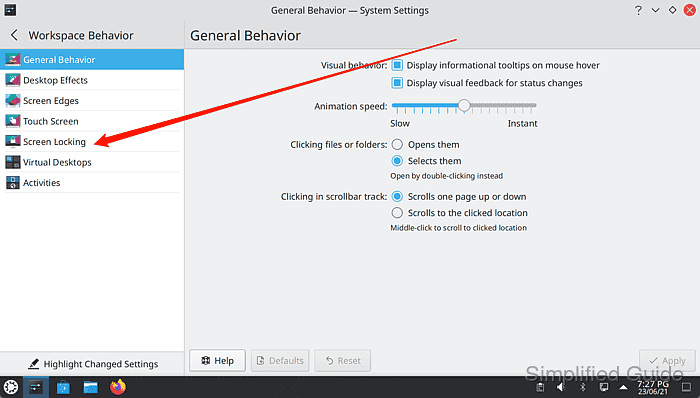
- Go to Screen Locking panel from the sidebar.
- Click on Lock screen automatically checkbox to uncheck and disable the automatic lock screen.
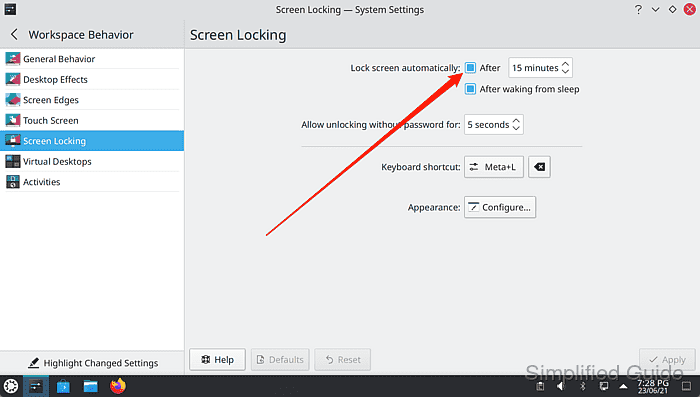
Change the time to set the idle time required to trigger automatic screen lock. Uncheck the After waking from sleep option not to launch screen lock when the system wakes up from sleep.
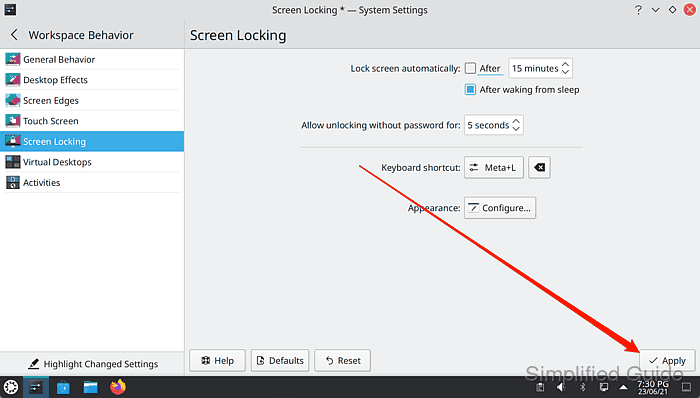
- Click on the Apply button to save the configuration changes.
Tested on Kubuntu:
| Version | Code Name |
|---|---|
| 24.04 LTS | Noble Numbat |