How to run JShell on Linux
JShell lets a developer test a Java expression, class-library call, or small language feature from a terminal without creating a source file or compiling a full project.
The jshell command is a Java Development Kit (JDK) tool. A JRE-only installation can provide java without jshell, so the command must come from a JDK package such as OpenJDK, Eclipse Temurin, or another vendor JDK whose bin directory is in the shell path.
The examples below use JDK 25 in an Ubuntu 26.04 Linux container. Version numbers and vendor paths vary, but a working session opens the read-evaluate-print loop, evaluates snippets, creates scratch values such as $1, and exits with /exit.
Related: How to install JDK on Ubuntu
Related: How to check the installed Java version on Linux
Steps to run JShell on Linux:
- Confirm that the jshell command is available in the shell path.
$ command -v jshell
/opt/java/openjdk/bin/jshell
Distribution packages commonly expose /usr/bin/jshell. Vendor JDKs and container images may expose jshell from a path under the JDK installation directory.
If this command prints nothing, install a full JDK instead of a JRE-only package.
Related: How to install JDK on Ubuntu
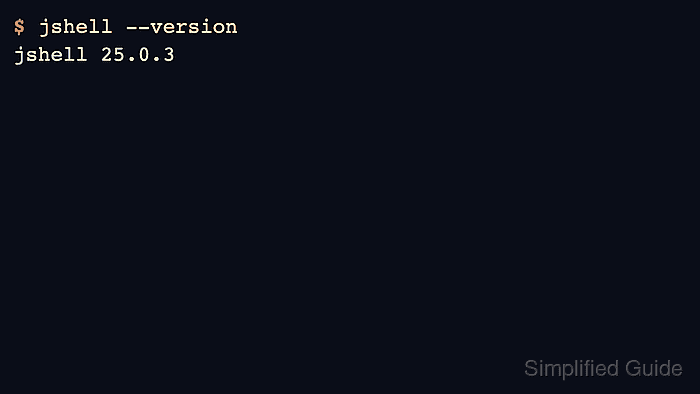
- Check the JShell version before starting the interactive session.
$ jshell --version
jshell 25.0.3
A fresh user account can print a Java preferences directory message before the version line. That message is not a JShell startup failure.
- Start JShell from the terminal.
$ jshell
|  Welcome to JShell -- Version 25.0.3
|  For an introduction type: /help intro

jshell>
Use jshell -v when JShell should print created variable names, inferred types, and other snippet details while testing.
- Enter a simple Java expression at the jshell> prompt.
jshell> 1 + 2
$1 ==> 3
JShell stores unnamed expression results in scratch variables such as $1 so they can be referenced later in the same session.
- Try a small standard-library call to confirm that the session evaluates normal Java snippets.
jshell> String.join("-", "java", "shell") $2 ==> "java-shell" - Exit JShell cleanly when testing is complete.
jshell> /exit
|  Goodbye