How to compile and run a Java file on Linux
Compiling a single Java file from a Linux terminal proves that a JDK can turn source code into bytecode and that the same shell can run the resulting class. It is the smallest local check before moving code into Maven, Gradle, an executable JAR, or an IDE.
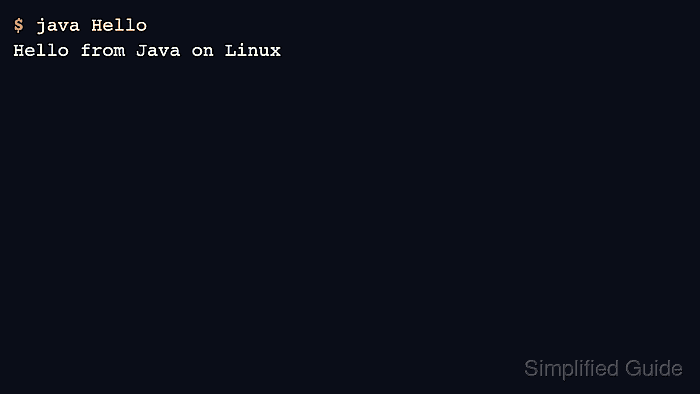
The javac compiler reads a *.java source file and writes a matching *.class file when compilation succeeds. The java launcher then starts the class by name, so a class declared as public class Hello runs with java Hello rather than java Hello.class.
This flow assumes a JDK is installed, not only a JRE, because javac ships with the development kit. The example keeps the class in the default package so the compile and run commands stay visible; packaged classes or external dependencies need an output directory and a classpath-aware launch command.
Related: How to check the installed Java version on Linux
Related: How to install JDK on Ubuntu
Related: How to run Java with a classpath
Related: How to run a JAR file on Linux
Steps to compile and run a Java file on Linux:
- Confirm that the shell can find both the Java compiler and runtime.
$ javac --version
javac 25.0.3
$ java --version
openjdk 25.0.3 2026-04-21
OpenJDK Runtime Environment (build 25.0.3+9-2-26.04.2-Ubuntu)
OpenJDK 64-Bit Server VM (build 25.0.3+9-2-26.04.2-Ubuntu, mixed mode, sharing)
Install a JDK if javac is missing. On Ubuntu or Debian, use the distro package path, such as sudo apt install default-jdk.
Related: How to install JDK on Ubuntu
- Create a source file whose public class name matches the file name.
public class Hello { public static void main(String[] args) { System.out.println("Hello from Java on Linux"); } } - Compile the source file with javac.
$ javac Hello.java
No output means the compiler accepted the source and wrote the class file in the current directory.
- Confirm that compilation created the class file.
$ ls Hello.class
Hello.class
- Run the compiled class with the java launcher.
$ java Hello
Hello from Java on Linux
Leave off the *.class suffix because java expects the class name, not the compiled file path.
- Remove the sample files if they were created only for this check.
$ rm Hello.java Hello.class