How to add a static neighbor entry with ip neigh
Adding a static neighbor entry with ip neigh add is useful when a host must always send traffic for one peer to a known MAC address. This is common for tightly controlled lab networks, bootstrap scenarios, or troubleshooting cases where dynamic neighbor discovery is suspected to be wrong.
The ip neigh subcommand manages the neighbor table that maps IP addresses to link-layer addresses on each interface. For IPv4, this table is also the ARP table. Adding an entry with nud permanent tells the kernel to keep that mapping until it is removed administratively instead of aging it out like a learned entry.
Static neighbor entries are runtime kernel state, so they usually disappear after an interface reset or reboot unless the system's network configuration recreates them. The add action only creates a new entry; if the same IP and device already have a record, the command returns RTNETLINK answers: File exists and the existing mapping must be deleted or changed deliberately.
Steps to add a static neighbor entry with ip neigh:
- Confirm the interface that reaches the target peer before adding the entry.
$ ip -brief link show dev lab0
lab0             UP             02:42:ac:11:00:02 <BROADCAST,MULTICAST,UP,LOWER_UP>
Static neighbor entries are tied to one device, so the mapping must be created on the interface that actually reaches the target subnet.
- Check whether the target IP already has a neighbor entry on that device.
$ ip neigh show to 192.0.2.50 dev lab0
192.0.2.50 lladdr 02:11:22:33:44:66 STALE
A returned line means the IP and device already have a record. ip neigh add creates new entries only and returns RTNETLINK answers: File exists when the mapping already exists.
- Add the static entry when the target IP has no existing record on that interface.
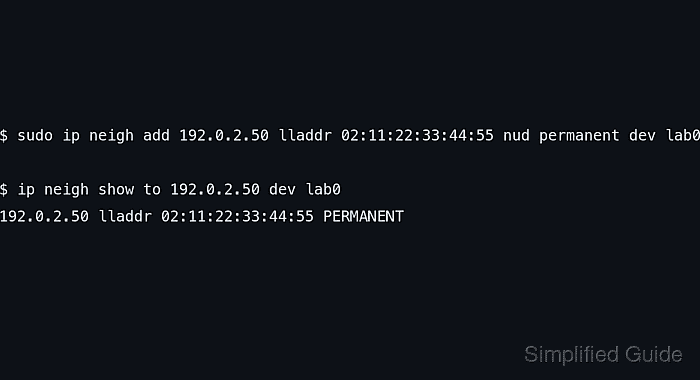
$ sudo ip neigh add 192.0.2.50 lladdr 02:11:22:33:44:55 nud permanent dev lab0
A wrong lladdr forces traffic to the wrong destination until the entry is deleted or corrected.
- Verify that the new entry appears as PERMANENT.
$ ip neigh show to 192.0.2.50 dev lab0
192.0.2.50 lladdr 02:11:22:33:44:55 PERMANENT
- Persist the same mapping through the host's network configuration if it must survive reboots or interface recreation.
Entries added with ip neigh are typically runtime-only changes and do not survive a restart by themselves.