How to screen record on iPhone and iPad
Screen recording is a standard feature in iOS and iPadOS that enables users to capture everything displayed on their screen. This includes app activity, system functions, and any on-screen interactions. The feature operates natively within Apple’s operating system and can capture both video and audio. It is particularly useful for tasks such as creating tutorials, documenting processes, and sharing gameplay footage. The recorded file is stored directly in the Photos app for immediate access and further editing.
The system allows users to record audio through the microphone or capture sounds from the device’s system, including apps and media. This flexibility makes it possible to provide commentary while recording or to capture sound without external input. The screen recording feature is accessible from the Control Center, ensuring users can start recording whenever needed without requiring third-party apps or complex setup.
Once enabled, screen recording operates until manually stopped or until the device runs out of storage. The feature supports high-resolution video output that can be easily shared or edited. iPhones and iPads allow users to capture long recordings, depending on available storage, and the files are automatically saved in the standard video format. This integration of screen recording simplifies the process of capturing on-screen content for both professional and personal use.
Your screen recording will be saved automatically in the Photos app.
To avoid interruptions during recording, enable Do Not Disturb mode by opening the Control Center and tapping the crescent moon icon. This will silence notifications during the recording.
Steps to start and stop screen recording on iPhone and iPad:
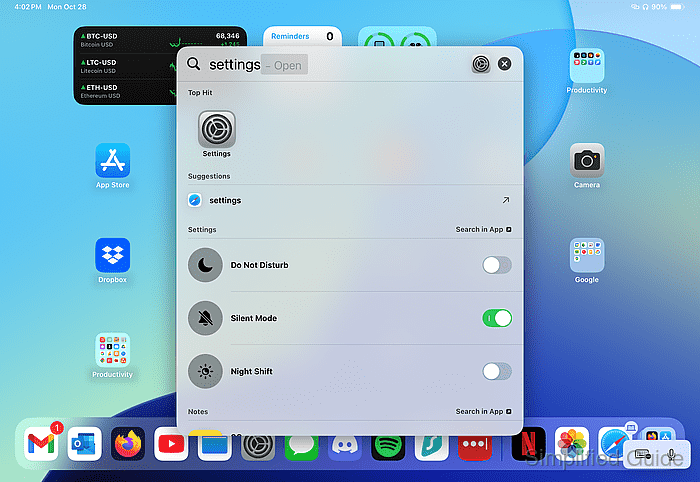
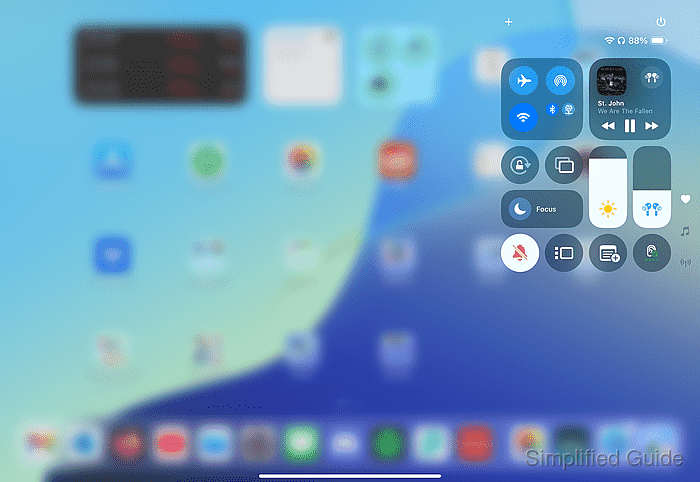
- Swipe down from the upper right of the Home screen to open Control Center.
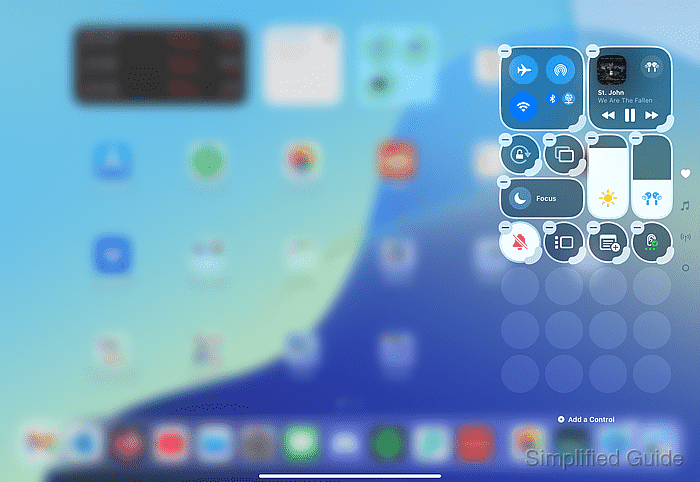
- Tap on the + icon.
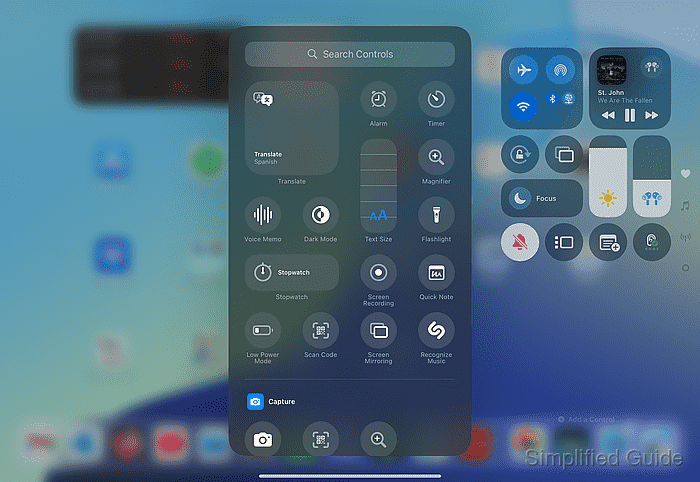
- Tap on Add a Control.
- Select the Low Power Mode icon.
- Tap anywhere outside the Control Center icons to finish adding the control.
- Tap the Low Power Mode icon to enable Low Power mode.
- Tap the Screen Recording button.
- Wait for the three-second countdown.
- To record audio, long press the Screen Recording button.
- Tap the Microphone to enable or disable external audio recording.
- To stop recording, tap the red status bar at the top of the screen and select Stop.
- Your screen recording will be saved in the Photos app.