How to enable Universal Clipboard on iPhone and iPad
Universal Clipboard allows you to copy and paste content between Apple devices. It relies on Bluetooth and Wi-Fi for communication between devices and requires the devices to be signed into the same Apple ID. The feature is part of Apple’s Continuity system, which enables cross-device interactions for a smoother user experience across iPhone, iPad, and other Apple products.
For Universal Clipboard to work, both devices must be within Bluetooth range and connected to the same wireless network. It uses Bluetooth Low Energy (BLE) for device detection and Wi-Fi for transferring copied data. Both devices must support iOS 10 or later, and Handoff must be enabled, as it is the mechanism that powers Universal Clipboard.
This feature simplifies workflows by allowing you to transfer text, images, and other data without manual intervention. It improves efficiency by removing the need for third-party apps or additional steps to share content between devices. By setting up Universal Clipboard correctly, you can streamline tasks and move content effortlessly between your iPhone and iPad.
Steps to enable Universal Clipboard on iPhone and iPad:
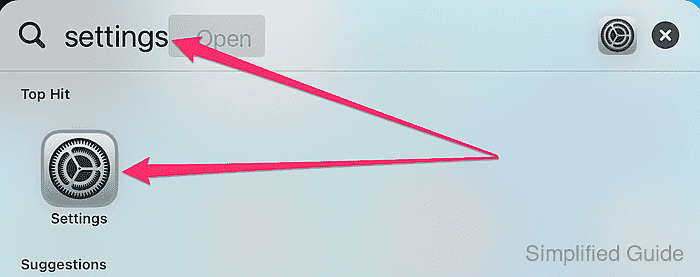
- Open Settings on both your iPhone and iPad.
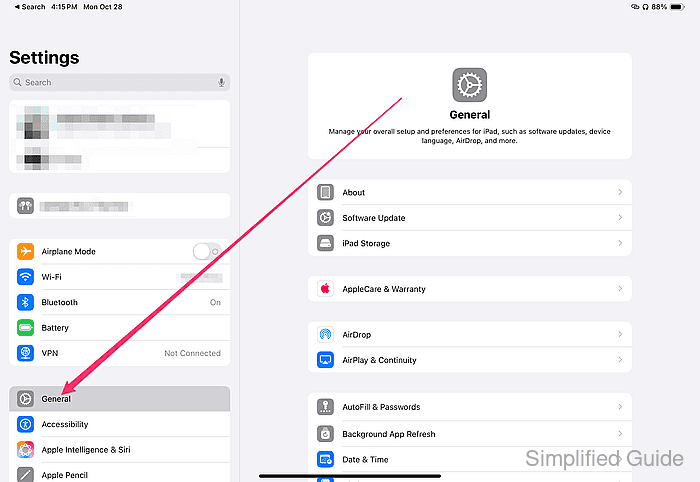
- Navigate to General.
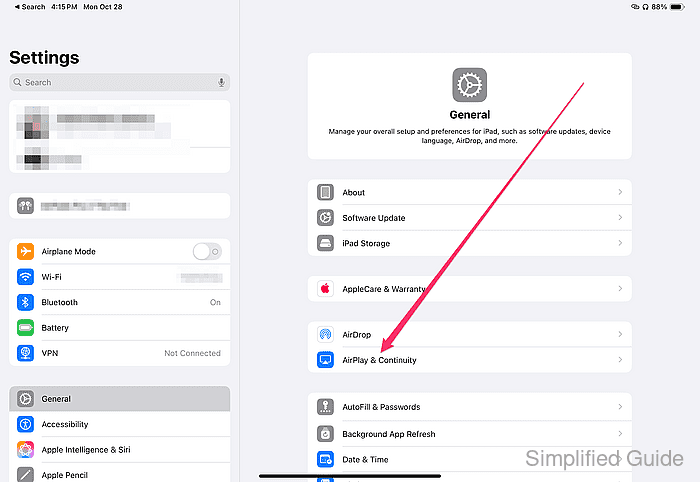
- Tap on AirPlay & Handoff.
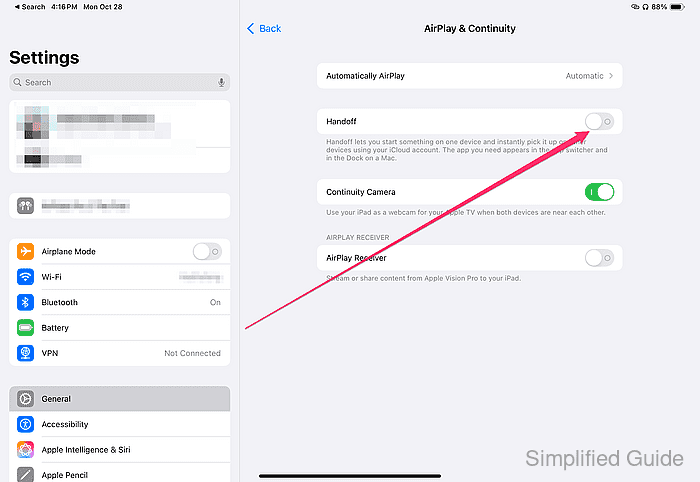
- Turn on the Handoff toggle.
- Ensure that both devices are signed in with the same Apple ID.
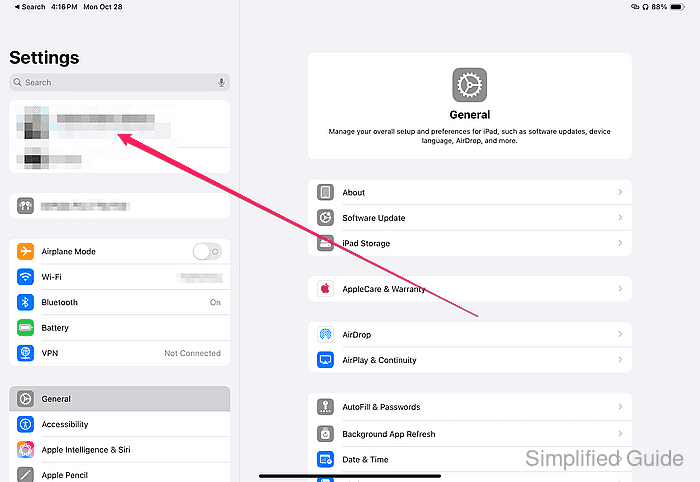
You can check the Apple ID by opening Settings and tapping on your name at the top of the screen.
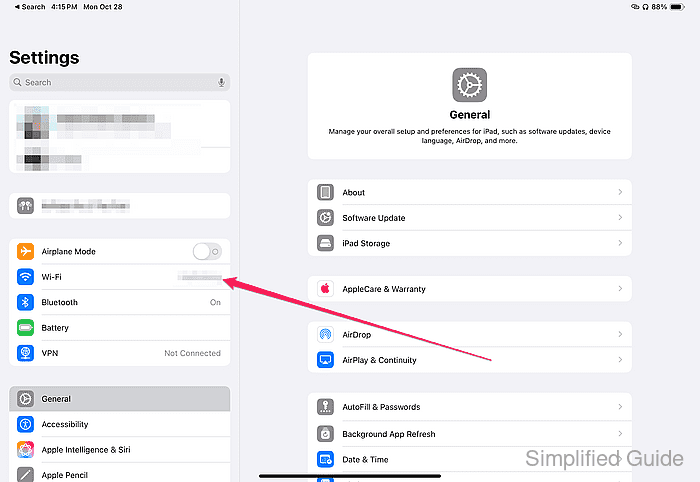
- Enable Wi-Fi on both devices.
- Enable Bluetooth on both devices.
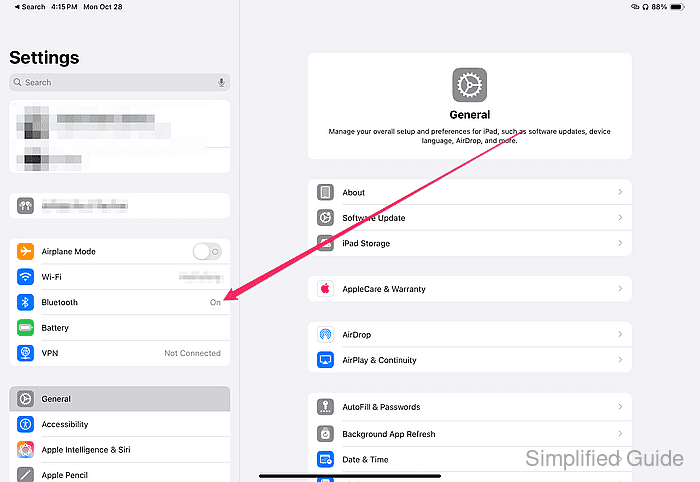
Ensure both devices are within close range to establish a reliable Bluetooth connection.
- Make sure both devices are connected to the same Wi-Fi network.
- Test the Universal Clipboard by copying content from one device and pasting it on the other.
For example, copy text from Notes on your iPhone and paste it into Safari on your iPad.