How to change default apps on iPhone and iPad
Apple allows users to modify certain default apps on iPhones and iPads, providing flexibility for those who prefer third-party applications over the pre-installed ones. Starting with iOS 14 and iPadOS 14, users can set a new default browser or email client. This gives users the ability to use apps such as Chrome, Firefox, Gmail, or Outlook instead of the default Safari and Mail apps.
The customization of default apps helps users align their iPhones and iPads with the apps they regularly use on other platforms. Whether it's syncing browser history or managing emails across different devices, having the option to change defaults improves consistency and efficiency in everyday tasks. This feature caters particularly to those who operate in ecosystems outside Apple's own, offering more integration with external services.
Currently, the option to change defaults is limited to web browsers and email clients. Other app types, like music players and messaging apps, cannot be set as defaults. Apple's continued expansion of these features may allow additional customization options in future iOS and iPadOS updates.
Ensure you have installed the third-party browser or email client before proceeding. This will allow it to appear in the selection list during setup.
Steps to change default apps on iPhone and iPad:
- Open the App Store.
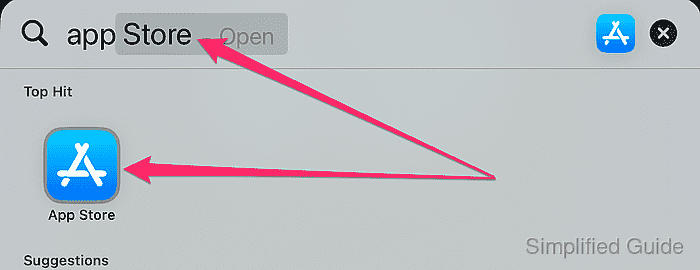
- Install the desired third-party browser or email app.

- Go to Settings on your iPhone or iPad.
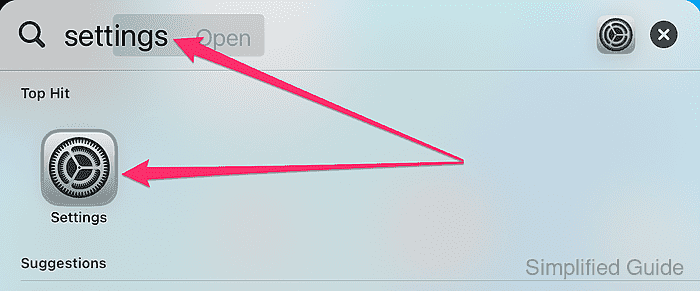
- Scroll down and tap on Apps.
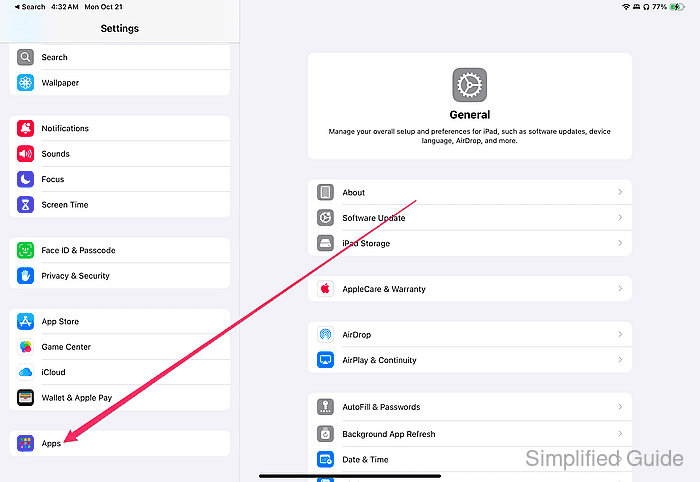
- Select the browser or email app you installed.

- Tap Default Browser App to set the new browser, or Default Mail App for email clients.
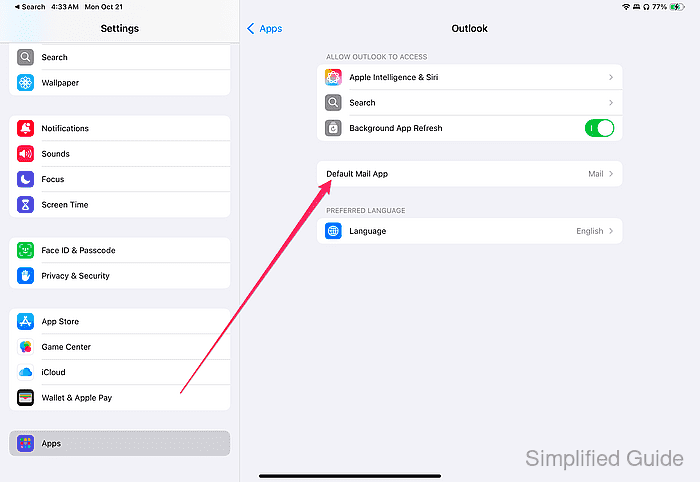
If you do not see the option for Default Browser App or Default Mail App, ensure that the app you installed supports this feature. Only supported apps will show these options.
- Select the third-party app to set it as the default.
