How to send documents using AirDrop on iPhone or iPad
AirDrop is a convenient way to send documents from your iPhone or iPad’s Files app to other Apple devices without requiring an internet connection or cables. It uses a peer-to-peer connection over Bluetooth and Wi-Fi, ensuring a fast and secure transfer of files.
To send documents using AirDrop, both devices must have Wi-Fi and Bluetooth enabled, and they need to be within a certain range for the devices to detect each other. AirDrop can be configured to allow sharing with only contacts or with everyone, depending on your preference.
This feature is compatible with various Apple devices, including iPhones, iPads, and Macs.
Steps to send documents using AirDrop from the Files app:
- Turn on Wi-Fi and Bluetooth on both devices.
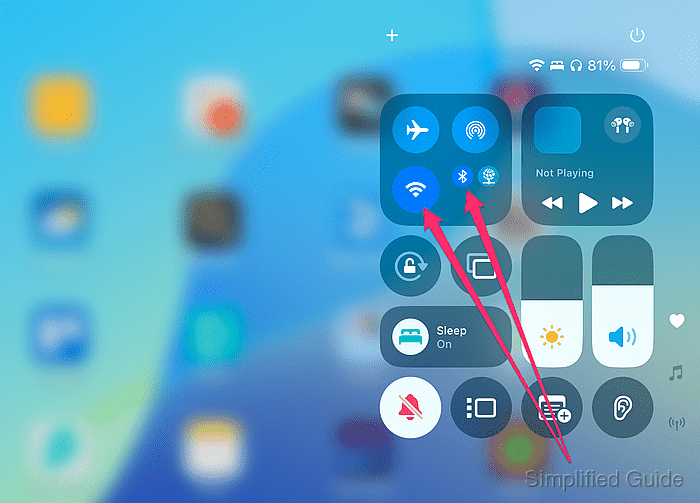
Wi-Fi doesn’t need to connect to a network, but must be enabled for AirDrop to work.
- Enable AirDrop on both devices.
You can set AirDrop to receive files from Contacts Only or Everyone for 10 Minutes. Ensure both devices are discoverable.
- Open the Files app on your iPhone or iPad.
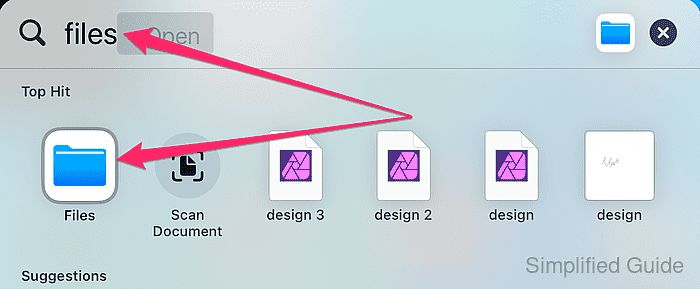
- Locate the document you want to send.
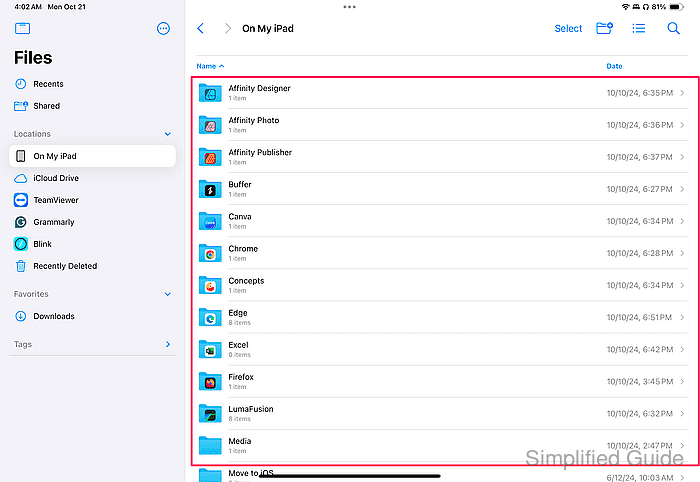
You can share files like PDFs, Word documents, or other file types stored in the Files app.
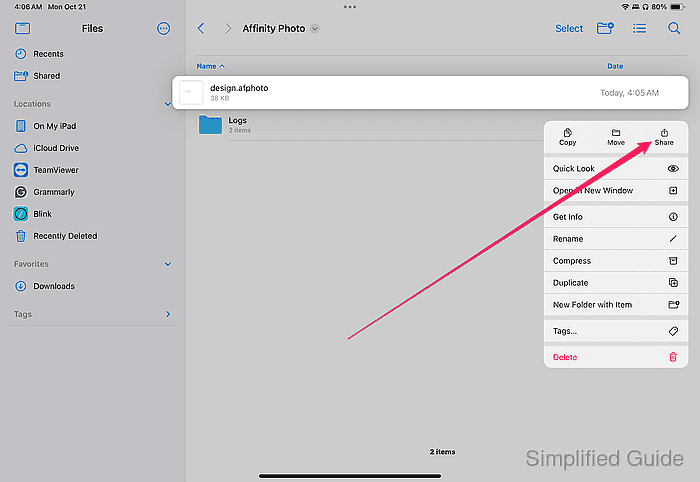
- Tap and hold the document.
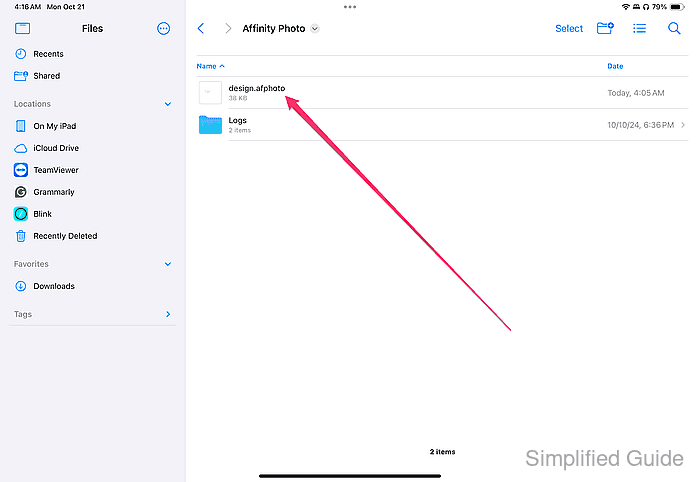
- Tap the Share button.
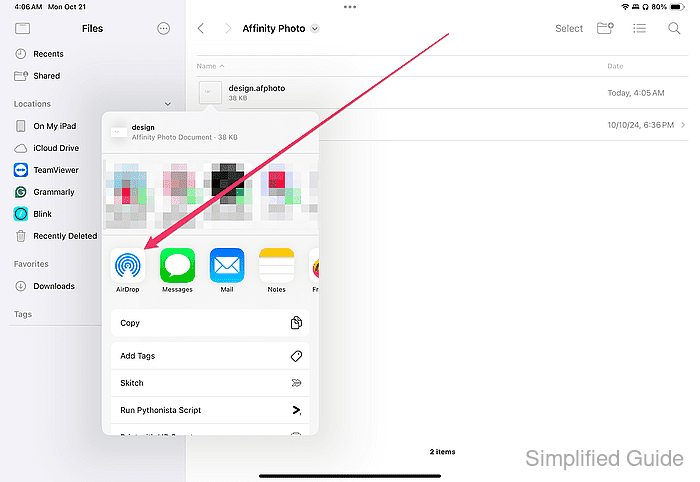
- Tap on the AirDrop icon.
- Select the receiving device from the AirDrop list.
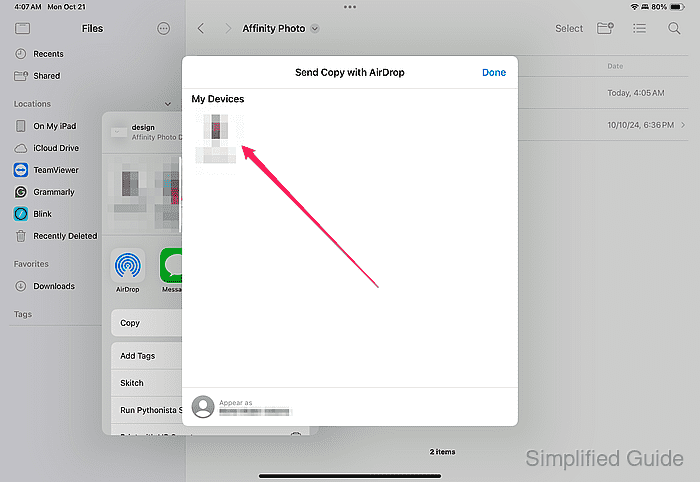
Ensure the recipient's device is within range and AirDrop is enabled.
- Accept the file transfer on the receiving device.
The recipient will see a notification and must accept the AirDrop request. The document will be saved in the Files app or its default location on the receiving device.