How to remove a Homebrew tap
A Homebrew tap is a Git repository that adds formulae, casks, or external commands to the package names Homebrew can resolve. Removing a tap is useful when a vendor source is retired, no longer trusted, or no longer needed for installs and updates.
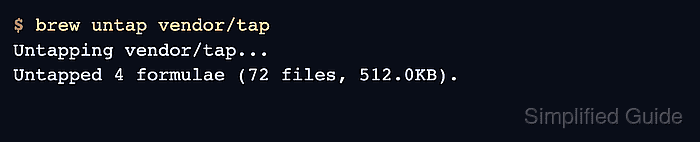
Homebrew removes taps with brew untap. The operation deletes the local tap repository from the active Homebrew prefix and removes those formulae or casks from Homebrew's lookup set; it does not automatically uninstall software that came from the tap.
Use the exact user/repo tap name from brew tap before removing anything. If Homebrew reports installed formulae or casks from the tap, uninstall or replace them first unless the remaining installed package is intentionally being left behind without its tap metadata.
Related: How to add a Homebrew tap
Related: How to list installed Homebrew packages
Steps to remove a Homebrew tap:
- List the currently installed taps.
$ brew tap
vendor/tap
homebrew/services
brew tap prints installed taps as user/repo names. No output means no additional taps are installed in the current Homebrew prefix.
- Review what the tap removal changes.
brew untap deletes the tap repository from Homebrew's tap directory. It does not uninstall packages already installed from that tap, and future upgrades or reinstalls for those packages may fail until the tap is restored or the package is available elsewhere.
- Remove the tap by its exact name.
$ brew untap vendor/tap
Untapping vendor/tap...
Untapped 4 formulae (72 files, 512.0KB).
- Resolve an installed-package refusal if it appears.
$ brew untap vendor/tap
Error: Refusing to untap vendor/tap because it contains the following installed formulae or casks:
vendor-tool
Uninstall or replace the listed formulae or casks before retrying. Use brew untap --force vendor/tap only when the installed package should remain even though its source tap is gone.
Related: How to uninstall a Homebrew package - Confirm the tap is no longer listed.
$ brew tap
homebrew/services
The removed vendor/tap line should be absent. If brew tap prints nothing, Homebrew has no additional taps installed in the current prefix.