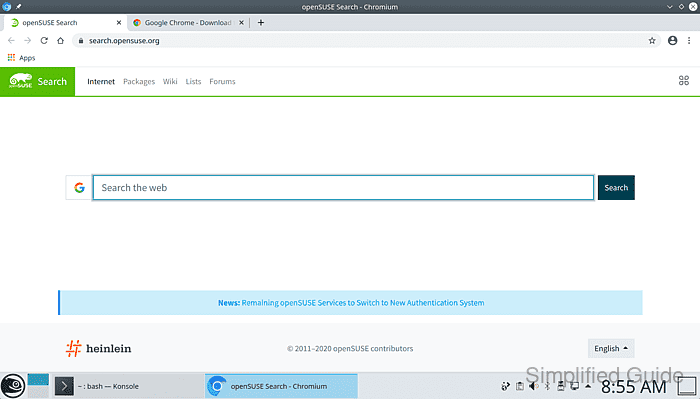
How to install Chromium on openSUSE and SLES
Chromium, the open-source version of Google Chrome, is widely used for its speed, lightweight performance, and open-source nature. While Chromium isn't included in the default repositories of SUSE Linux Enterprise Server (SLES) or openSUSE, it can be installed by adding the appropriate repositories. This guide outlines how to install Chromium on both openSUSE and SLES, with minor differences based on the package manager and repository setup.
For openSUSE, Chromium is available in the official repositories, which makes the installation process more direct. However, for SLES, additional repositories, such as PackageHub, are required to access Chromium. The installation is done using the zypper package manager, which is standard for both distributions.
Below are the steps to install Chromium on both openSUSE and SLES. Make sure to follow the correct steps based on your distribution version.
Steps to install Chromium on openSUSE and SLES:
- Open your preferred Terminal application.
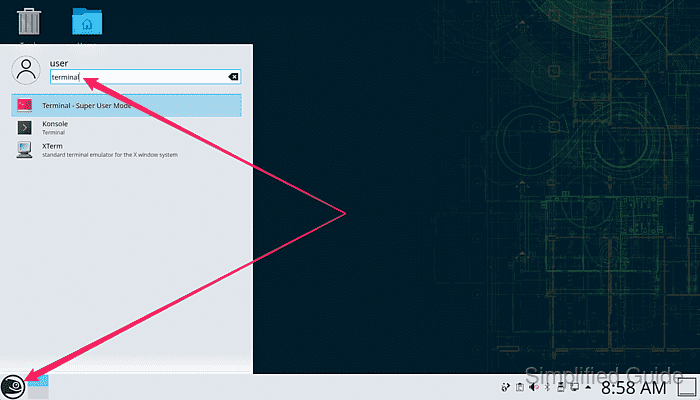
- Refresh zypper package list from the repository.
> sudo zypper refresh
[sudo] password for root:
Repository 'Main Repository (NON-OSS)' is up to date.
Repository 'Main Repository (OSS)' is up to date.
Repository 'Main Update Repository' is up to date.
All repositories have been refreshed.
- Install chromium package via zypper.
> sudo zypper install --no-confirm chromium
Loading repository data...
Reading installed packages...
Resolving package dependencies...

The following 2 NEW packages are going to be installed:
  chromium libharfbuzz-subset0

2 new packages to install.
Overall download size: 76.4 MiB. Already cached: 0 B. After the operation, additional
310.0 MiB will be used.
Continue? [y/n/v/...? shows all options] (y): y
##### snipped
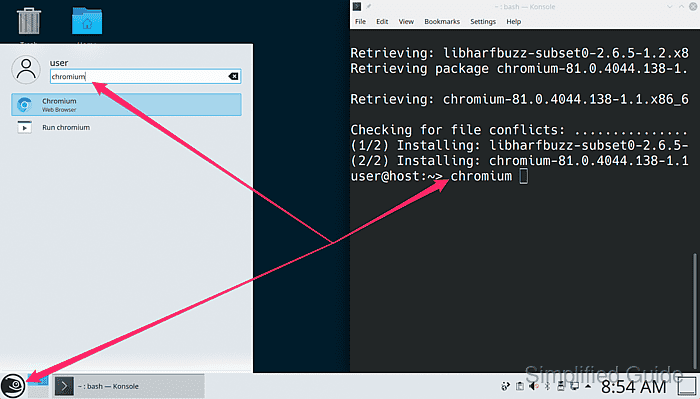
- Open chromium from the application launcher or terminal.
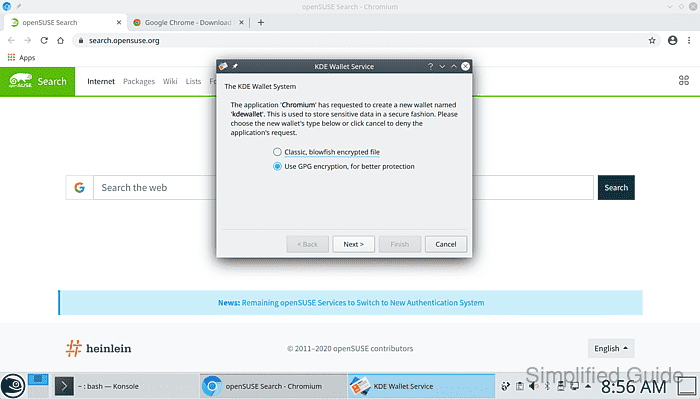
- Create a new wallet for KDE if necessary.
- Start using Chromium web browser in SUSE.