How to stage part of a file in Git
Mixed edits in one file often need to become separate commits, such as a bug fix and a wording cleanup made during the same session. Staging only selected hunks keeps the next commit focused while the rest of the file remains modified in the working tree.
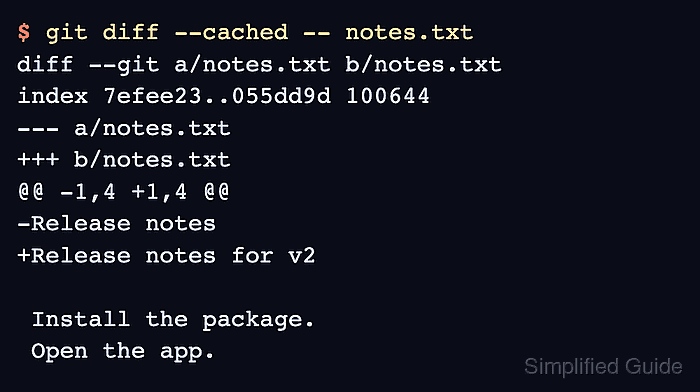
Git keeps the next commit in the index, also called the staging area, separately from the working tree copy on disk. git add –patch compares those two states and asks about each diff hunk, so answering y stages that hunk and answering n leaves it unstaged.
Patch mode works best when the wanted and unwanted edits are separated enough to appear as different hunks. If Git shows both edits in one hunk, split the hunk when offered or edit the patch carefully; otherwise leave the hunk unstaged and separate the source edits before staging.
Related: How to stage file changes in Git
Related: How to unstage changes in Git
Related: How to stash uncommitted changes in Git
Steps to stage selected hunks in Git:
- Check that the file has unstaged changes.
$ git status --short
 M notes.txt
- Start patch mode for the file.
$ git add --patch notes.txt
diff --git a/notes.txt b/notes.txt
index 7efee23..a4e0668 100644
--- a/notes.txt
+++ b/notes.txt
@@ -1,4 +1,4 @@
-Release notes
+Release notes for v2

 Install the package.
 Open the app.
(1/2) Stage this hunk [y,n,q,a,d,k,K,j,J,g,/,e,p,P,?]? y
@@ -11,4 +11,4 @@ Notify the team.
 Close the ticket.
 Archive the notes.

-Cleanup notes
+Cleanup notes updated
(2/2) Stage this hunk [y,n,q,a,d,K,J,g,/,e,p,P,?]? n
Use y to stage the displayed hunk, n to leave it unstaged, q to quit, s to split a large hunk when Git offers it, and e to edit the patch before applying it to the index.
- Confirm that the file now has both staged and unstaged edits.
$ git status --short
MM notes.txt
In short status, the first column reports the index and the second column reports the working tree. MM means notes.txt has staged content and remaining unstaged content.
- Review only the staged hunk.
$ git diff --cached -- notes.txt
diff --git a/notes.txt b/notes.txt
index 7efee23..055dd9d 100644
--- a/notes.txt
+++ b/notes.txt
@@ -1,4 +1,4 @@
-Release notes
+Release notes for v2

 Install the package.
 Open the app.
- Review the hunk that remains unstaged.
$ git diff -- notes.txt
diff --git a/notes.txt b/notes.txt
index 055dd9d..a4e0668 100644
--- a/notes.txt
+++ b/notes.txt
@@ -11,4 +11,4 @@ Notify the team.
 Close the ticket.
 Archive the notes.

-Cleanup notes
+Cleanup notes updated
The remaining hunk will not be included in the next commit unless it is staged later.