How to use Docker Compose profiles
Optional services can make a Compose project noisy when debugging tools, seed jobs, or local-only helpers start every time the stack starts. Docker Compose profiles keep those services in the same Compose file while starting them only when a named profile is active.
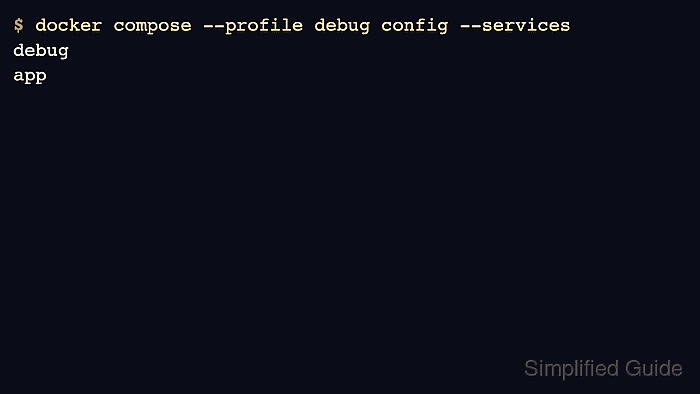
A service without a profiles entry is always part of the default model. A service with profiles: [“debug”] is skipped by normal docker compose up and included when --profile debug or COMPOSE_PROFILES=debug is set.
Profile names should be stable because developers, CI jobs, and runbooks may depend on them. Use profiles for optional runtime services, not for secrets or environment-specific values that should live in env files or deployment configuration.
Steps to use Docker Compose profiles:
- Add a profile to the optional service in compose.yaml.
- /srv/example-stack/compose.yaml
services:
  app:
    image: registry.example.com/team/app:1.0
  debug:
    image: registry.example.com/team/debug-tools:1.0
    profiles: ["debug"]
    command: ["sleep", "infinity"]
- List the profile names that Compose reads from the file.
$ docker compose config --profiles
debug
- Check the services that start without any profile.
$ docker compose config --services
app
Services without a profiles entry remain enabled by default.
- Check the service model with the profile enabled.
$ docker compose --profile debug config --services
debug
app
- Start the default stack without optional services.
$ docker compose up --detach
 Container example-stack-app-1 Started
- Start the profiled service only when it is needed.
$ docker compose --profile debug up --detach debug
 Container example-stack-debug-1 Started
- Confirm that the optional service appears only after the profile is active.
$ docker compose --profile debug ps --services
app
debug