Table of Contents
How to customize the Bash prompt
A Bash prompt should show enough context to keep commands in the right directory and on the right host. The PS1 variable controls that prompt, so a small change can show the user, host, working directory, and a visual marker before each command.
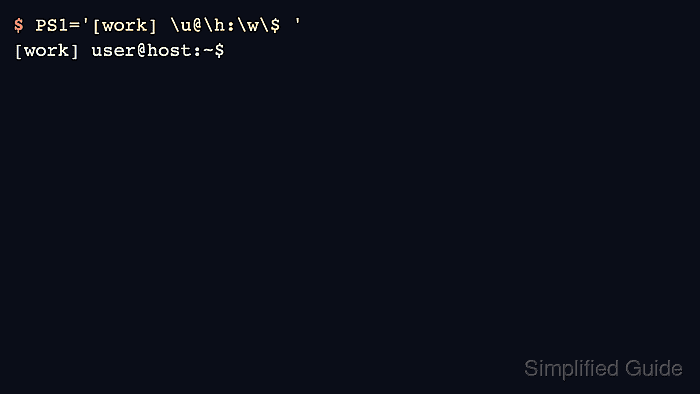
Bash expands prompt escape sequences such as \u, \h, \w, and \$ each time it draws the prompt. Color sequences also work, but nonprinting terminal codes need \[ and \] markers so command-line editing keeps the cursor position aligned.
A temporary assignment is safest for testing because it affects only the current shell. A persistent prompt belongs in ~/.bashrc for interactive Bash sessions, after any existing PS1 assignment that would otherwise override it.
Steps to temporarily customize your Bash prompt:
- Set a temporary prompt for the current shell.
$ PS1='[work] \u@\h:\w\$ '
[work] user@host:~$
\u shows the user, \h shows the short host name, \w shows the working directory, and \$ changes to # when the shell is running as root.
- Test a colored prompt with nonprinting escape markers.
$ PS1='\[\e[1;32m\][work]\[\e[0m\] \u@\h:\w\$ '
[work] user@host:~$
The \e[1;32m sequence starts bold green text, and \e[0m resets the terminal style.
- Start a new Bash shell to discard the temporary prompt.
$ exec bash
This replaces the current shell and reloads the normal startup files.
Steps to customize your Bash prompt permanently:
- Back up the Bash startup file.
$ cp ~/.bashrc ~/.bashrc.bak
A broken startup file can make new interactive shells hard to use until the prompt line is fixed or removed.
- Open ~/.bashrc in a text editor.
$ nano ~/.bashrc
- Add the prompt assignment near the end of the file.
PS1='\[\e[1;36m\]\u@\h:\w\$\[\e[0m\] '
Place the line after any existing PS1 assignment so the new value is the one Bash keeps.
- Save the file and close the editor.
- Check the edited startup file for Bash syntax errors.
$ bash -n ~/.bashrc
No output means Bash parsed the file without finding a syntax error.
- Load the updated Bash startup file.
$ source ~/.bashrc
- Confirm a new interactive Bash shell reads the saved prompt string.
$ bash --noprofile --rcfile ~/.bashrc -i -c 'printf "%s\n" "$PS1"' 2>/dev/null
\[\e[1;36m\]\u@\h:\w\$\[\e[0m\]
This verification starts Bash with the saved startup file and prints the raw PS1 value instead of drawing a full interactive prompt.